ASCII Character Code Reference Table ASCII Table tool for network operations.
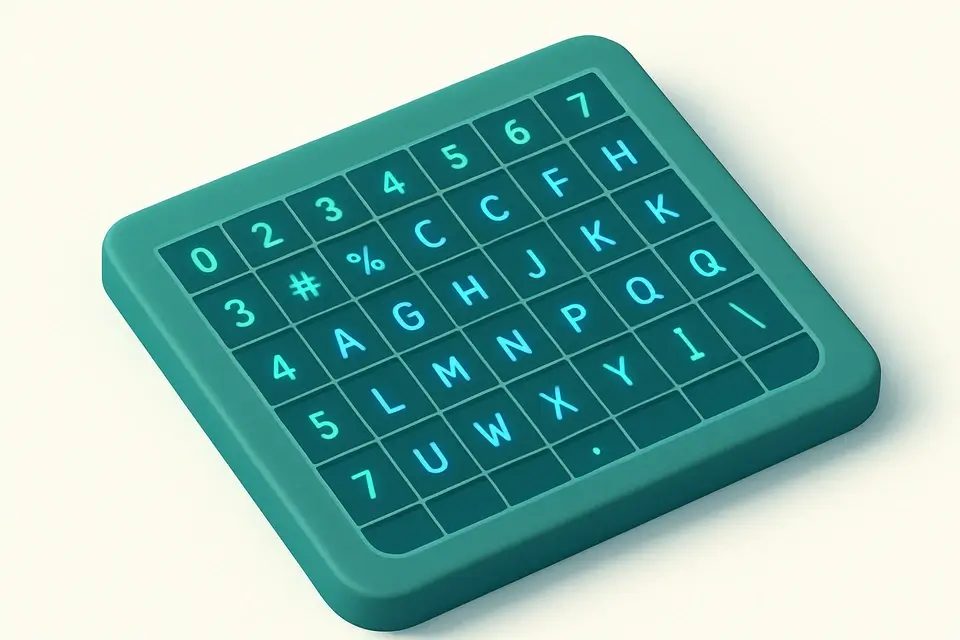

ASCII Table
ASCII Table tool for network operations.
Enter a Character or Code
Provide input.
View the ASCII Conversion
Click the button.
Copy the ASCII Values
Copy the output.
What Is ASCII Table?
A ASCII Table is a reference chart that maps decimal, hexadecimal, octal, and binary codes to their corresponding ASCII characters, providing a quick lookup for developers and network engineers. Network professionals use it to identify and troubleshoot issues with data transmission, as it helps solve the specific problem of determining the meaning of unknown or corrupted ASCII character codes in network protocols. For instance, when encountering an unexpected byte in a packet capture, it can be used to determine if the byte represents a control character, such as NUL or BEL, or a printable character like a letter or digit.
What makes this tool different is its ability to filter results by character type, including control characters, letters, digits, and symbols, allowing users to narrow down their search. The tool also features an instant search function that can find matches in decimal, hexadecimal, or character codes, making it easy to look up specific ASCII character codes or perform an ascii table lookup. Additionally, the tool displays results in a mobile-friendly interface with columns for decimal, hexadecimal, octal, binary, and character representations, effectively serving as an ascii code chart and ascii to hex decimal converter.
The tool's features are designed to work together seamlessly, providing a comprehensive ascii binary decimal hex table that is easily accessible and usable. Its pure JavaScript implementation ensures that it runs entirely in the browser with no data sent to any server, making it a secure and reliable choice for network operations. With its robust filtering and search capabilities, it simplifies tasks such as identifying unknown ASCII character codes or performing ascii table lookups, making it an essential resource for developers and network engineers working with ASCII character codes.
Why Use ASCII Table?
-
Instant ASCII character lookups
-
100% client-side
-
Mobile-friendly
-
No signup required
Common Use Cases
Development
Web dev and debugging.
Networking
Network config.
Education
Learn concepts.
Security
Security analysis.
Technical Guide
The tool's core functionality relies on a combination of algorithms and data structures to efficiently map ASCII codes to their corresponding characters. It utilizes the `getCharDisplay` function to determine the display representation of each character code, which involves checking for specific control characters like NUL, BEL, and ESC, and returning their respective names or symbols. The `getCharName` function is used to retrieve the full name of each ASCII character, with a predefined object mapping decimal codes to their corresponding names. This data structure allows for fast lookups and efficient filtering of results.
The tool's user interface is built using React, which provides a flexible and efficient way to manage state changes and updates to the DOM. The `useState` hook is used to store the current search query and filter selection, while the `useMemo` hook is employed to memoize the filtered list of ASCII entries, ensuring that it only recalculates when necessary. This approach helps optimize performance and reduce unnecessary computations. The tool also leverages React's JSX syntax to define the structure and layout of the user interface, making it easy to manage complex components and interactions.
In terms of browser APIs, the tool uses standard JavaScript features like `Array.from` and `String.fromCharCode` to manipulate and convert ASCII codes. It also relies on CSS classes and styles to control the layout and visual appearance of the interface, with a mobile-first approach to ensure responsiveness and accessibility across different devices and screen sizes. The use of ES6+ syntax and React hooks enables the tool to take advantage of modern JavaScript features and best practices, resulting in a robust and maintainable implementation.
Tips & Best Practices
-
1Filter entries by selecting 'control', 'letter', 'digit', or 'symbol' buttons
-
2Search for characters using decimal, hex, or name values in the input field
-
3Use the table to look up ASCII character codes and their corresponding binary representations
-
4Sort through 128 possible ASCII characters using the filter and search functions
-
5Identify special characters like 'NUL', 'BEL', or 'ESC' by their names or decimal codes
Related Tools


HTTP Method Reference
HTTP Method Reference tool for network operations.
🌐 Network & Web

HTTP Headers Reference
HTTP Headers Reference tool for network operations.
🌐 Network & Web

Subnet Calculator
Subnet Calculator tool for network operations.
🌐 Network & Web

Broadcast Address Calculator
Broadcast Address Calculator tool for network operations.
🌐 Network & WebFrequently Asked Questions
Q Is this ASCII table tool free to use?
Q Is the ASCII table tool safe for sensitive data?
Q Does the ASCII table work on mobile devices?
Q Can I use the ASCII table offline?
Q What browsers support the ASCII table tool?
About This Tool
ASCII Table is a free online tool by FreeToolkit.ai. All processing happens directly in your browser — your data never leaves your device. No registration or installation required.