Team Generator Generate balanced teams from a player list with optional skill-based balancing for fair matchups.
Team Generator
Generate balanced teams from a player list with optional skill-based balancing for fair matchups.
Add Players
Enter player names one per line. Optionally add skill ratings (name, rating).
Configure Teams
Set the number of teams and toggle skill-based balancing.
Generate
Click Generate Teams to create balanced or random assignments.
What Is Team Generator?
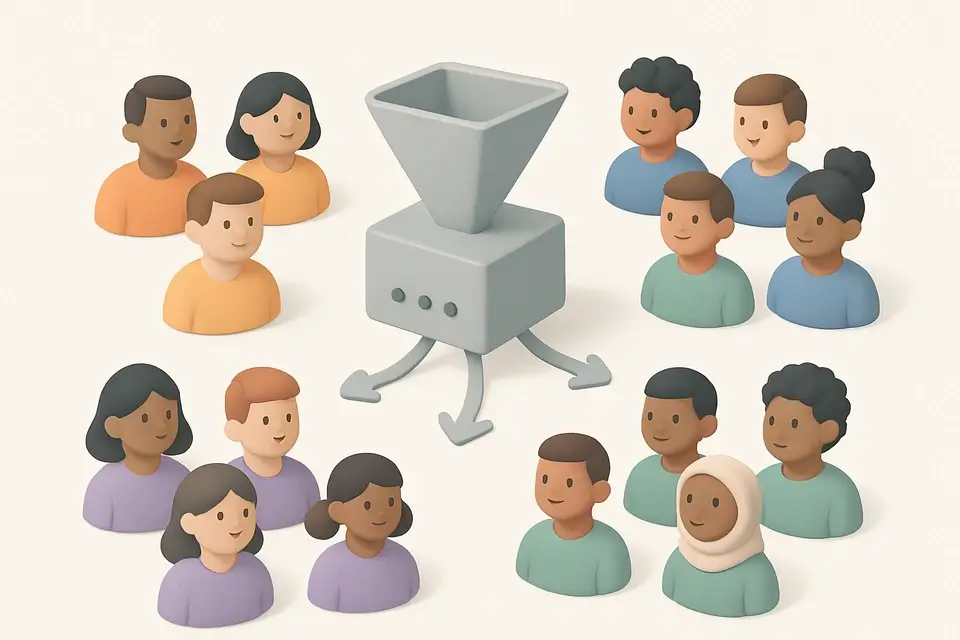
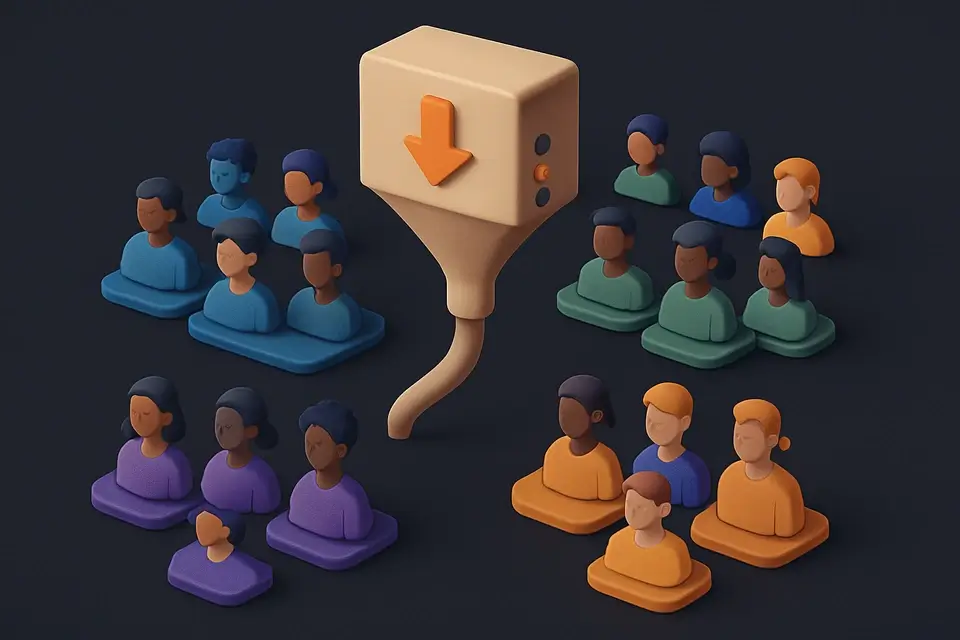
A Team Generator is a utility that creates fair and balanced teams by dividing players into groups based on their skills or randomly. It is commonly used by sports coaches, event organizers, and game masters who need to split players into teams quickly and efficiently, solving the specific problem of ensuring that each team has an equal chance of winning. For instance, in a tournament setting, it can be challenging to manually create balanced teams, but this tool simplifies the process.
What makes this particular tool different is its ability to balance teams based on skill levels, which is especially useful for competitive events where team composition can greatly impact the outcome. The tool allows users to assign skill ratings from 1 to 10 and then uses a greedy algorithm to distribute players across teams, ensuring that each team has a similar cumulative skill level. This feature sets it apart from basic random team generators, as it takes into account the actual skills of the players.
It also includes features like a Fisher-Yates shuffle for unbiased randomization when skill levels are not provided, making it a versatile team randomizer for sports and other activities. The output is displayed in a clear format, showing each team's composition, member count, and average skill rating, which can be useful for a balanced team maker to adjust the teams as needed. By using this tool, users can create fair and competitive teams, whether they are looking for a random team generator or a more sophisticated solution to split players into balanced teams.
Why Use Team Generator?
-
Skill-based balancing algorithm
-
Simple random mode available
-
Shows average skill per team
-
Handles any number of players
-
Client-side processing
Common Use Cases
Pickup Sports
Balanced teams for basketball, soccer, or volleyball.
Esports Scrimmages
Balance by rank or MMR.
Hackathons
Mixed skill levels for coding competitions.
Technical Guide
Under the hood, it uses React's useState and useCallback hooks to manage state changes and memoize functions. When generating teams, it splits the input string into lines, trims each line, and filters out empty strings. If skill-based team generation is enabled, it parses each line as a comma-separated name and skill value, defaulting to a skill of 5 if no value is provided. The players are then sorted in descending order by skill using the Array.prototype.sort method.
The tool implements a greedy algorithm to assign players to teams, ensuring that each team has a similar cumulative skill level. It creates an array of teams with empty member lists and assigns players to the team with the lowest current total skill. After all players have been assigned, it calculates the average skill for each team by summing the skills of its members and dividing by the number of members.
When generating teams randomly, it uses a Fisher-Yates shuffle algorithm to randomize the order of the players. This is done by iterating over the array of players from last to first, swapping each player with a randomly selected player from the unshuffled portion of the array. The shuffled players are then assigned to teams using a round-robin approach, where each team receives one player in turn.
The tool uses TypeScript to define interfaces for Player and Team objects, ensuring that the data is structured consistently throughout the application. It also utilizes React's JSX syntax to render the user interface, including a textarea for input, checkboxes and buttons for configuration, and a grid to display the generated teams. The team colors are defined as an array of CSS class names, which are applied to each team's container element to provide visual distinction.
Tips & Best Practices
-
1Sort players by skill to balance teams
-
2Use the 'Balance by skill' checkbox for weighted team generation
-
3Input player skills as comma-separated values
-
4Set a team count between 1 and the number of players
-
5Randomize teams without balancing by leaving the 'Balance by skill' box unchecked
Related Tools


Random Name Picker
Pick random names from a list for giveaways, team selection, or classroom activities.
🧰 Miscellaneous
Random Group Generator
Split a list of names or items into random groups instantly. Perfect for classrooms, workshops, and team activities.
🧰 Miscellaneous
Random Decision Maker
Spin wheel decision maker — add options and spin to make a random choice with animation.
🧰 Miscellaneous

Tournament Bracket Generator
Create single-elimination tournament brackets with seeded or random draws and interactive winner selection.
🧰 MiscellaneousFrequently Asked Questions
Q How does skill balancing work?
Q Is balancing perfect?
About This Tool
Team Generator is a free online tool by FreeToolkit.ai. All processing happens directly in your browser — your data never leaves your device. No registration or installation required.