Random Group Generator Split a list of names or items into random groups instantly. Perfect for classrooms, workshops, and team activities.


Random Group Generator
Split a list of names or items into random groups instantly. Perfect for classrooms, workshops, and team activities.
Enter Items
Type or paste your list of names or items, one per line.
Set Group Count
Choose how many groups you want the list divided into.
Generate Groups
Click Generate to randomly distribute all items across the groups.
What Is Random Group Generator?
A Random Group Generator is a tool that takes a list of names or items and randomly distributes them into a specified number of groups using the Fisher-Yates shuffle algorithm. Teachers, event organizers, and team leaders use it to split lists into groups for various purposes, such as classroom group work, workshop breakouts, or icebreakers. One specific problem it solves is the need for a random team maker that can handle uneven divisions, distributing items as evenly as possible.
It ensures truly random, unbiased distribution every time, making it useful for applications where fairness and randomness are crucial. What makes this tool different is its ability to generate groups based on user input, allowing users to specify the number of groups they want. The code also features a color-coding system, with eight different colors used to visually distinguish each group.
When using it, users can enter their list of names or items in a textarea, one per line, and then specify the number of groups they want. The tool will then generate random groups, displaying each group's members in a separate section. If needed, users can regenerate the groups as many times as required, making it a useful random group generator for classrooms and other settings where how to randomly divide a list into groups is a common challenge.
Why Use Random Group Generator?
-
Truly random distribution using quality shuffling
-
Handles uneven group sizes gracefully
-
Color-coded groups for visual distinction
-
Regenerate instantly as many times as you need
-
No signup or installation required
Common Use Cases
Classroom Groups
Randomly assign students to project groups ensuring fair team formation.
Workshop Breakouts
Divide attendees into breakout groups for interactive sessions.
Team Building
Create random cross-departmental teams for exercises.
Game Night
Form random teams for board games or trivia nights.
Technical Guide
The tool works by first processing user input, which is a list of names or items entered one per line in a textarea. This input is parsed line-by-line using the `split` method with a newline character as the separator, and then each line is trimmed to remove leading and trailing whitespace using the `trim` method. The `filter` method is used to remove any empty lines from the input. The resulting array of items is then shuffled using the Fisher-Yates algorithm, which is implemented using a loop that iterates over the array from the last element to the first, swapping each element with another randomly chosen element. This shuffling process ensures an unbiased randomization of the items.
The shuffled array is then distributed into groups using a round-robin assignment strategy, where each item is assigned to a group in a cyclical manner. The number of groups is determined by the user's input, which is stored in the `groupCount` state variable. The distribution process uses the modulo operator to determine which group each item should be assigned to, ensuring that the items are distributed as evenly as possible among the groups. This process runs in O(n) time, where n is the number of items, and does not rely on any external dependencies beyond the React library and its built-in hooks, such as `useState` and `useCallback`. The use of React's `useCallback` hook helps to memoize the `generateGroups` function, preventing it from being recreated unnecessarily and improving performance.
Tips & Best Practices
-
1Paste names from a spreadsheet column
-
2Click Generate multiple times for different arrangements
-
3Works with any text items, not just names
Related Tools


Random Name Picker
Pick random names from a list for giveaways, team selection, or classroom activities.
🧰 Miscellaneous

Random Number Wheel
Spin a virtual number wheel to pick a random number from any range with an animated spinning effect.
🧰 Miscellaneous

Random Decision Maker
Spin wheel decision maker — add options and spin to make a random choice with animation.
🧰 Miscellaneous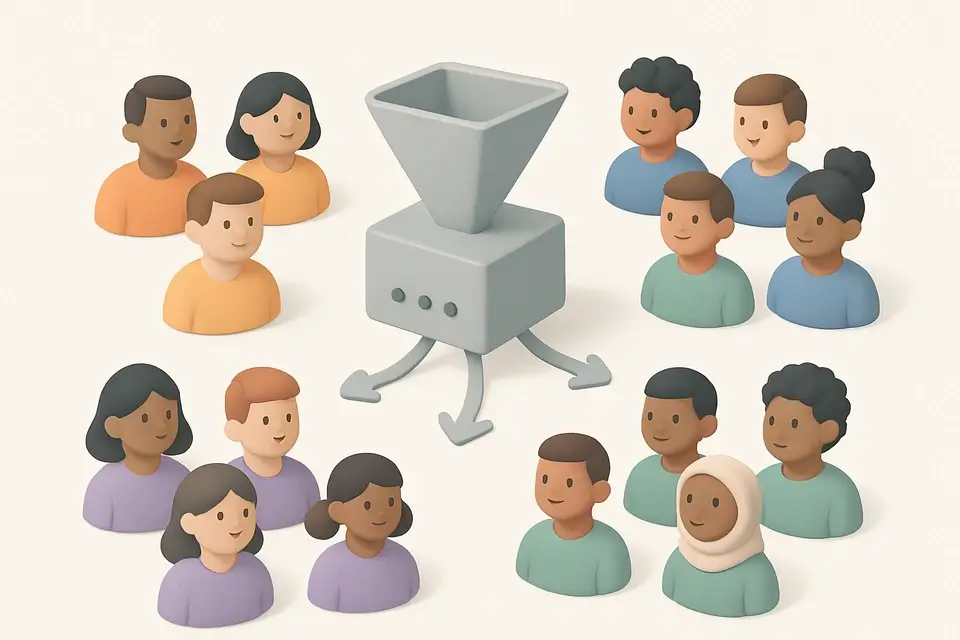

Team Generator
Generate balanced teams from a player list with optional skill-based balancing for fair matchups.
🧰 Miscellaneous

Tournament Bracket Generator
Create single-elimination tournament brackets with seeded or random draws and interactive winner selection.
🧰 MiscellaneousFrequently Asked Questions
Q How random is the grouping?
Q Is there a limit on items?
Q Does it save groups?
About This Tool
Random Group Generator is a free online tool by FreeToolkit.ai. All processing happens directly in your browser — your data never leaves your device. No registration or installation required.