Make Random Decisions with a Spin Wheel Spin wheel decision maker — add options and spin to make a random choice with animation.
Random Decision Maker
Spin wheel decision maker — add options and spin to make a random choice with animation.
Adding New Options
Click the 'Add' button to include a new option in the list, or press Enter after typing in the input field. The option will be added with a unique color from the WHEEL_COLORS array.
Removing Existing Options
Click the '✕' button next to an option to remove it from the list. This action triggers the removeOption function, which filters out the selected option.
Spinning The Wheel
Click the 'SPIN!' button to start the animation, which rotates the wheel and determines a winner based on the final position of the pointer. The result is then displayed below the wheel.
What Is Random Decision Maker?
A Random Decision Maker is a software application designed to generate random choices from a list of user-defined options, typically used in situations where a decision needs to be made without personal bias. It's commonly used by individuals and groups who need to make casual decisions, such as choosing what to eat or which movie to watch. One specific problem it solves is the inability to decide between multiple options when all choices seem equally appealing.
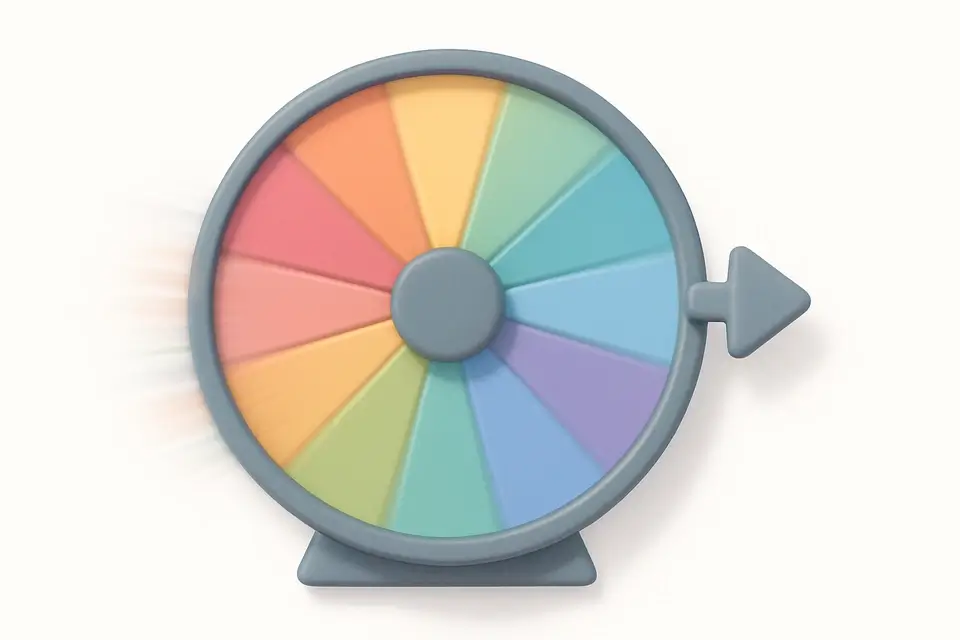
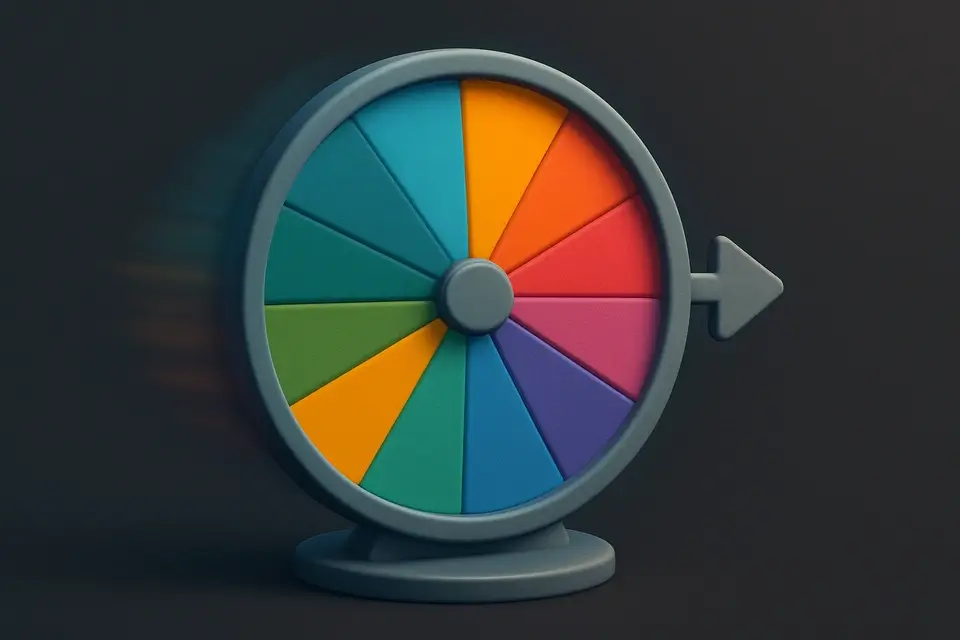
The tool addresses this issue by allowing users to add and remove options from a list, with a maximum of 12 options supported. What makes this tool different is its use of a visually engaging spin wheel, created using Canvas arc() and fill() methods, which adds an element of excitement to the decision-making process. The wheel's animation is powered by requestAnimationFrame, which ensures a smooth deceleration effect.
It uses Math.random() to predetermine the winner, ensuring a truly random outcome. When the user clicks the "SPIN!" button, the tool initiates a 4-second animation, during which the wheel spins rapidly before slowing down and coming to a stop on the chosen option. This Random Decision Maker can be thought of as a spin wheel or random picker that provides an entertaining way to make decisions, and it's available online as a random wheel spinner.
Why Use Random Decision Maker?
-
Animated spin wheel picks a random option instantly
-
Runs entirely in your browser — your data stays private
-
No signup or installation required
-
Mobile-friendly responsive interface
Common Use Cases
Deciding on dinner ideas
For Emily, a college student, it's often hard to choose what to eat. She uses the wheel to pick between her favorite foods like pizza and sushi. After spinning, she gets a result that helps her decide on dinner.
Randomly selecting team projects
When assigning group projects, teacher Ms. Johnson struggles to keep things fair. By adding each project to the list, she can spin and get a random selection. This way, students are assigned tasks without bias.
Generating random workout routines
Personal trainer David needs new exercise ideas for his clients. He adds different workouts to the wheel and spins to create a unique routine. Clients appreciate the variety in their fitness plans.
Choosing travel destinations spontaneously
After saving up money, Alex wants to take a spontaneous trip but can't decide where to go. By spinning the wheel with his desired locations, he gets an exciting surprise destination. This leads to unforgettable adventures and memories.
Picking movie night themes at random
Friends Mike and Sarah have a weekly movie night and want to mix things up. They add different theme options to the list, spin, and pick a winner. The result determines the genre of movies they watch that night.
Selecting surprise gifts for friends
As Rachel's birthday approaches, her friend Olivia wants to get her a unique gift but is unsure what to choose. By spinning with different gift ideas, Olivia finds the perfect present for Rachel.
Technical Guide
The tool's core functionality relies on the HTML5 Canvas element, which is used to render the spinning wheel. The `drawWheel` function, called repeatedly using `requestAnimationFrame`, updates the canvas with a new frame of the animation. This function uses the `arc()` and `fill()` methods to draw each slice of the wheel, with colors chosen from the `WHEEL_COLORS` array. The `useRef` hook is used to store a reference to the canvas element, allowing it to be accessed and updated efficiently.
When the user clicks the "SPIN!" button, the tool initiates a 4-second animation using `requestAnimationFrame`. During this time, the wheel's rotation is calculated using an ease-out cubic function, which ensures a smooth deceleration effect. The winner of the spin is predetermined by generating a random number between 0 and 2π using `Math.random()`, and then adjusting this value based on the number of options and the wheel's current rotation.
The tool uses React hooks such as `useState` and `useCallback` to manage its state and optimize performance. The `useState` hook is used to store the list of options, the current rotation of the wheel, and other state variables, while `useCallback` is used to memoize functions that depend on these state variables. This ensures that the tool's UI updates efficiently and accurately reflect the current state of the spin.
The animation's smoothness and performance are also optimized using the `requestAnimationFrame` API, which schedules the next frame of the animation at the optimal time for the browser. This allows the tool to take advantage of the browser's rendering pipeline and ensure a seamless user experience. The use of React and its ecosystem of libraries and tools enables the development of complex, interactive UI components like this spinning wheel, with a high degree of customization and control.
The `useEffect` hook is used to handle the cleanup of the animation when the component is unmounted, canceling any pending animation frames using `cancelAnimationFrame`. This ensures that the tool does not continue to consume system resources after it is no longer visible or in use. By combining these technologies and techniques, the tool provides a fast, efficient, and engaging way to make random decisions, with a unique and entertaining user experience.
Tips & Best Practices
-
1Add options by pressing Enter in the input field
-
2Remove an option by clicking its corresponding ✕ button
-
3Spin the wheel at least twice to increase randomness
-
4Use up to 12 unique options for optimal wheel distribution
-
5Clear previous results by spinning the wheel again
-
6Disable the spin button when there are less than two options
Related Tools


Email Validator
Validate email addresses against RFC 5322 format rules with detailed error explanations.
🧰 Miscellaneous

Credit Card Validator
Validate credit card numbers using the Luhn algorithm with card network detection.
🧰 Miscellaneous

URL Validator
Validate URL format and structure with protocol, domain, path, and query string analysis.
🧰 Miscellaneous

JSON Validator
Validate JSON syntax with detailed error messages showing the exact location of issues.
🧰 MiscellaneousFrequently Asked Questions
Q Is this tool free?
Q Is my data safe?
Q Does it work on mobile?
Q How random are the results?
About This Tool
Random Decision Maker is a free online tool by FreeToolkit.ai. All processing happens directly in your browser — your data never leaves your device. No registration or installation required.