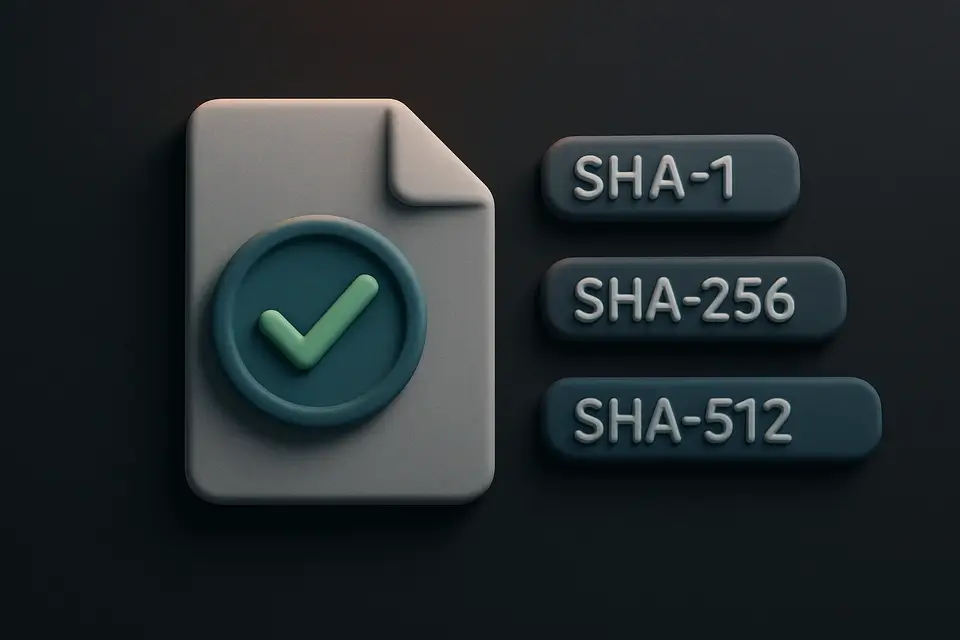
Calculate & Verify File Hashes Instantly Calculate SHA-1, SHA-256, and SHA-512 hashes of uploaded files for integrity verification.

File Hash Viewer
Calculate SHA-1, SHA-256, and SHA-512 hashes of uploaded files for integrity verification.
Select Your File
Select or drag-and-drop any file.
View Hashes
SHA-1, SHA-256, SHA-512 hashes instantly.
Compare
Copy and compare against published checksums.
What Is File Hash Viewer?
A File Hash Viewer is a utility that calculates cryptographic hashes for files using algorithms like SHA-1, SHA-256, and SHA-512, which serve as unique fingerprints of the file content. Developers and security professionals use it to verify the integrity of downloaded files or detect duplicates. One specific problem it solves is ensuring that a file has not been tampered with during transmission by comparing its expected hash with the actual one calculated by the tool.
It solves this problem by allowing users to drop a file or browse for one, which is then processed locally without being uploaded anywhere. The tool's use of the Web SubtleCrypto API enables it to compute hashes efficiently and securely. What makes this tool different is its ability to not only calculate hashes but also verify them against a known hash pasted by the user, providing an instant match or no-match indication.
The tool provides detailed output, including the file name, size in human-readable format (e.g., bytes, KB, MB, GB), and the calculated hashes for each algorithm. For instance, it calculates the sha256 hash of a file and displays it alongside SHA-1 and SHA-512 hashes. This makes it a useful file integrity checker or file hash calculator for verifying download integrity or detecting duplicate files based on their unique file checksums.
Why Use File Hash Viewer?
-
SHA-1, SHA-256, SHA-512
-
SubtleCrypto API
-
Files never leave device
-
One-click copy
-
Any file type
Common Use Cases
Download Verification
Verify software matches publisher checksum.
File Integrity
Confirm files are not corrupted.
Duplicate Detection
Compare hashes for identical files.
Security Auditing
Check system file integrity.
Technical Guide
The tool works by utilizing the Web SubtleCrypto API's crypto.subtle.digest() function to compute hashes for files using algorithms such as SHA-1, SHA-256, and SHA-512. When a file is dropped or selected, it is processed locally without being uploaded anywhere, ensuring security and efficiency. The FileReader.readAsArrayBuffer() method is used in conjunction with crypto.subtle.digest() to read the file contents into an ArrayBuffer, which is then passed to the digest function for hash computation. The resulting hash values are converted from ArrayBuffers to hexadecimal strings using a custom arrayBufferToHex function, which maps each byte of the ArrayBuffer to its corresponding two-digit hexadecimal representation.
This process allows it to calculate and display hashes such as SHA-256, which produces a 64-character hexadecimal string that serves as a unique identifier for the file content. The use of modern browser hardware-accelerated cryptography enables fast computation of these hashes, making the tool suitable for files of varying sizes. Upon calculating the hashes, they are stored in an object alongside other file metadata like filename and size, which is then formatted into a human-readable format using the formatSize function to display sizes in bytes, kilobytes, megabytes, or gigabytes.
In terms of data structures, the tool employs objects and arrays to manage file information and hash values. For instance, an array of objects containing label-value pairs for each hash algorithm is used to map hash types like SHA-1, SHA-256, and SHA-512 to their respective calculated hash strings. This structured approach facilitates easy access and manipulation of the data within the tool's React-based user interface. When verifying a file against a known hash, it uses string comparison to check if the calculated hash matches the provided hash, ignoring case differences for more flexible matching.
Tips & Best Practices
-
1Drag files to compute hashes instantly
-
2Click the copy button to write hashes to the clipboard
-
3Paste known hashes into the verify field for comparison
-
4Drop multiple files, but only the first is processed
-
5Enter a hash in the verify field to highlight matching results
-
6Format file sizes using bytes, kilobytes, megabytes, or gigabytes
Related Tools


Password Generator
Generate strong, secure passwords with customizable length, character types, and exclusion options.
🧰 Miscellaneous

Password Strength Checker
Check how strong your password is with detailed scoring, crack time estimates, and improvement suggestions.
🧰 Miscellaneous

Dummy File Generator
Generate files of any specified size for testing uploads, downloads, and storage systems.
🧰 Miscellaneous

System Info Display
View detailed browser, device, and system information including hardware specs and network status.
🧰 MiscellaneousFrequently Asked Questions
Q Does this tool upload my file?
Q Why is MD5 not available?
About This Tool
File Hash Viewer is a free online tool by FreeToolkit.ai. All processing happens directly in your browser — your data never leaves your device. No registration or installation required.