Generate Dummy Test Files of Any Size Generate files of any specified size for testing uploads, downloads, and storage systems.
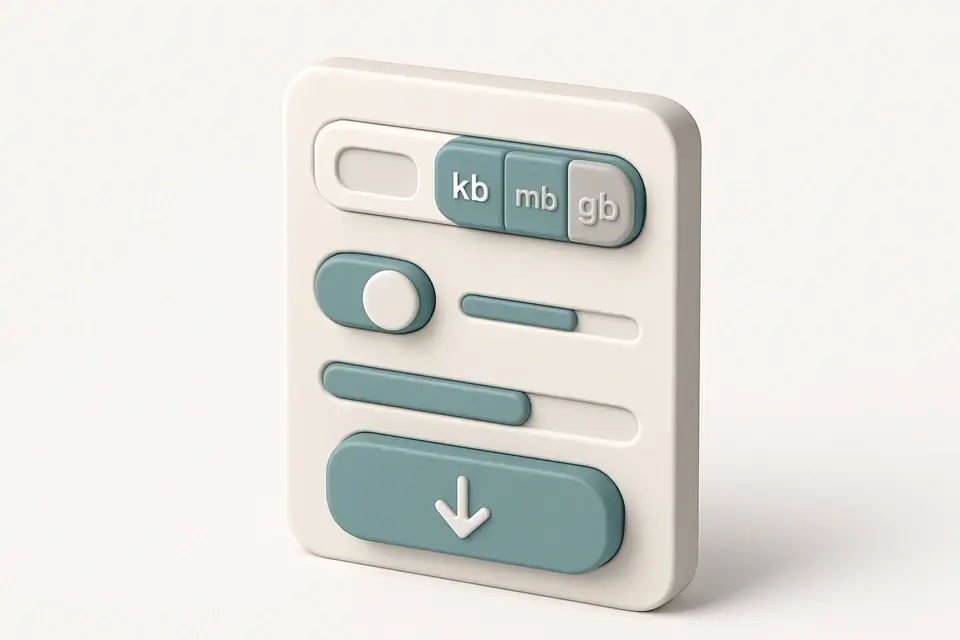

Dummy File Generator
Generate files of any specified size for testing uploads, downloads, and storage systems.
Set Size
Enter desired size in KB, MB, or GB.
Choose Format
Binary or text.
Generate and Download
Click Generate to create and save your test file.
What Is Dummy File Generator?
A Dummy File Generator is a web-based tool that creates files of specific sizes, ranging from 1KB to 2GB, with customizable content types such as null bytes, random data, or lorem text. Developers and testers use it to generate test files for simulating real-world scenarios, solving the problem of needing large files for testing upload limits, download speeds, and storage capacity without having to manually create them.
This tool solves a specific problem by allowing users to quickly create files of exact sizes, which is particularly useful when testing file handling APIs or storage quotas. The tool's ability to generate files entirely in the browser, using Blob objects, eliminates the need for server-side downloads, making it a convenient solution for developers who need to test file uploads and downloads.
What makes this tool different is its flexibility in generating files with various content types, including null bytes, random data, or lorem text, and its ability to generate large files in chunks, ensuring that the browser does not run out of memory. The tool also provides a progress bar, displaying the generation progress as a percentage, giving users an idea of how long it will take to generate the file. It can be used as a test file generator or a file size generator to create dummy files for testing purposes.
Why Use Dummy File Generator?
-
Exact sizes KB to GB
-
Browser-based
-
Test upload limits
-
Binary and text
-
Instant generation
Common Use Cases
Upload Testing
Test upload forms with specific sizes.
Speed Testing
Measure transfer speeds.
Storage Testing
Verify quotas and cleanup.
API Testing
Check file handling and timeouts.
Technical Guide
The tool works by using the Blob constructor to create a binary file from an array of Uint8Array chunks. Each chunk is generated based on the selected content type, which can be null bytes, random data, or lorem text. The random data is generated using the crypto.getRandomValues function, while the lorem text is created by encoding a repeating string using the TextEncoder API. The size of each chunk is limited to 1MB to prevent the browser from running out of memory when generating large files.
The tool uses a while loop to generate chunks until the total size reaches the specified value, which is calculated based on the selected unit (KB, MB, or GB) and converted to bytes using the formula KB*1024, MB*1024^2, and GB*1024^3. The progress bar is updated after each chunk is generated by setting the progress state to the percentage of total bytes generated. Once all chunks are generated, they are passed to the Blob constructor along with the MIME type 'application/octet-stream' to create a binary file.
The file is then downloaded using the URL.createObjectURL function, which creates a URL that can be used to download the file. The tool simulates a click on an anchor element with this URL as its href attribute, triggering the download. After the download is complete, the URL is revoked using URL.revokeObjectURL to release system resources. This approach allows the tool to generate and download large files entirely in the browser without requiring server-side infrastructure.
The use of Uint8Array chunks and the Blob constructor enables efficient generation and handling of binary data, while the crypto.getRandomValues function provides a secure source of random numbers for generating random data. The TextEncoder API is used to encode the lorem text, ensuring that it can be correctly represented as a binary file. By leveraging these browser APIs and data structures, the tool provides a flexible and efficient solution for generating dummy files with customizable content types and sizes.
Tips & Best Practices
-
1Start small (1-10MB)
-
2Large files (100MB+) take a few seconds
-
3Watch RAM for very large files
Related Tools


Fake Data Generator
Generate realistic fake names, email addresses, phone numbers, and addresses for testing and development.
🧰 Miscellaneous

Placeholder Image Generator
Generate customizable placeholder images with solid colors or gradients for mockups and prototyping.
🧰 Miscellaneous
File Hash Viewer
Calculate SHA-1, SHA-256, and SHA-512 hashes of uploaded files for integrity verification.
🧰 Miscellaneous

System Info Display
View detailed browser, device, and system information including hardware specs and network status.
🧰 MiscellaneousFrequently Asked Questions
Q How large of a file can I generate?
Q Are the generated files exactly the specified size?
Q Does the dummy file generator require an internet connection?
About This Tool
Dummy File Generator is a free online tool by FreeToolkit.ai. All processing happens directly in your browser — your data never leaves your device. No registration or installation required.