Test Your Password Strength Check how strong your password is with detailed scoring, crack time estimates, and improvement suggestions.
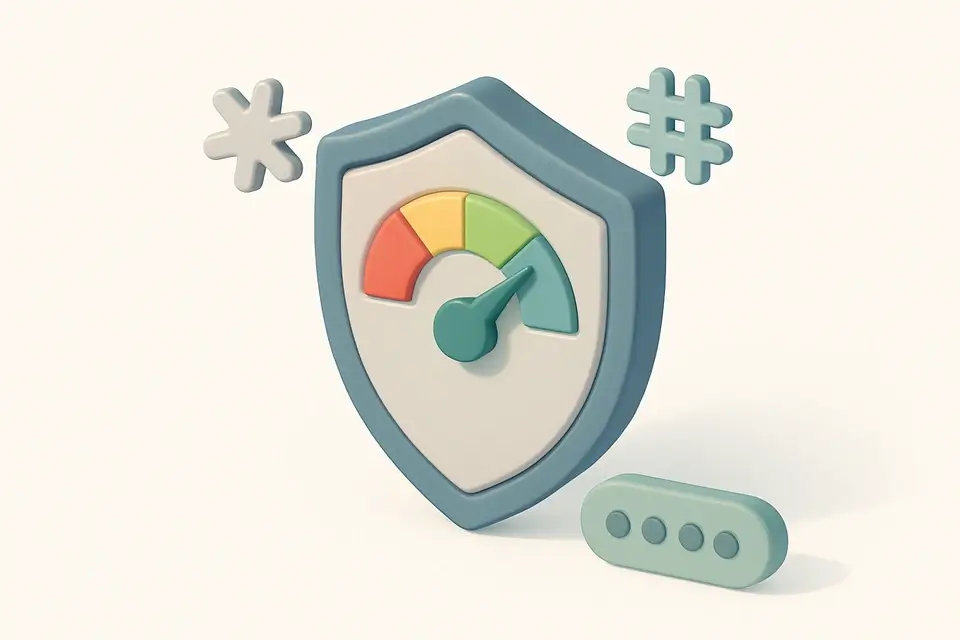

Password Strength Checker
Check how strong your password is with detailed scoring, crack time estimates, and improvement suggestions.
Enter Password
Type or paste the password to test.
Review Score
See strength rating 0-4 with visual meter.
Read Suggestions
Follow improvement suggestions.
What Is Password Strength Checker?
A Password Strength Checker is a software tool designed to evaluate the security of a given password by analyzing its complexity and resistance to cracking attempts. Developers and security-conscious users utilize it to identify potential vulnerabilities in their passwords. One specific problem it solves is providing realistic estimates of how long it would take for an attacker to crack the password using different methods, such as online throttled attacks or offline slow hashing.
It uses the zxcvbn library, developed by Dropbox, to detect common patterns like dictionary words, keyboard sequences, dates, and l33t speak substitutions. This Password Strength Checker also provides a 0-4 score based on the password's strength and offers specific suggestions for improvement. What makes this tool different is its ability to run entirely in the browser, ensuring that the password being tested is never transmitted over the network.
The tool generates detailed feedback, including crack time estimates for various attack scenarios, such as online no throttling or offline fast hashing, and displays a sequence analysis of the password's patterns. It also provides actionable suggestions to improve the password security, making it a useful password analyzer for those wondering how strong their password is. By using this password tester, users can gain a better understanding of their password's weaknesses and take steps to strengthen it, ultimately improving their overall password security check.
Why Use Password Strength Checker?
-
Uses zxcvbn, the industry standard
-
Detects patterns and dictionary words
-
Realistic crack time estimates
-
Actionable suggestions
-
Completely client-side
Common Use Cases
Password Auditing
Test existing passwords to find weak accounts.
New Accounts
Verify password strength before using it.
Security Training
Demonstrate why certain patterns are weak.
Education
Learn what makes passwords strong or weak.
Technical Guide
Under the hood, the Password Strength Checker relies on the zxcvbn library developed by Dropbox, which employs a combination of pattern matchers to analyze the password's complexity. These pattern matchers include dictionary, spatial (keyboard), repeat, sequence, date, and l33t substitution, allowing it to detect common patterns like dictionary words, keyboard sequences, dates, and leetspeak substitutions. The tool uses React's useState hook to store the input password and showPassword state, while the useMemo hook is used to memoize the result of the zxcvbn function, which returns an object containing the password's score, crack time estimates, and feedback.
The score, ranging from 0 to 4, is mapped to crack time thresholds based on the minimum number of guesses required to crack the password. For instance, a score of 0 indicates a very weak password that can be cracked in less than 10 seconds, while a score of 4 represents a very strong password that would take over 10 years to crack. The tool also generates detailed feedback, including warnings and suggestions for improvement, which are displayed in the UI as a sequence analysis of the password's patterns. This feedback is based on the zxcvbn library's analysis of the password's structure and composition.
In terms of browser APIs, the tool uses JavaScript's built-in functions to handle user input and update the UI accordingly. The zxcvbn library itself does not rely on any external APIs or file formats, making it a self-contained solution for password strength analysis. By using this library in conjunction with React, the Password Strength Checker provides a seamless and intuitive experience for users to evaluate and improve their password security. The tool's use of technical terms like crack time estimates, leetspeak substitutions, and spatial pattern matching demonstrates its focus on providing accurate and informative feedback to users.
Tips & Best Practices
-
1Use the 'Show' button to verify password input without sending it anywhere
-
2Check the score labels for Very Weak to Very Strong ratings
-
3Analyze crack times for online throttled, no throttle, slow hash, and fast hash scenarios
-
4Review feedback warnings and suggestions for improvement
-
5Examine sequence patterns like token and guess counts
Related Tools
Password Generator
Generate strong, secure passwords with customizable length, character types, and exclusion options.
🧰 Miscellaneous
Passphrase Generator
Generate memorable yet secure passphrases using random word combinations that are easy to remember.
🧰 Miscellaneous
Fake Data Generator
Generate realistic fake names, email addresses, phone numbers, and addresses for testing and development.
🧰 Miscellaneous
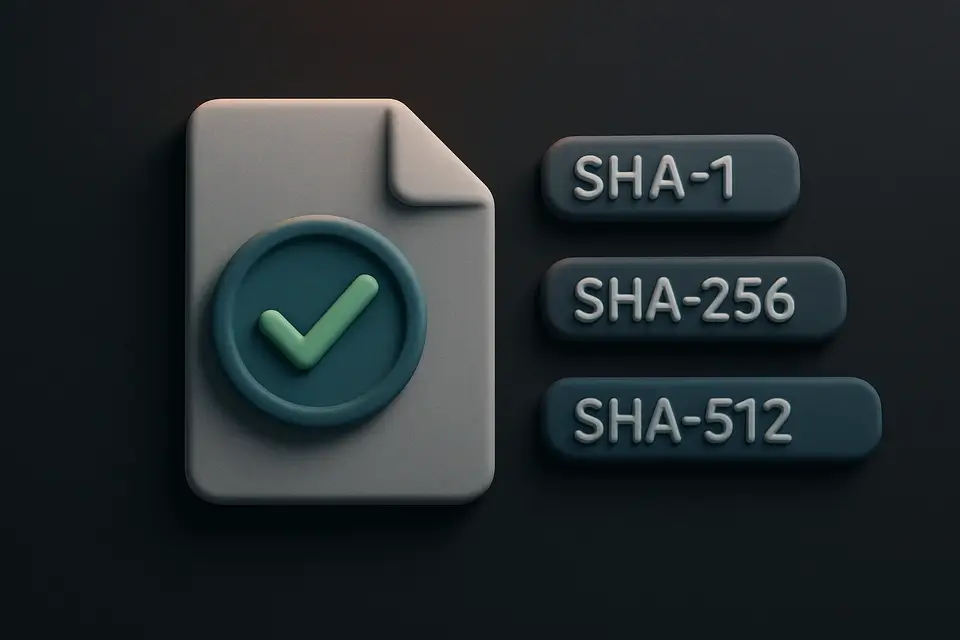
File Hash Viewer
Calculate SHA-1, SHA-256, and SHA-512 hashes of uploaded files for integrity verification.
🧰 MiscellaneousFrequently Asked Questions
Q Is my password sent to a server?
Q What does the score mean?
Q What is zxcvbn?
About This Tool
Password Strength Checker is a free online tool by FreeToolkit.ai. All processing happens directly in your browser — your data never leaves your device. No registration or installation required.