Create & Print Custom Bingo Cards Generate random bingo cards with custom text or traditional numbers. Print-ready cards for any occasion.

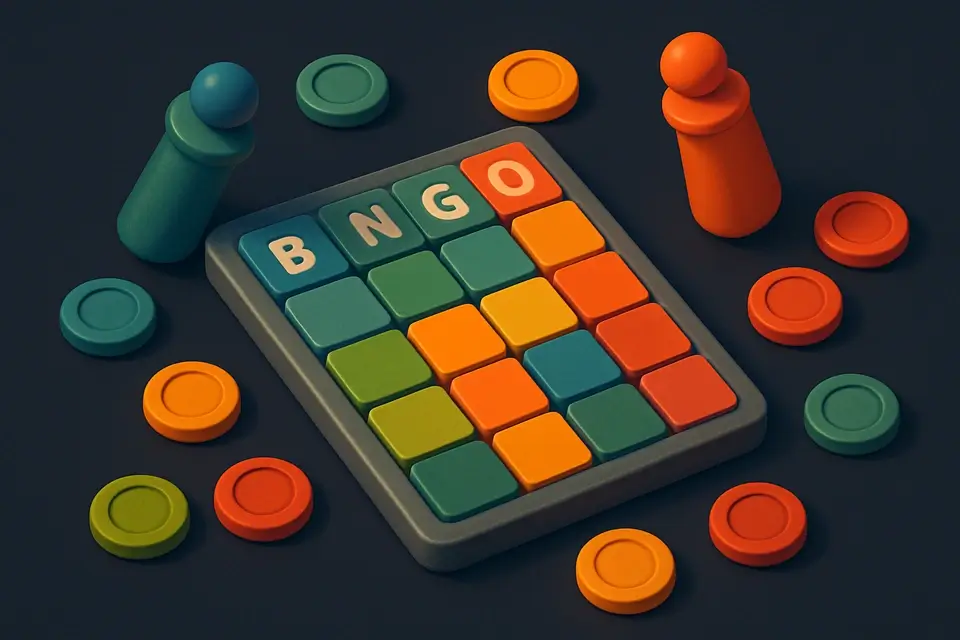
Bingo Card Generator
Generate random bingo cards with custom text or traditional numbers. Print-ready cards for any occasion.
Choose Type
Select traditional numbered or custom word bingo.
Set Count
Choose how many unique cards to generate.
Generate & Print
Generate cards then print for your event.
What Is Bingo Card Generator?
A Bingo Card Generator is a software tool that creates unique, randomized bingo cards, typically in a 5x5 grid format, with the option to generate traditional numbered cards or custom word cards. It is commonly used by teachers, event planners, and game organizers who need to create engaging and interactive games for their audiences. One specific problem it solves is the tedious process of manually creating multiple unique bingo cards, which can be time-consuming and prone to errors.
The tool generates traditional 5x5 numbered cards with a free center space, following the standard B:1-15, I:16-30, N:31-45, G:46-60, O:61-75 format. It also allows users to create custom bingo cards with their own words or phrases, making it ideal for educational games, corporate events, and parties. What makes this tool different is its ability to generate multiple unique cards at once, up to 10 cards, and its support for custom word lists, which can be entered manually by the user.
It uses a Fisher-Yates shuffle algorithm to ensure unbiased randomization of the custom word lists, resulting in truly unique and randomized bingo cards. This feature is particularly useful for teachers who want to create printable bingo cards with custom words tailored to their lesson plans. With its ability to generate both traditional and custom bingo cards, it is an ideal solution for anyone looking for a free bingo card generator or a bingo card maker that can produce high-quality, customizable cards.
Why Use Bingo Card Generator?
-
Traditional or custom word cards
-
Every card is unique
-
Free center space
-
Multiple cards at once
-
Print-ready layout
Common Use Cases
Classroom Learning
Review vocabulary or math facts with bingo during class.
Party Games
Add a themed bingo round to any celebration.
Corporate Training
Keep workshops engaging with industry buzzword bingo.
Technical Guide
The tool's core functionality relies on React state management, specifically the `useState` hook to store variables such as mode, custom items, card count, and generated cards. It utilizes the `useCallback` hook to memoize functions like `generateClassic` and `generateCustom`, which are triggered when the user clicks the "Generate Bingo Cards" button. In traditional mode, it employs a column-based random selection algorithm to populate the 5x5 grid, with each column having a predefined range of numbers. The Fisher-Yates shuffle algorithm is used in custom mode to randomize the order of words across 24 non-free cells.
When generating classic bingo cards, the tool iterates through each card and column, using `Math.random` to select a number within the specified range for that column. It ensures uniqueness by checking if the selected number already exists in the array. The center cell is always set to "FREE". For custom mode, it splits the input string into an array of words, trims and filters out empty strings, then uses the Fisher-Yates shuffle algorithm to randomize their order. This shuffled array is then used to populate the bingo card cells.
The tool's UI components are built using React functional components, with JSX syntax for templating. It utilizes CSS classes like `glass-card` and `glass-button` for styling, and applies dynamic class names based on state variables like mode. The generated cards are stored in a state array and rendered as a grid of div elements, with each cell containing the corresponding number or word. The tool also uses HTML input elements like textareas and number inputs to collect user input, such as custom words and card count.
Tips & Best Practices
-
1Provide at least 25 custom words
-
2Print at 100% scale
-
3Generate extra cards as spares
Related Tools


Flashcard Maker
Create and study digital flashcards with flip animation and progress tracking.
🧰 Miscellaneous

Random Name Picker
Pick random names from a list for giveaways, team selection, or classroom activities.
🧰 Miscellaneous

Random Group Generator
Split a list of names or items into random groups instantly. Perfect for classrooms, workshops, and team activities.
🧰 Miscellaneous

Checklist Generator
Create interactive checklists with checkboxes, progress tracking, and easy item management.
🧰 MiscellaneousFrequently Asked Questions
Q Are all generated bingo cards unique?
Q How many custom words do I need for a bingo card?
About This Tool
Bingo Card Generator is a free online tool by FreeToolkit.ai. All processing happens directly in your browser — your data never leaves your device. No registration or installation required.