Quoted-Printable Encoder Encode text to Quoted-Printable format for email transport.
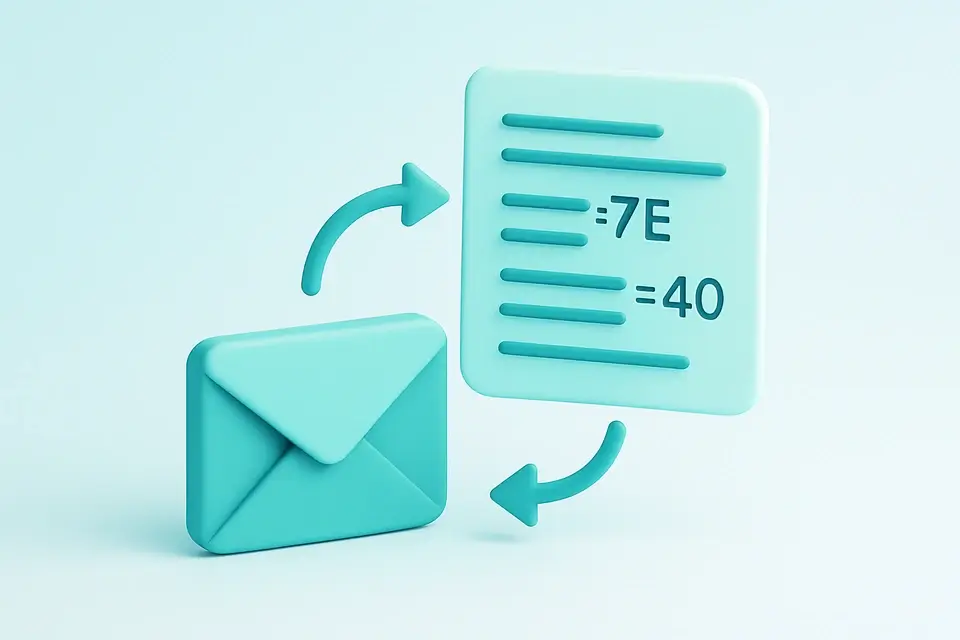

Quoted-Printable Encode
Encode text to Quoted-Printable format for email transport.
Enter Text
Type or paste the text to encode.
View QP Output
The Quoted-Printable result appears instantly.
Copy Result
Click Copy to copy the encoded text.
What Is Quoted-Printable Encode?
Quoted-Printable Encode is a MIME content transfer encoding defined in RFC 2045 that encodes non-ASCII characters as =HH (hex) while keeping ASCII text readable. Email developers and system administrators use it to ensure that messages with special characters are transmitted correctly, solving the problem of character corruption during email transmission. Specifically, this encoding helps prevent issues when sending emails containing non-English characters or symbols.
The tool implements a qp encoder according to RFC 2045 specifications, which dictates that lines should be limited to 76 characters with soft line breaks (=) and that the = character itself becomes =3D. What makes it different is its ability to perform proper line wrapping, adding a =\r\n sequence when the encoded line exceeds 75 characters, as seen in the qpEncode function.
It uses a TextEncoder to convert input strings into bytes, then iterates over each byte to determine whether it should be encoded or left as-is. For example, if a byte represents an ASCII character between 33 and 60, or between 62 and 126, it is left unchanged in the output string. This approach ensures that email encoding is done correctly, following mime encoding standards for quoted printable encode. As all processing happens client-side, users can rely on accurate qp encoder functionality without worrying about server-side dependencies.
Why Use Quoted-Printable Encode?
-
RFC 2045 compliant for email compatibility
-
Keeps ASCII text readable in the encoded output
-
Proper 76-character line wrapping with soft breaks
-
100% client-side — data never leaves your browser
Common Use Cases
Email Encoding
Encode email body content for MIME transport.
MIME Messages
Create quoted-printable encoded messages.
Legacy Systems
Encode text for systems requiring 7-bit ASCII transport.
Testing
Generate QP-encoded test data for email system testing.
Technical Guide
The qpEncode function uses a TextEncoder from the Encoding API to convert input strings into byte sequences, which are then iterated over to determine whether each byte should be encoded or left as-is. This process involves checking if a byte falls within specific ASCII ranges, such as between 33 and 60, or between 62 and 126, in which case it is appended directly to the result string without modification. Bytes outside these ranges are encoded using the format =HH, where HH represents the hexadecimal value of the byte, padded with zeros if necessary to ensure a two-digit representation.
To prevent excessively long lines, the tool implements line wrapping by tracking the current line length and inserting a soft line break sequence (= followed by \r\n) whenever the limit of 75 characters is exceeded. This ensures compliance with RFC 2045 specifications for quoted-printable encoding. The use of React's useCallback hook allows the onProcess function to memoize the qpEncode function, preventing unnecessary re-renders and optimizing performance. When processing input strings, it checks each byte individually, handling special cases such as tabs and spaces at the end of lines, which are encoded to prevent data corruption during transmission.
In terms of character encoding, the tool relies on the UTF-8 encoding scheme implicitly supported by the TextEncoder API, allowing it to handle a wide range of Unicode characters. The qpEncode function's use of bitwise operations and hexadecimal conversions enables efficient encoding of non-printable bytes, while its line wrapping logic ensures that the output remains readable and compliant with MIME standards. By using JavaScript's built-in string manipulation capabilities and React's hooks for optimization, the tool provides accurate quoted-printable encoding functionality entirely on the client-side, eliminating reliance on server-side dependencies. The qpEncode function's implementation details are also influenced by the requirements of RFC 2045, which dictates specific rules for encoding certain characters, such as the = character itself being encoded as =3D.
Tips & Best Practices
-
1QP encoding is ideal for mostly ASCII text with some special characters
-
2Soft line breaks (trailing =) indicate wrapped lines
-
3The = character itself is always encoded as =3D
-
4For binary data, Base64 is more efficient
Related Tools


Base64 Encode
Encode text to Base64 format instantly in your browser.
🔐 Encoding & Crypto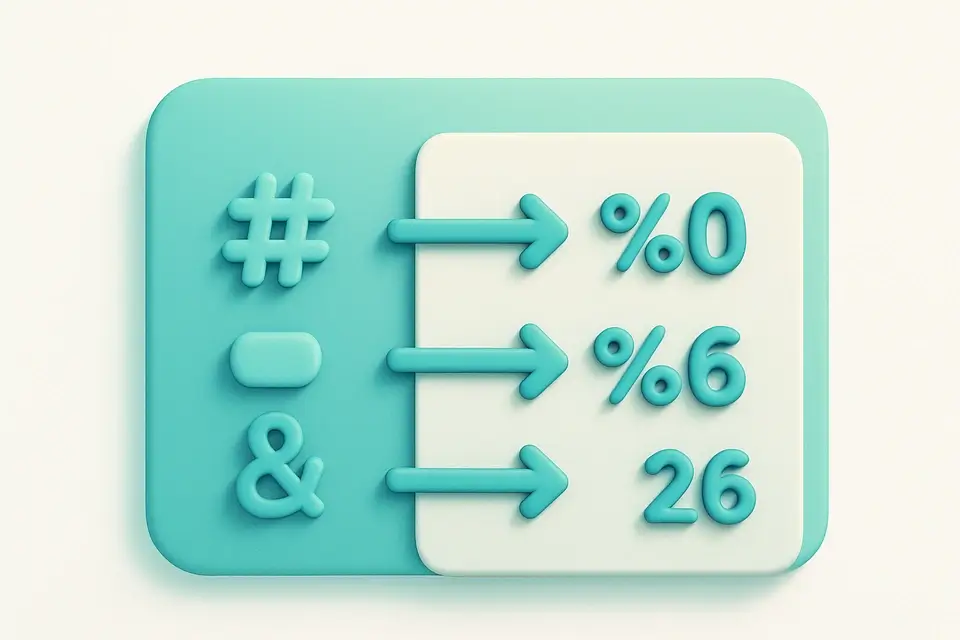
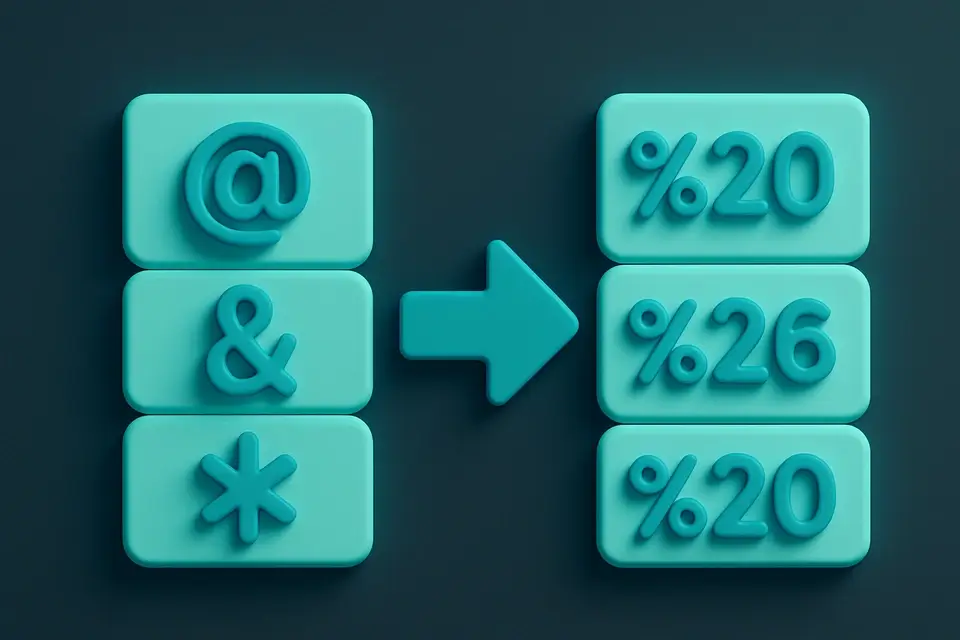
URL Encode (Full)
Percent-encode all special characters in a URL string.
🔐 Encoding & Crypto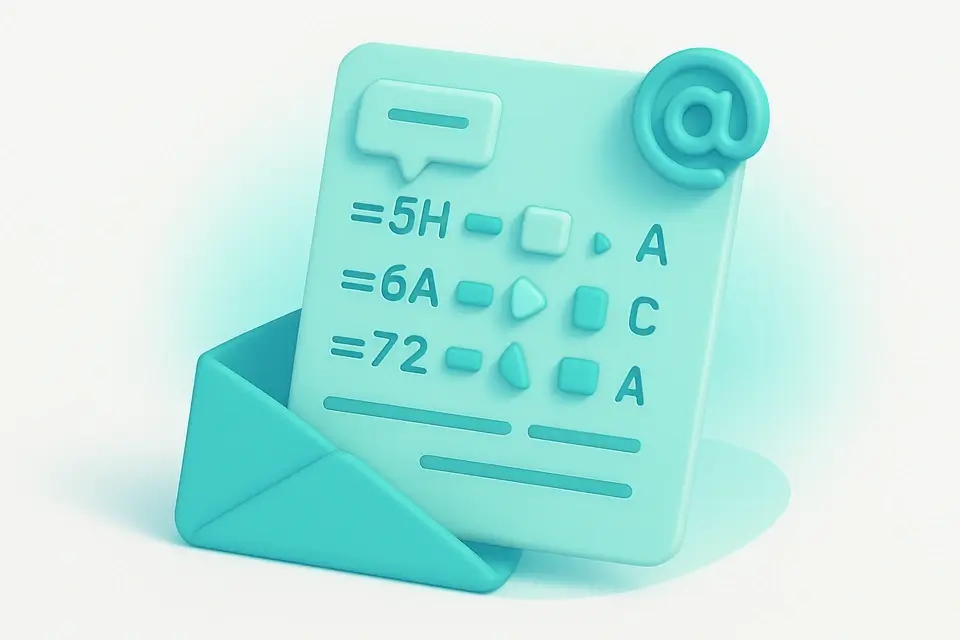
Quoted-Printable Decode
Decode Quoted-Printable encoded text back to readable form.
🔐 Encoding & Crypto

UTF-8 Encode/Decode
View UTF-8 byte representations of text and decode byte sequences.
🔐 Encoding & CryptoFrequently Asked Questions
Q Is this tool free?
Q Is my data secure?
Q When should I use QP vs Base64?
Q What browsers are supported?
Q What is a soft line break?
About This Tool
Quoted-Printable Encode is a free online tool by FreeToolkit.ai. All processing happens directly in your browser — your data never leaves your device. No registration or installation required.