Encode Text to Base32 Encode text to Base32 format using the RFC 4648 standard alphabet.

Base32 Encode
Encode text to Base32 format using the RFC 4648 standard alphabet.
Enter Text
Type or paste the text you want to encode.
View Encoded Output
The Base32-encoded result appears instantly.
Copy Result
Click the Copy button to copy the encoded string.
What Is Base32 Encode?
Base32 encoding represents binary data using 32 ASCII characters (A-Z and 2-7) as defined in RFC 4648. Every 5 bytes of input produce 8 encoded characters, with = padding when needed. The encoding is case-insensitive and avoids visually ambiguous characters (0/O, 1/I/L), making it ideal for manual entry and case-insensitive systems. Used in TOTP/HOTP secret keys, Tor onion addresses, and case-insensitive file systems. This tool encodes UTF-8 text to standard Base32 with proper padding. All processing happens in your browser.
Why Use Base32 Encode?
-
Case-insensitive encoding avoids confusion between similar characters
-
RFC 4648 compliant with proper padding
-
100% client-side — data never leaves your browser
-
Free online tool with no signup or limits
Common Use Cases
TOTP Secrets
Encode shared secrets for two-factor authentication apps.
File Systems
Encode data for case-insensitive file systems and URLs.
Human Readability
Use when encoded data needs to be read or typed by humans.
Tor Addresses
Base32 is used in .onion v3 addresses for Tor hidden services.
Technical Guide
The encoding takes groups of 5 bytes (40 bits) and splits them into 8 groups of 5 bits. Each 5-bit value maps to A-Z (0-25) and 2-7 (26-31). Padding with = brings output to a multiple of 8 characters. Compared to Base64, Base32 uses 20% more space but provides case-insensitivity and avoids ambiguous characters. The encoding process converts input to UTF-8 bytes, processes 5 bytes at a time via bit shifting, maps each group to the alphabet, and appends = padding as needed.
Tips & Best Practices
-
1Base32 is used for TOTP/HOTP secrets — important for 2FA setup
-
2Output is always uppercase — Base32 is case-insensitive by design
-
3Base32 is ~20% larger than Base64 but more human-friendly
-
4Not encryption — Base32 provides encoding, not security
Related Tools


Base64 Encode
Encode text to Base64 format instantly in your browser.
🔐 Encoding & Crypto
Base32 Decode
Decode Base32-encoded strings back to plain text.
🔐 Encoding & Crypto
Base58 Encode
Encode text to Base58 format used by Bitcoin and IPFS.
🔐 Encoding & Crypto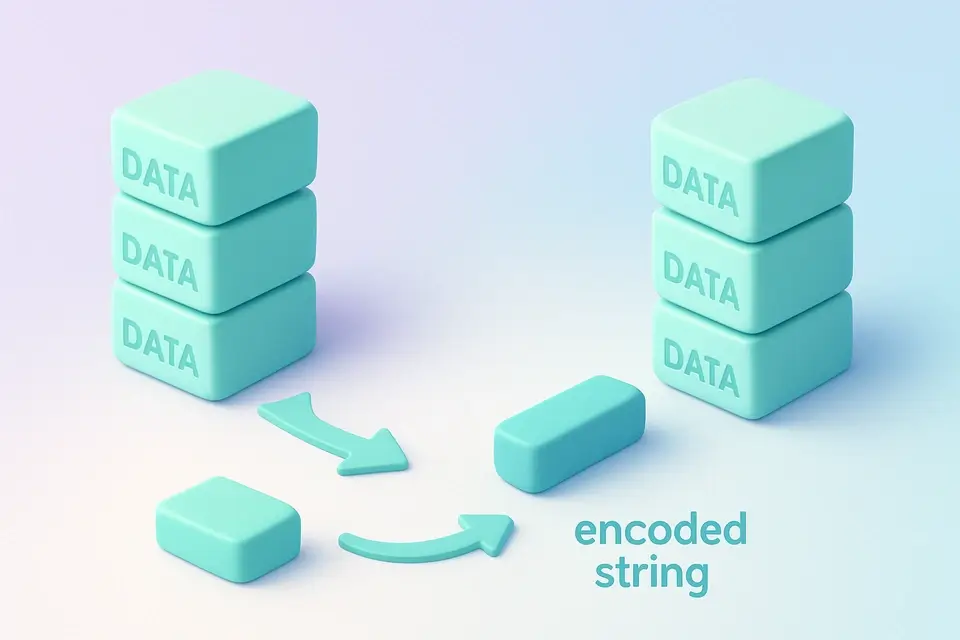

Base85 Encode
Encode text to Base85 (Ascii85) format for compact binary-to-text encoding.
🔐 Encoding & CryptoFrequently Asked Questions
Q Is this tool free?
Q Is my data secure?
Q How does Base32 differ from Base64?
Q What browsers are supported?
Q Does it handle Unicode?
About This Tool
Base32 Encode is a free online tool by FreeToolkit.ai. All processing happens directly in your browser — your data never leaves your device. No registration or installation required.