Generate Custom SVG Background Patterns Generate SVG-based repeating patterns for CSS backgrounds with various shapes.
SVG Pattern Generator
Generate SVG-based repeating patterns for CSS backgrounds with various shapes.
Choose a pattern shape
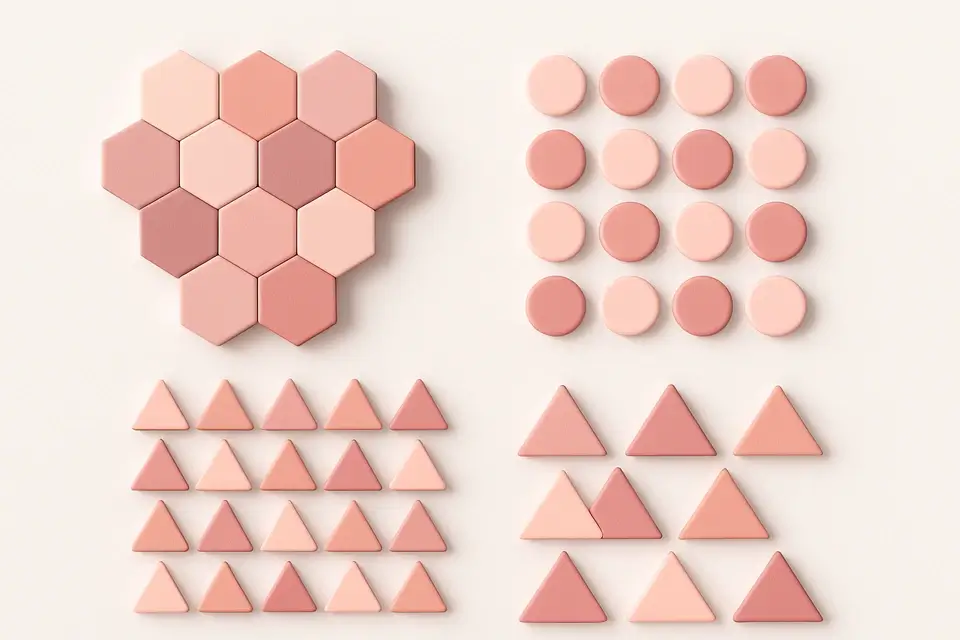
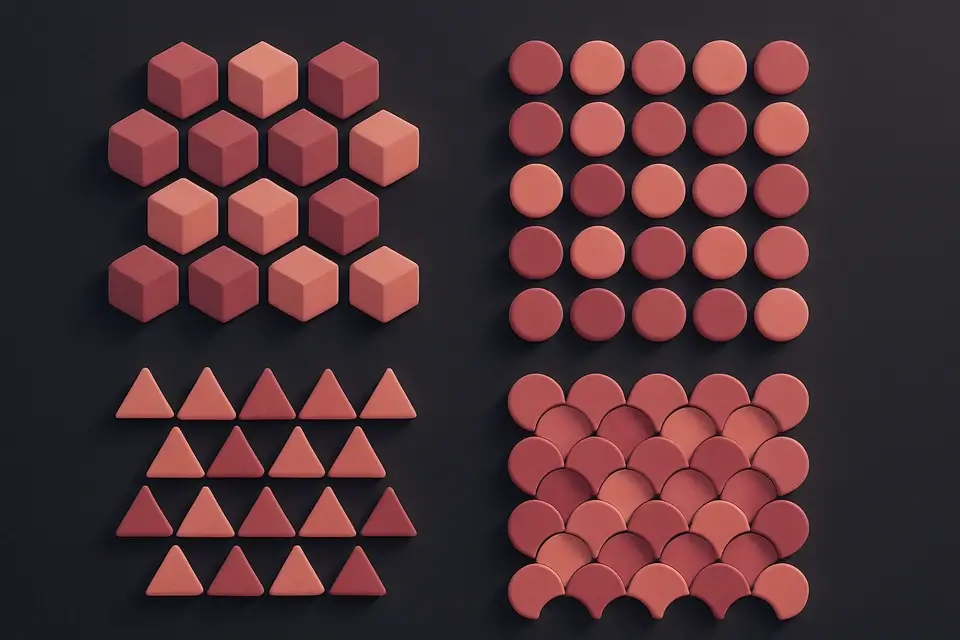
Select from circles, squares, triangles, hexagons, crosses, or lines.
Customize appearance
Set foreground and background colors, size, stroke width, and opacity.
Copy the code
Preview the repeating pattern and copy the CSS or raw SVG code.
What Is SVG Pattern Generator?
The SVG Pattern Generator creates repeating patterns using inline SVG elements embedded in CSS backgrounds via data URIs. This approach offers more shape variety than pure CSS gradients, supporting circles, squares, triangles, hexagons, crosses, and lines. Each pattern is generated as a small SVG tile that repeats seamlessly across the background. Controls include foreground and background colors, tile size, stroke width, and opacity. The tool outputs both the CSS (with SVG encoded as a data URI) and the raw SVG code. SVG patterns are resolution-independent, lightweight, and can be more complex than gradient-based patterns. They work in all modern browsers and can be easily customized by modifying the SVG markup.
Why Use SVG Pattern Generator?
Common Use Cases
Branded Backgrounds
Create custom patterned backgrounds matching brand design language.
Design System Textures
Build consistent pattern assets for design system backgrounds.
Print Materials
Generate high-resolution patterns for print-ready designs.
Presentation Slides
Add subtle patterns to presentation slide backgrounds.
Technical Guide
SVG patterns are embedded in CSS using data URIs: background-image: url("data:image/svg+xml,..."). The SVG content is URL-encoded to be safely embedded in CSS. Each SVG tile defines the pattern unit with a specific width and height that becomes the background-size. When the SVG repeats (via default background-repeat: repeat), it creates a seamless pattern. SVG shapes — including circles, rectangles, and polygons — are defined using standard SVG elements within the tile. The fill and stroke attributes control appearance, while fill-opacity and stroke-opacity control transparency. For performance, keep these patterns simple — complex paths in small repeating tiles can impact rendering. The xmlns attribute is required for standalone SVG in data URIs. These patterns can also reference external SVG files for better caching and reusability.
Tips & Best Practices
-
1Keep SVG patterns simple for better rendering performance
-
2Use opacity to create subtle, non-distracting patterns
-
3Match foreground color to your theme for cohesive design
-
4Export the raw SVG for use in design tools like Figma
Related Tools

CSS Gradient Generator
Create beautiful linear, radial, and conic CSS gradients with multiple color stops and angle control.
🎨 CSS & Design
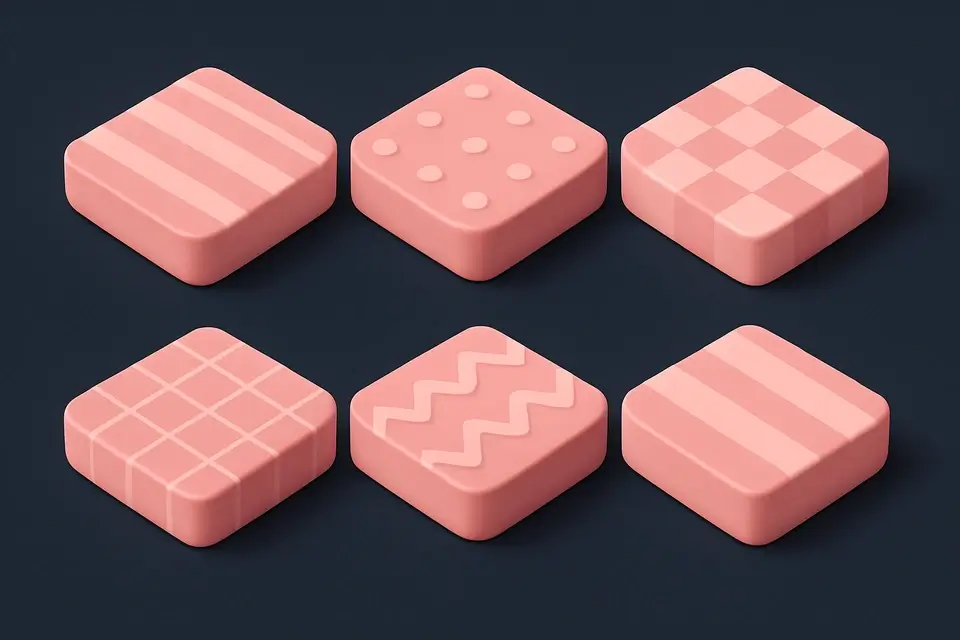
CSS Background Pattern
Create repeating CSS background patterns including stripes, checkerboard, dots, and more.
🎨 CSS & Design
CSS Blob Generator
Generate organic blob shapes as SVG with gradient fills and randomization.
🎨 CSS & Design

SVG to CSS Background
Encode SVG code as a CSS background-image using data URI encoding.
🎨 CSS & DesignFrequently Asked Questions
Q What is the advantage of SVG patterns over CSS patterns?
Q Are SVG data URIs performant?
Q Can I edit the SVG after generating?
Q Do SVG patterns work in all browsers?
Q Can I make the pattern larger or smaller?
About This Tool
SVG Pattern Generator is a free online tool by FreeToolkit.ai. All processing happens directly in your browser — your data never leaves your device. No registration or installation required.