Create Repeating CSS Background Patterns Create repeating CSS background patterns including stripes, checkerboard, dots, and more.
CSS Background Pattern
Create repeating CSS background patterns including stripes, checkerboard, dots, and more.
Choose a pattern
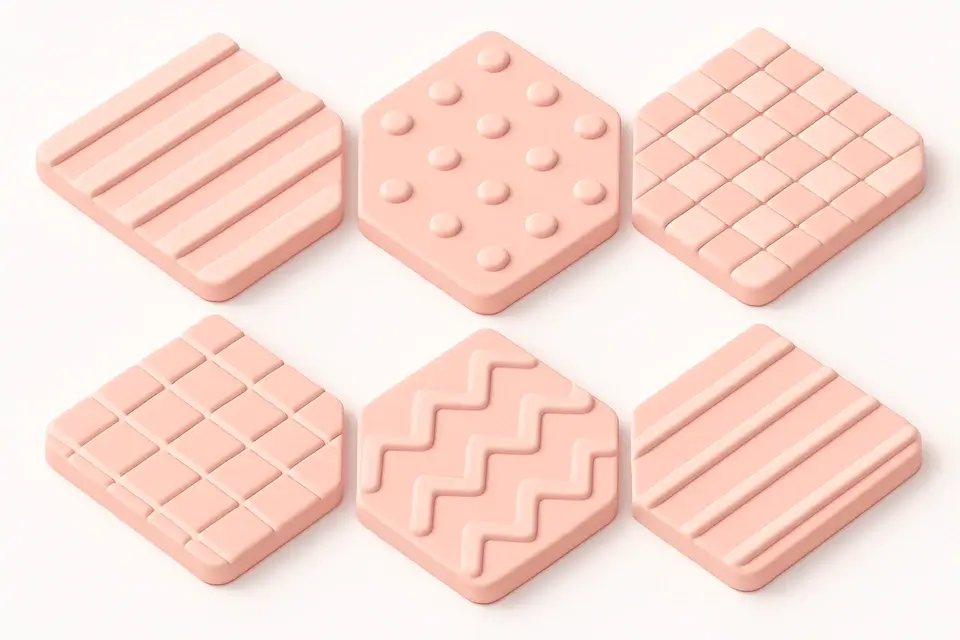
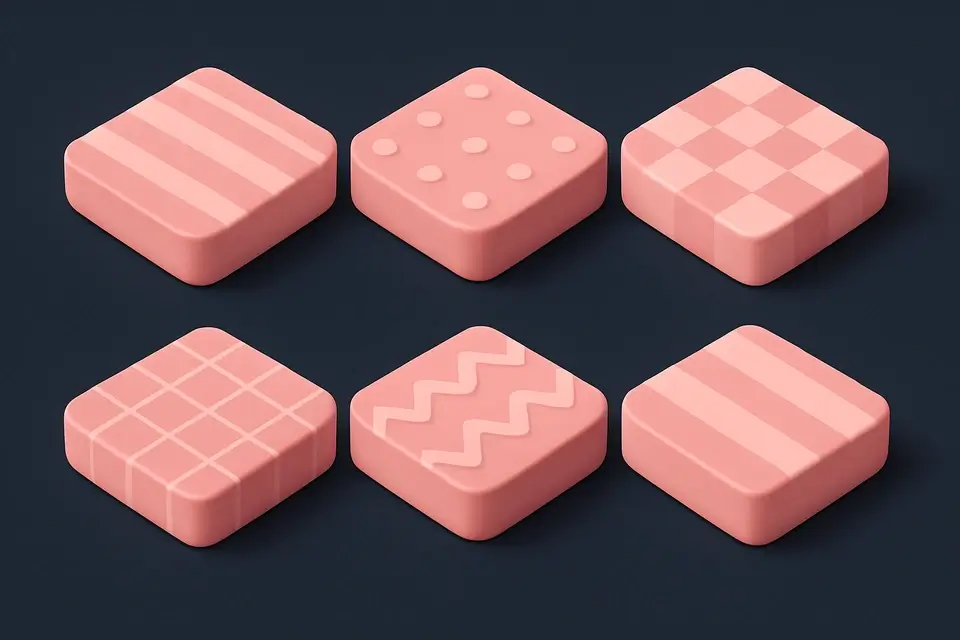
Select from stripes, checkerboard, dots, grid, zigzag, or diagonal patterns.
Customize colors and size
Pick two colors and adjust the pattern tile size.
Copy the CSS
Preview the repeating pattern and copy the pure CSS code.
What Is CSS Background Pattern?
The CSS Background Pattern Generator creates repeating patterns using pure CSS gradients and background properties—no images required. This tool offers six popular pattern types: stripes (diagonal repeating lines), checkerboard (alternating squares), dots (polka dot pattern), grid (intersecting lines), zigzag (pointed waves), and diagonal (thin diagonal lines). Each pattern is generated using CSS gradient functions like linear-gradient and radial-gradient combined with background-size and background-position for tiling. You can customize two colors and the pattern tile size to match your design needs. Pure CSS patterns are resolution-independent, lightweight (no image downloads), and easily customizable through CSS variables.
Why Use CSS Background Pattern?
-
Six distinct pattern types all created with pure CSS
-
No image downloads—patterns are generated by the browser
-
Resolution-independent and crisp on any display density
-
Two-color customization with adjustable pattern size
Common Use Cases
Page Backgrounds
Add subtle repeating patterns to page or section backgrounds.
Card Decorations
Use patterns as decorative backgrounds for cards and panels.
Empty States
Fill empty state areas with subtle patterns for visual interest.
Hero Section Textures
Layer patterns over gradients for textured hero sections.
Technical Guide
CSS background patterns use gradient functions with precise background-size and background-position to create continuous, repeating tiles. Stripes use repeating-linear-gradient with alternating color stops. Checkerboards use four layered linear-gradients at 45 and -45 degrees. Dots use radial-gradient with a small radius and matching background-size. Grids use two linear-gradients (horizontal and vertical) with thin color stops. The key to smooth-tiling patterns is ensuring the background-size matches the gradient mathematics. Background-position offsets can create more complex arrangements. These patterns are rendered by the GPU and have minimal performance impact. They scale perfectly to any resolution. For complex patterns, multiple background layers are stacked using comma-separated background-image values. Each layer can have its own background-size and background-position.
Tips & Best Practices
-
1Use subtle color differences for elegant, non-distracting patterns
-
2Layer patterns over solid backgrounds or gradients for depth
-
3Adjust the size parameter to find the right pattern density
-
4Combine multiple pattern layers for complex textures
Related Tools

CSS Gradient Generator
Create beautiful linear, radial, and conic CSS gradients with multiple color stops and angle control.
🎨 CSS & Design
CSS Blob Generator
Generate organic blob shapes as SVG with gradient fills and randomization.
🎨 CSS & Design
CSS Divider Generator
Generate CSS section dividers with multiple styles including gradient, shadow, and zigzag.
🎨 CSS & Design
SVG Pattern Generator
Generate SVG-based repeating patterns for CSS backgrounds with various shapes.
🎨 CSS & DesignFrequently Asked Questions
Q Are CSS patterns resolution-independent?
Q Do CSS patterns affect performance?
Q Can I animate CSS patterns?
Q How do I make patterns more subtle?
Q Can I use more than two colors?
About This Tool
CSS Background Pattern is a free online tool by FreeToolkit.ai. All processing happens directly in your browser — your data never leaves your device. No registration or installation required.