Generate Organic SVG Blob Shapes Generate organic blob shapes as SVG with gradient fills and randomization.
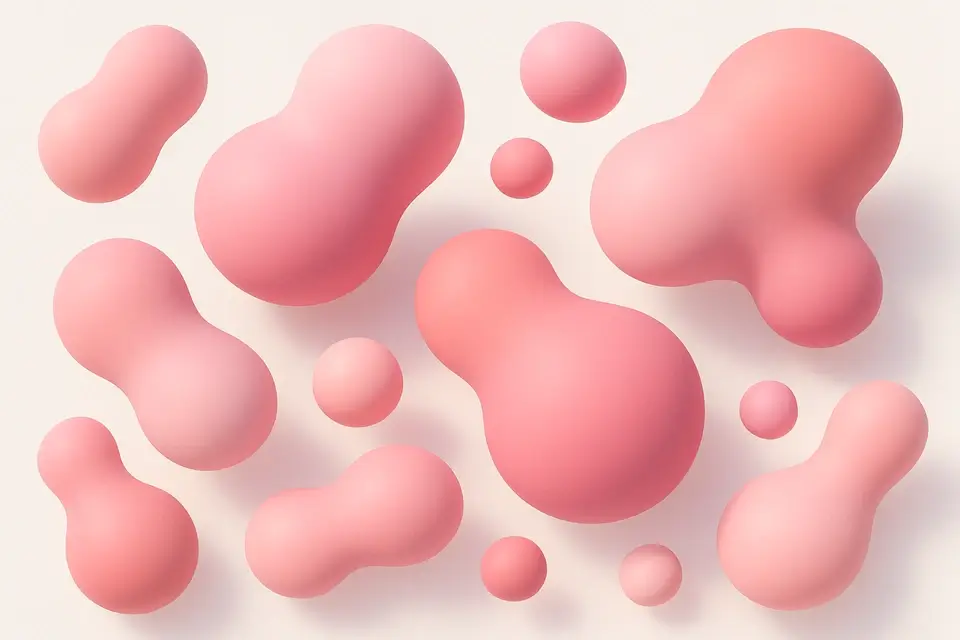
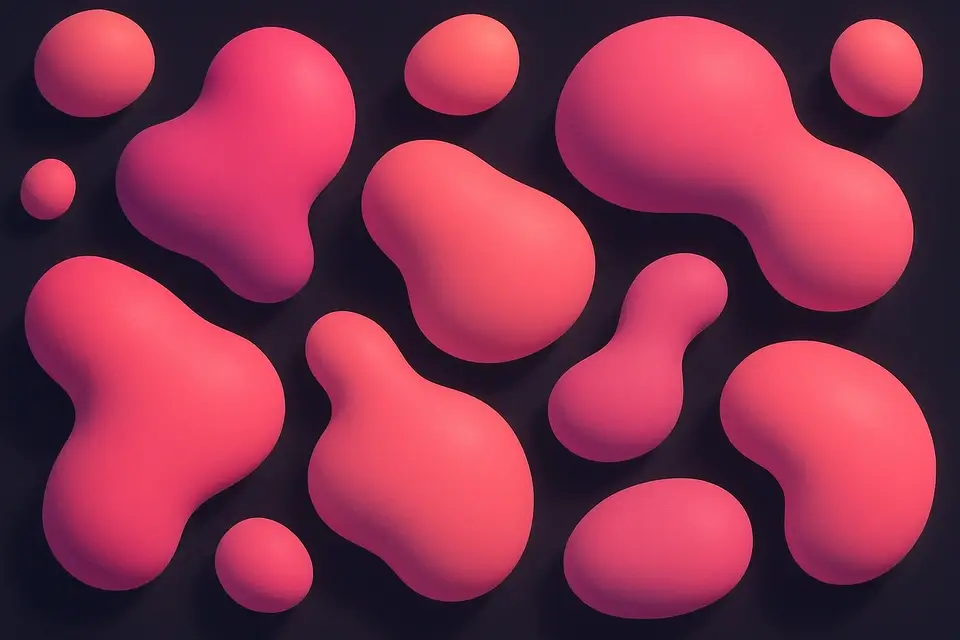
CSS Blob Generator
Generate organic blob shapes as SVG with gradient fills and randomization.
Randomize the shape
Click Randomize to generate new organic blob shapes.
Customize appearance
Adjust complexity, size, colors, and toggle gradient fill.
Copy the SVG
Preview the blob and copy the complete SVG code.
What Is CSS Blob Generator?
The CSS Blob Generator creates organic, irregular shapes as SVG paths. Blobs are smooth, flowing shapes that add visual interest and a natural, organic feel to web designs. They are commonly used as background decorations, image masks, and decorative accents. This tool generates blobs programmatically using bezier curves with adjustable complexity (number of control points). Each click of the Randomize button creates a unique shape by varying the control point positions. You can customize the blob size, number of complexity points, and choose between solid color or gradient fill. The output is clean SVG code with optional gradient definitions, ready to use inline or as a background image.
Why Use CSS Blob Generator?
-
One-click randomization for infinite unique blob shapes
-
Adjustable complexity from simple to highly organic
-
Gradient fill option with two customizable colors
-
Clean SVG output ready for inline use or CSS backgrounds
Common Use Cases
Background Decorations
Add organic blob shapes as decorative background elements.
Image Masks
Use blob shapes as clip-path masks for images and content.
Hero Section Accents
Place gradient blobs behind hero content for visual depth.
Abstract Illustrations
Combine multiple blobs for abstract, organic illustrations.
Technical Guide
The blob generator creates SVG path elements using cubic bezier curves (C command). Points are distributed around a circle at equal angle intervals, with randomized radius values creating the organic irregularity. The bezier control points are calculated to create smooth curves between each point, ensuring the blob shape flows naturally without sharp corners. The complexity parameter controls the number of points—more points create more complex, detailed shapes. For gradient fills, an SVG linearGradient definition is included in the SVG defs section. The blob can be used inline as an SVG element, or converted to a CSS background using the data URI technique. For animations, the SVG path d attribute can be animated between different blob shapes for a morphing effect. Use the same number of control points for smooth morphing transitions.
Tips & Best Practices
-
1Use 5-7 complexity points for natural-looking blobs
-
2Apply gradient fills for more visually interesting shapes
-
3Combine multiple blobs at different sizes and opacities
-
4Convert to CSS background-image for use without inline SVG
Related Tools


CSS Clip Path Generator
Create CSS clip-path shapes with polygon, circle, and ellipse presets.
🎨 CSS & Design

CSS Wave Generator
Generate SVG wave section dividers with customizable waves, height, and colors.
🎨 CSS & Design
CSS Divider Generator
Generate CSS section dividers with multiple styles including gradient, shadow, and zigzag.
🎨 CSS & Design
SVG Pattern Generator
Generate SVG-based repeating patterns for CSS backgrounds with various shapes.
🎨 CSS & DesignFrequently Asked Questions
Q Can I animate blob shapes?
Q How do I use a blob as a clip-path?
Q Can I use the blob as a CSS background?
Q Why do blobs look different each time?
Q Can I create symmetrical blobs?
About This Tool
CSS Blob Generator is a free online tool by FreeToolkit.ai. All processing happens directly in your browser — your data never leaves your device. No registration or installation required.