Encode Text as Hexadecimal Values Convert text to hexadecimal representation.
Text to Hex
Convert text to hexadecimal representation.
Paste Your Source Text
Type or paste the text you want to convert to hexadecimal.
Configure Separator and Prefix
Select a separator between hex bytes and toggle the optional 0x prefix.
Copy the Hexadecimal Output
Copy the converted hex string to your clipboard.
What Is Text to Hex?
A Text to Hex converter transforms each character into its hexadecimal representation using digits 0-9 and letters A-F. Developers and programmers use this tool to convert ASCII characters to hex codes, which is essential for tasks like encoding URLs or representing colors in web development. One specific problem it solves is the need to represent binary data, such as memory addresses or MAC addresses, in a compact and human-readable format.
The tool is particularly useful when working with string to hex conversions, where each character needs to be accurately represented in its hexadecimal equivalent. It allows users to customize the output by choosing from different separators, including spaces, new lines, or no separator at all, making it convenient for various applications such as convert text to hexadecimal online. Additionally, the option to add a 0x prefix to each hex code is useful when working with programming languages that require this notation.
What makes this tool different is its ability to handle these conversions efficiently and accurately, allowing users to easily convert text to hex codes without having to manually look up ASCII tables or perform calculations. The tool's features, such as the separator options and 0x prefix, make it a practical solution for tasks like how to convert text to hex, especially when working with large amounts of data. It provides a straightforward way to represent binary data in hexadecimal format, making it easy to work with colors, memory addresses, and other types of encoded data.
Why Use Text to Hex?
-
Convert text to standard hexadecimal format
-
Optional 0x prefix for programming contexts
-
Customizable separator between bytes
-
Most common binary representation in computing
-
Essential for debugging and data analysis
Common Use Cases
Color Codes
Understand how text characters map to hex values used in color codes and encoding.
Debugging
Inspect hex values of text data for debugging encoding issues and binary protocols.
Network Analysis
Convert packet data to hex for network protocol analysis.
Programming
Create hex escape sequences for string literals in various programming languages.
Technical Guide
Text to hex conversion takes each character's code point (charCodeAt), converts to base 16 (toString(16)), and pads to 2 digits (padStart(2, "0")). Standard ASCII characters are represented in 2 hex digits (00-7F). The optional 0x prefix produces C-style hex literals (0x48 0x65 0x6C). Hexadecimal is preferred over octal and binary in modern computing because it maps cleanly to bytes (2 hex digits = 1 byte = 8 bits) and is more compact than both binary (8 digits) and octal (3 digits) per byte.
Tips & Best Practices
-
1Each hex byte is 2 characters, making it very compact
-
20x prefix is used in C, JavaScript, and most programming languages
-
3Common values: 41="A", 61="a", 20=" " (space), 0A=newline
-
4Hex is the standard for representing colors: #FF5733 = RGB(255,87,51)
-
5Use Hex to Text to reverse the conversion
Related Tools


Text to Binary
Convert text to binary (0s and 1s) representation.
📝 Text Tools
Text to Octal
Convert text to octal (base-8) representation.
📝 Text Tools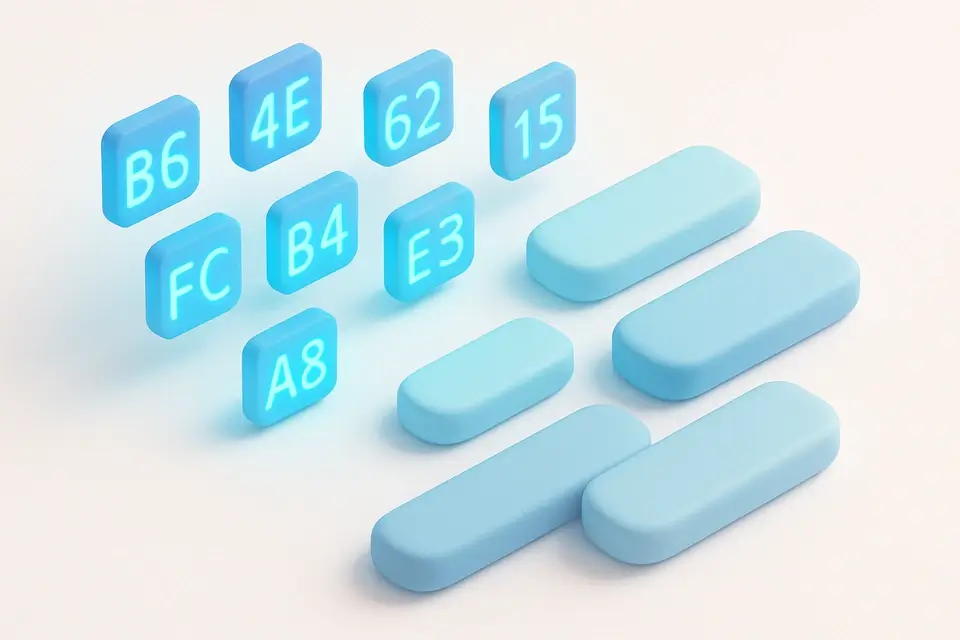

Hex to Text
Convert hexadecimal values back to readable text.
📝 Text Tools

ROT13 Encoder/Decoder
Apply ROT13 cipher — shift each letter by 13 positions. Encoding and decoding are the same operation.
📝 Text Tools

Morse Code Encoder
Convert text to Morse code (dots and dashes).
📝 Text ToolsFrequently Asked Questions
Q What is hexadecimal?
Q Why is hex so common in computing?
Q What does the 0x prefix mean?
Q Can I convert back from hex?
Q Are hex letters case-sensitive?
About This Tool
Text to Hex is a free online tool by FreeToolkit.ai. All processing happens directly in your browser — your data never leaves your device. No registration or installation required.