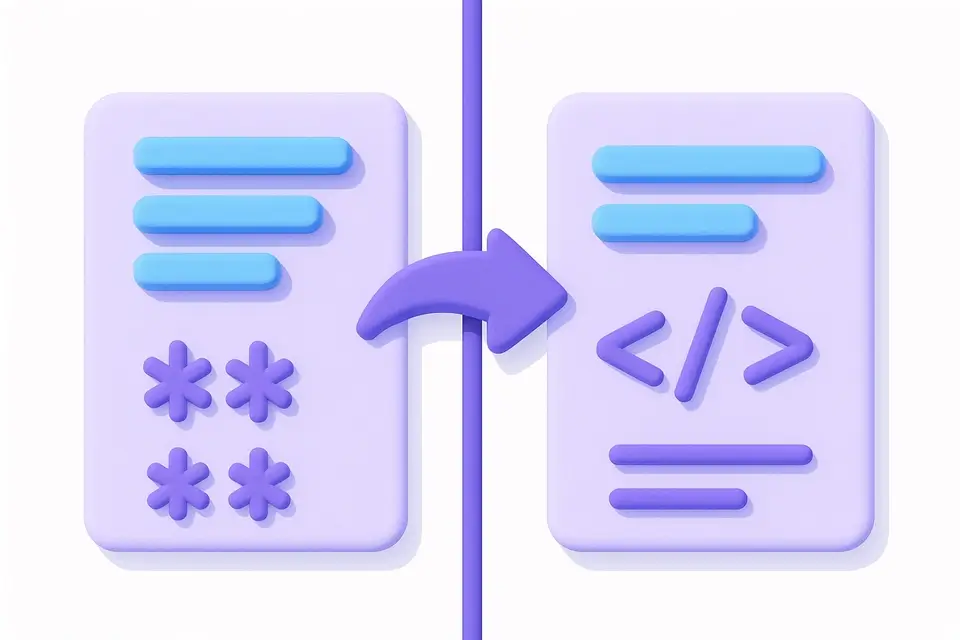
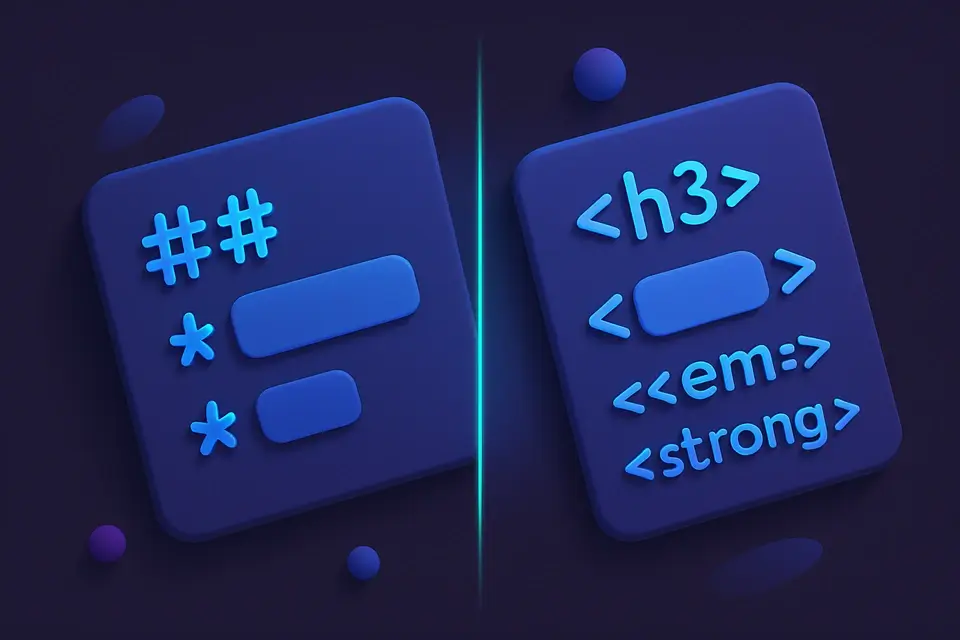
Convert Markdown Syntax to Clean HTML Convert Markdown syntax to clean HTML markup.
Markdown to HTML
Convert Markdown syntax to clean HTML markup.
Paste Markdown Text
Insert your Markdown text into the input field labeled 'Markdown'. The input field has a placeholder that says 'Paste Markdown to convert to HTML...'.
Trigger Conversion
Use the onProcess function, which is tied to the marked.parse method with async set to false, to initiate the conversion of your Markdown text to HTML.
Inspect HTML Output
Examine the converted HTML in the output field labeled 'HTML Output', where it will be displayed as a string if the conversion is successful, or an error message '⚠ Error converting Markdown' if it fails.
What Is Markdown to HTML?
A Markdown to HTML is a tool that transforms Markdown syntax into clean, standards-compliant HTML markup, allowing developers to convert their md files to html format easily. Developers who work with Markdown files use it to convert their content into a format that can be easily consumed by web browsers, solving the problem of having to manually write HTML code for every document. This is particularly useful when working with large amounts of documentation or blog posts written in Markdown.
The tool uses the marked library, a widely-used and spec-compliant Markdown parser that handles edge cases and produces clean output, making it a reliable choice for converting markdown to html online. It supports all standard Markdown features including headings, bold and italic text, links, images, code blocks, blockquotes, ordered and unordered lists, horizontal rules, and tables. What makes this tool different is its ability to parse Markdown input synchronously, thanks to the async option set to false in the marked.parse function.
It also provides a simple interface for users to paste their Markdown content and get the converted HTML output, with clear labels for input and output fields. This makes it easy to use as a markdown converter online free, without having to install any software or write custom code to convert markdown to html. The tool's error handling mechanism catches any exceptions that occur during the conversion process and returns an error message instead of crashing, ensuring a smooth user experience when using the markdown parser.
Why Use Markdown to HTML?
-
Convert Markdown documents to HTML for web publishing
-
Generate HTML from Markdown README files
-
Preview how Markdown will render as HTML
-
Migrate content from Markdown to HTML format
Common Use Cases
Converting Markdown to HTML for Blog Posts
As a blogger, Sarah needs to convert her Markdown drafts into HTML format for publishing. She copies the Markdown text and pastes it into the input field. The output is then copied into her blog's CMS.
Creating HTML Email Templates from Markdown
To send newsletters, John uses this conversion process to transform his Markdown templates into HTML emails that are compatible with most email clients. His marketing team reviews the HTML output for any formatting issues before sending it out.
Markdown to HTML Conversion for Static Websites
When building a static website, developers like Emily use this tool to convert their Markdown content into HTML files that can be served directly by the web server. The resulting HTML is then optimized for search engines.
Generating HTML Documentation from Markdown Files
Software engineer David uses this conversion process to create user manuals and API documentation in HTML format from his Markdown source files. He customizes the output using CSS stylesheets.
Converting Markdown Tables to HTML Tables
Data analyst Michael converts complex tables written in Markdown into HTML tables for inclusion in reports and presentations. The resulting HTML tables are easily styled with CSS classes.
Publishing Academic Papers in HTML Format
Researchers like Lisa use this tool to convert their academic papers from Markdown to HTML, which is then uploaded to online repositories or published on university websites. The output includes properly formatted citations and references.
Technical Guide
The tool's conversion process relies on the marked library, which implements the CommonMark specification with extensions for GitHub Flavored Markdown. This implementation involves tokenizing the Markdown input into an abstract syntax tree, a data structure composed of nodes representing the document's structure and content. The marked.parse function then renders this tree as HTML, using a synchronous rendering mode when the async option is set to false. In this mode, the conversion happens instantly, without waiting for any asynchronous operations to complete.
When the onProcess function is called with a Markdown input string, it attempts to parse the input using marked.parse, passing the input and an options object with async set to false. If the parsing succeeds, the result is returned as a string of HTML markup. The output HTML is semantic and clean, with elements like headings, paragraphs, links, and images correctly formatted according to their corresponding Markdown syntax. For example, ATX headings are converted to h1-h6 elements, while setext headings are rendered as h1 or h2 elements, depending on the syntax used.
The tool's use of React and its useCallback hook ensures that the onProcess function is only recreated when necessary, preventing unnecessary re-renders and improving performance. The TextToolLayout component provides a simple interface for users to interact with the tool, handling input and output display, as well as any error messages that may occur during conversion. In case of an error, the catch block returns a string indicating that an error occurred during conversion, preventing the application from crashing and providing a better user experience.
The marked library's support for various Markdown features, including emphasis, strong emphasis, inline code, fenced and indented code blocks, blockquotes, ordered and unordered lists, links, images, horizontal rules, HTML passthrough, and GFM tables, ensures that the tool can handle complex Markdown documents. The output HTML is formatted according to the W3C HTML specification, with correct use of elements like p, ul, ol, li, a, img, and table. This allows developers to easily integrate the converted HTML into their web applications or static websites.
Tips & Best Practices
-
1Parse Markdown input using the marked.parse function to generate HTML output
-
2Catch errors during conversion and return a custom error message, such as '⚠ Error converting Markdown'
-
3Set the async option to false for synchronous parsing
-
4Use the useCallback hook to memoize the onProcess function and prevent unnecessary re-renders
-
5Pass input strings to the onProcess function for conversion
-
6Return the parsed HTML result as a string
Related Tools

Markdown Link Extractor
Extract all links from Markdown text including inline and reference links.
📝 Text Tools

HTML to Markdown
Convert HTML markup to clean Markdown syntax.
📝 Text Tools

Markdown Table Generator
Build Markdown tables visually with a spreadsheet-like editor.
📝 Text Tools

Markdown Preview
Live preview of Markdown rendered as HTML with full formatting.
📝 Text ToolsFrequently Asked Questions
Q Which Markdown specification is used?
Q Are tables supported?
Q Does it support syntax highlighting in code blocks?
Q Can I use HTML inside my Markdown?
Q Is the output sanitized?
About This Tool
Markdown to HTML is a free online tool by FreeToolkit.ai. All processing happens directly in your browser — your data never leaves your device. No registration or installation required.