HTML to Markdown Convert HTML markup to clean Markdown syntax.

HTML to Markdown
Convert HTML markup to clean Markdown syntax.
Paste HTML
Paste your HTML markup.
Review the Markdown
Your HTML is instantly converted to Markdown syntax.
Copy Markdown
Copy the generated Markdown text.
What Is HTML to Markdown?
A HTML to Markdown converter is a tool that transforms HTML markup into clean Markdown syntax, allowing users to convert complex web content into a more readable and manageable format. Developers and content creators use it to migrate web content to Markdown-based systems or convert HTML emails and web pages to documentation format. One specific problem it solves is the need to manually replace HTML tags with equivalent Markdown syntax, which can be time-consuming and error-prone.
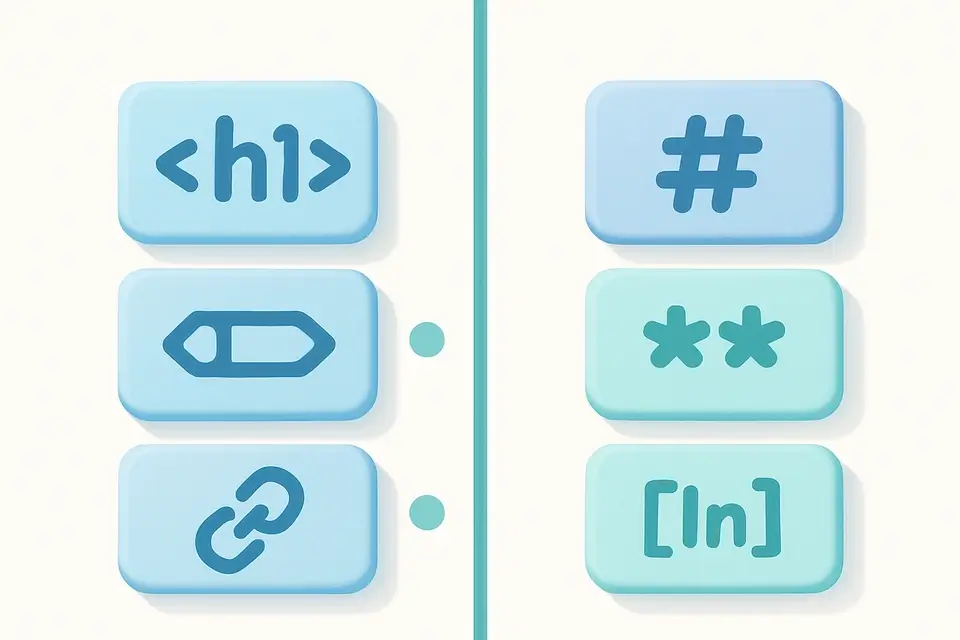
The tool achieves this by replacing HTML elements like <h1> to # headings, <strong> to **bold**, <a> to [links](url), and more. For example, it converts <pre><code> blocks to ``` code fences and <ul>/<li> to bullet lists. It also handles blockquotes, horizontal rules, and paragraphs with precise formatting.
What makes this tool different is its attention to detail in handling various HTML elements and attributes. It decodes HTML entities, removes remaining HTML tags, and cleans up whitespace to produce a clean Markdown output. For instance, it replaces & with &, < with <, and > with >, ensuring that the converted text is free of HTML artifacts. When you need to convert html markdown online or use an html to md converter, this tool provides a reliable solution for how to convert html to markdown efficiently. It supports complex conversions, including nested lists and code blocks, making it a go-to html markdown converter for developers and content creators alike.
Why Use HTML to Markdown?
-
Migrate HTML content to Markdown-based platforms
-
Convert web page content to readable documentation
-
Extract content from HTML emails in Markdown format
-
Create editable Markdown from existing HTML pages
Common Use Cases
Content Migration
Convert HTML blog posts or articles to Markdown for static site generators.
Documentation
Transform HTML documentation into Markdown for GitHub repos.
Note Taking
Save web page content as Markdown notes in apps like Obsidian or Notion.
Content Editing
Strip HTML tags and produce clean Markdown for plain-text editors.
Technical Guide
The converter uses a series of regex-based transformations to convert HTML elements to their Markdown equivalents. Processing order matters: code blocks are converted first to prevent inner content from being affected by later rules. Headers (h1-h6) become # markers, strong/b become **, em/i become *, del/s become ~~. Links use the [text](url) format, images use . Lists convert to - items. Blockquotes add > prefixes. Code blocks use triple backtick fences. After element conversion, remaining HTML tags are stripped and HTML entities (&, <, etc.) are decoded. Excessive whitespace is cleaned up and the result is trimmed.
Tips & Best Practices
-
1Complex HTML layouts may need manual cleanup after conversion
-
2Code blocks are preserved with their content
-
3HTML entities are decoded in the output
-
4Nested elements are handled in processing order
Related Tools

HTML to BBCode
Convert HTML markup to BBCode forum syntax.
📝 Text Tools

HTML Entity Decoder
Decode HTML entities back to their original characters.
📝 Text Tools
Markdown to HTML
Convert Markdown syntax to clean HTML markup.
📝 Text Tools

Markdown Preview
Live preview of Markdown rendered as HTML with full formatting.
📝 Text ToolsFrequently Asked Questions
Q Does it handle complex HTML layouts?
Q Are tables converted?
Q What happens to HTML elements without Markdown equivalents?
Q Are inline styles preserved?
Q Does it handle nested lists?
About This Tool
HTML to Markdown is a free online tool by FreeToolkit.ai. All processing happens directly in your browser — your data never leaves your device. No registration or installation required.