Convert Your Text to Title Case Convert text to Title Case with proper capitalization rules.
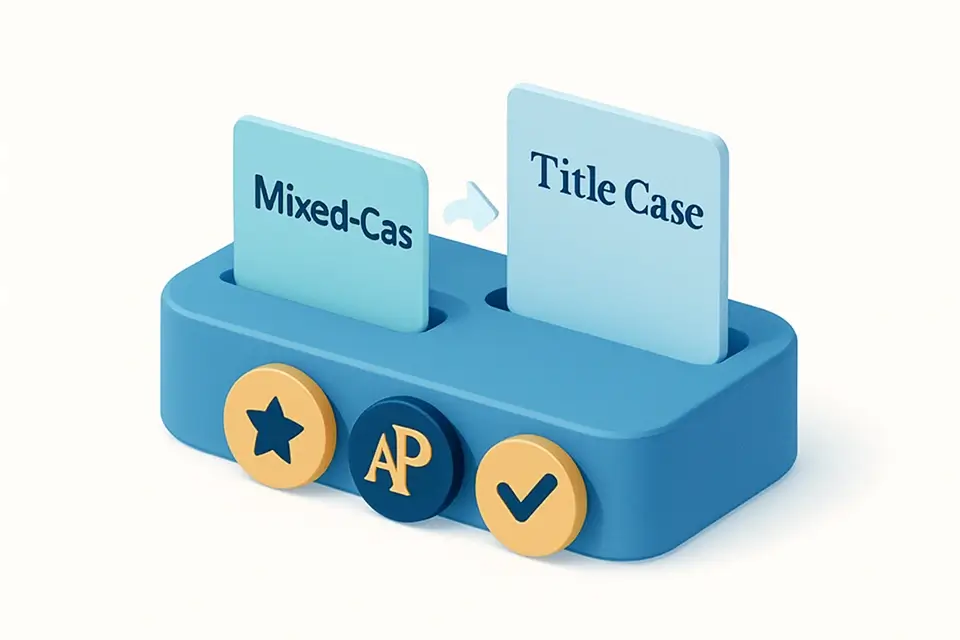

Title Case Converter
Convert text to Title Case with proper capitalization rules.
Enter Your Title
Paste or type the text you want to convert to title case.
View Formatted Title
See your text with proper title capitalization applied automatically.
Copy Your Formatted Title
Copy the properly capitalized title to your clipboard.
What Is Title Case Converter?
A title case converter capitalizes the first letter of each word while applying standard English title capitalization rules. In proper title case, major words (nouns, verbs, adjectives, adverbs) are capitalized, while minor words (articles like "the" and "a", short prepositions like "in" and "of", and conjunctions like "and" and "but") are lowercase unless they're the first or last word. This follows established style guides like the Chicago Manual of Style and AP Stylebook. The tool is essential for formatting book titles, article headlines, blog post titles, email subject lines, and any heading that should follow standard English capitalization conventions.
Why Use Title Case Converter?
-
Applies standard title capitalization rules automatically
-
Handles articles, prepositions, and conjunctions correctly
-
Saves time formatting headlines and headings
-
Consistent formatting for professional content
-
Follows major style guide conventions
Common Use Cases
Blog Post Titles
Format blog and article headlines with proper title capitalization for professional appearance.
Book & Chapter Titles
Apply correct capitalization to book titles following publishing industry standards.
Email Subject Lines
Create professional-looking email subjects with consistent title case formatting.
Presentation Slides
Format slide titles and headings with proper capitalization throughout your deck.
Technical Guide
Title case conversion capitalizes the first letter of each word while keeping certain minor words lowercase. The algorithm first splits text into words, then applies capitalization rules: always capitalize the first and last word, capitalize all major words (4+ letters), and lowercase minor words (articles: a, an, the; prepositions: in, on, at, by, to, etc.; conjunctions: and, but, or, nor, for, yet, so). After colons or semicolons, the next word is always capitalized. Hyphenated words have each part capitalized (e.g., "self-aware" → "Self-Aware"). The implementation handles edge cases like all-caps input (first lowercased, then title-cased) and preserves intentional uppercase like acronyms when possible.
Tips & Best Practices
-
1Always capitalize the first and last word of a title regardless of word type
-
2Capitalize words of 4 or more letters even if they're prepositions
-
3After a colon in a title, capitalize the next word
-
4In hyphenated compounds, capitalize each significant part
-
5When in doubt, follow the Chicago Manual of Style rules
Related Tools
Uppercase Converter
Convert text to UPPERCASE letters instantly.
📝 Text Tools

Lowercase Converter
Convert text to all lowercase letters instantly.
📝 Text Tools
Sentence Case Converter
Convert text to sentence case — capitalize the first letter of each sentence.
📝 Text Tools

camelCase Converter
Convert text to camelCase for JavaScript variables and function names.
📝 Text Tools

PascalCase Converter
Convert text to PascalCase for class names and component naming.
📝 Text ToolsFrequently Asked Questions
Q Which words stay lowercase in title case?
Q How are hyphenated words capitalized in title case?
Q Which style guide does this follow?
Q Should I capitalize "is" in a title?
Q Do you capitalize the word after a colon in title case?
About This Tool
Title Case Converter is a free online tool by FreeToolkit.ai. All processing happens directly in your browser — your data never leaves your device. No registration or installation required.