Generate ASCII Art with 5 FIGlet Fonts Generate ASCII art text with multiple font styles — Standard, Banner, Doom, Big, Slant.
ASCII Art Generator
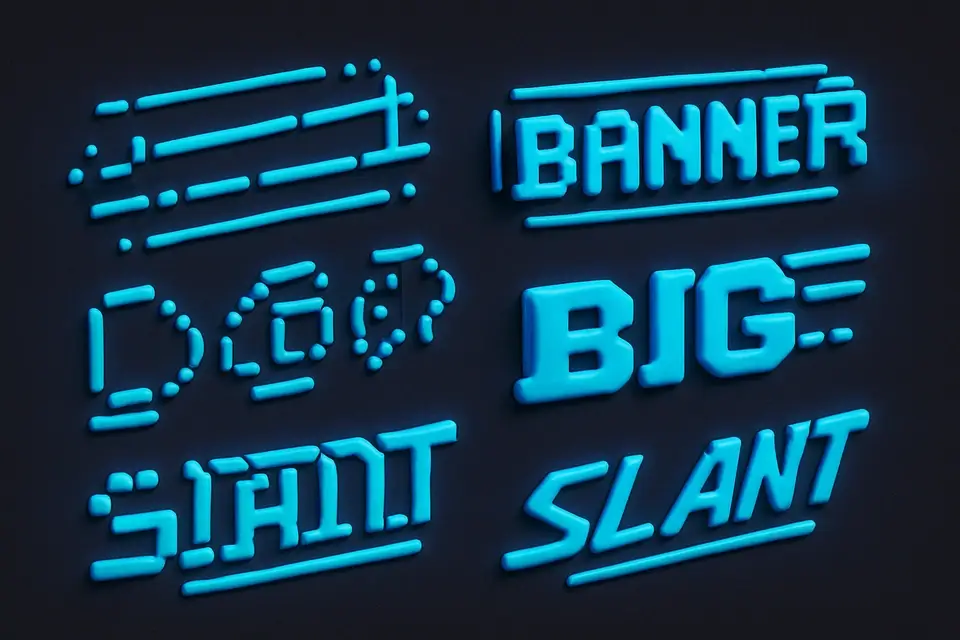
Generate ASCII art text with multiple font styles — Standard, Banner, Doom, Big, Slant.
Enter Text
Type text to convert to ASCII art.
Choose Font
Select from Standard, Banner, Doom, Big, or Slant fonts.
Copy Your ASCII Art
Copy the ASCII art with your chosen font style.
What Is ASCII Art Generator?
An ASCII Art Generator is a tool that creates ASCII art from input text using multiple font styles, allowing users to generate visually appealing text-based graphics. Developers and designers often use it to add flair to terminal outputs, documentation, or social media posts. One specific problem it solves is the need for customizable text banners in various formats, such as creating eye-catching headers or footers for code repositories.
This tool stands out due to its support for five distinct figlet fonts: Standard, Banner, Doom, Big, and Slant. Each font offers a unique style, ranging from classic and clean to dramatic and italicized. The inclusion of these fonts enables users to experiment with different personalities for their text, making it ideal for applications like ASCII banner generation or creative text displays.
It allows users to select the desired font from a dropdown menu, which updates the output in real-time using the figlet.textSync function. This feature is particularly useful when working with text to ASCII art online, as it provides immediate feedback on how the chosen font affects the output. By supporting multiple figlet fonts and offering an intuitive interface, the tool simplifies the process of generating ASCII text art that meets specific design requirements, such as creating custom terminal banners or stylized documentation headers using a figlet text generator.
Why Use ASCII Art Generator?
-
5 different FIGlet font styles to choose from
-
Preview each font style before copying
-
Standard, Banner, Doom, Big, and Slant options
-
Perfect for creating distinctive text banners
-
All rendering happens in the browser
Common Use Cases
CLI Applications
Create distinctive startup banners with different font styles for your command-line tools.
Documentation
Add styled section headers to technical documentation and README files.
Creative Projects
Generate ASCII art text for retro-themed websites, newsletters, or art projects.
Game Development
Design title screens and menu text for text-based or retro games.
Technical Guide
The tool works under the hood by utilizing the figlet library, a JavaScript implementation of the classic FIGlet program, which generates ASCII art text in various fonts. When the user selects a font from the dropdown menu, it updates the state variable font with the chosen font name, triggering a re-rendering of the output using the figlet.textSync function. This synchronous function takes two arguments: the input text and an options object containing the selected font, and returns the generated ASCII art as a string. The tool uses React's useState hook to store the currently selected font and the useCallback hook to memoize the onProcess function, which is called whenever the user inputs new text or changes the font.
The figlet library itself relies on pre-loaded font files, which are imported from the importable-fonts package and registered with figlet.parseFont. The tool registers five fonts: Standard, Banner, Doom, Big, and Slant, each with its unique characteristics, such as different character widths and heights. For example, the Banner font produces the widest output, while the Doom font has tall dramatic characters. When generating ASCII art, the tool uses the figlet.textSync function to render the input text in the selected font, taking into account the font's metrics, such as character width and height.
In terms of data structures, the tool uses a simple array to store the list of available fonts, which is then mapped over to generate the options for the dropdown menu. The tool also uses React's TextToolLayout component to render the input field, output label, and font selection menu. The figlet library itself uses a combination of algorithms and data structures, such as hash tables and arrays, to store and manipulate the font metrics and character data. When generating ASCII art, the tool outputs a string in a plain text format, which can be easily copied and pasted into other applications or used directly in terminal outputs or documentation.
Tips & Best Practices
-
1Try each font to find the one that best matches your project's personality
-
2Banner font works best for single words — it's very wide
-
3Doom font creates the most dramatic visual impact
-
4Slant adds an elegant lean — great for project names
-
5Big is the most readable at smaller terminal widths
Related Tools
Upside Down Text
Flip text upside down using Unicode characters.
📝 Text Tools
Bubble Text Generator
Convert text to circled (bubble) Unicode characters.
📝 Text Tools
Text to ASCII Art
Convert text to large ASCII art letters using the Standard font.
📝 Text Tools
Fancy Text Generator
Apply fancy text styles — strikethrough, underline, fullwidth, small caps, and more.
📝 Text Tools

Unicode Text Generator
Convert text to Unicode styled variants — bold, italic, script, fraktur, and more.
📝 Text ToolsFrequently Asked Questions
Q What FIGlet fonts are available in this generator?
Q Can I add more fonts?
Q Which FIGlet font is best for my project?
Q Why is the output so wide?
Q Do all characters work in all fonts?
About This Tool
ASCII Art Generator is a free online tool by FreeToolkit.ai. All processing happens directly in your browser — your data never leaves your device. No registration or installation required.