Pre-Built Caption Templates for Social Media Pre-built, copy-ready caption templates organized by category for any social platform.
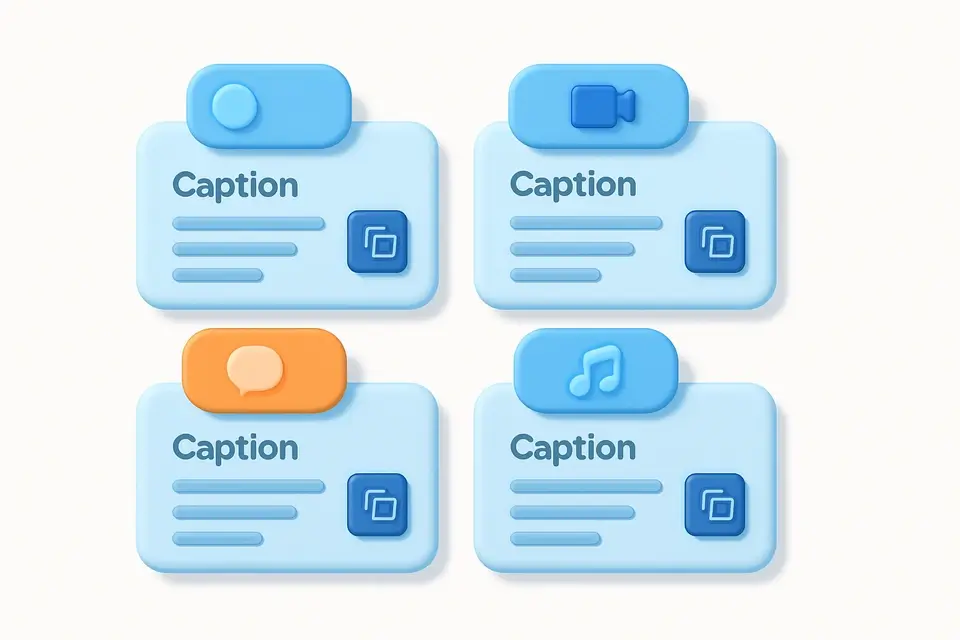

Social Media Caption Templates
Pre-built, copy-ready caption templates organized by category for any social platform.
Browse categories
Filter by Engagement, Educational, Promotional, Behind-the-Scenes, or Storytelling.
Find your template
Browse templates with descriptive names and previews.
Copy and customize
Copy any template and replace the [placeholders] with your content.
What Is Social Media Caption Templates?
Social Media Caption Templates provides a library of pre-built, proven caption formats organized by content type. Instead of starting from scratch, browse templates for engagement posts (questions, polls, fill-in-the-blank), educational content (tips lists, myth vs fact, how-to), promotional posts (launches, sales, testimonials), behind-the-scenes content (day in the life, work in progress), and storytelling formats (before & after, lessons learned). Each template uses [placeholders] that you replace with your specific content, making it easy to create professional captions in minutes.
Why Use Social Media Caption Templates?
-
13+ proven caption templates across 5 categories
-
Copy-ready with clear [placeholder] markers
-
Filterable by content type
-
Includes hashtag suggestions
-
Proven engagement formats based on social media best practices
Common Use Cases
Content Creation
Overcome writer's block with ready-made caption frameworks.
Team Training
Train new social media team members with proven templates.
Batch Content
Quickly create a week's worth of varied captions.
Content Strategy
Use templates to maintain consistent content variety.
Technical Guide
The templates are organized into 5 categories reflecting the most effective content types on social media. Each template follows proven copywriting frameworks adapted for social media: AIDA (Attention, Interest, Desire, Action), PAS (Problem, Agitate, Solve), and the Engagement Loop (Hook, Value, CTA). Templates include structural elements like emoji separators, numbered lists, and strategic line breaks that are known to increase readability and engagement on mobile devices. The [placeholder] system makes templates adaptable to any niche or industry.
Tips & Best Practices
-
1Replace ALL placeholders — partially filled templates look unprofessional
-
2Mix template categories throughout the week for content variety
-
3Add your brand voice and personality to personalize each template
-
4Save your best-performing customized templates for future reuse
-
5Test different template styles to discover what your audience prefers
Related Tools

Instagram Caption Generator
Generate engaging Instagram captions with hashtag suggestions for any niche or category.
📱 Social Media

TikTok Caption Writer
Create engaging TikTok captions with trending formats, hooks, and hashtag suggestions.
📱 Social Media

Hashtag Generator
Generate relevant hashtags from any topic or keywords for Instagram, TikTok, and more.
📱 Social Media

Content Pillar Planner
Plan and visualize content pillars with topic allocation and percentage breakdowns.
📱 Social MediaFrequently Asked Questions
Q Can I use these templates on any platform?
Q How should I customize the templates?
About This Tool
Social Media Caption Templates is a free online tool by FreeToolkit.ai. All processing happens directly in your browser — your data never leaves your device. No registration or installation required.