Emoji Keyboard & Picker Searchable emoji picker with categories — collect and copy emojis for social media.
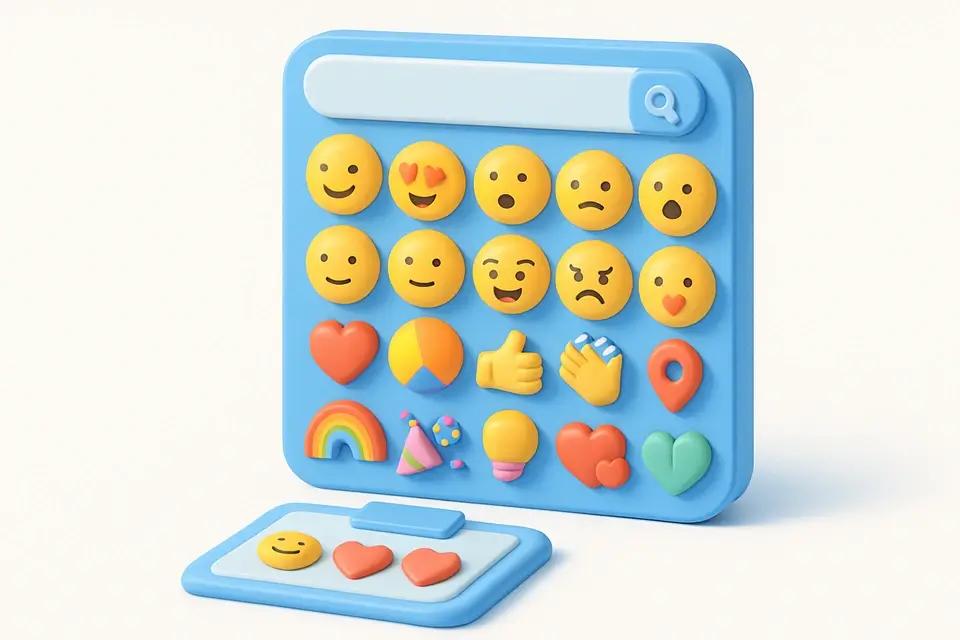
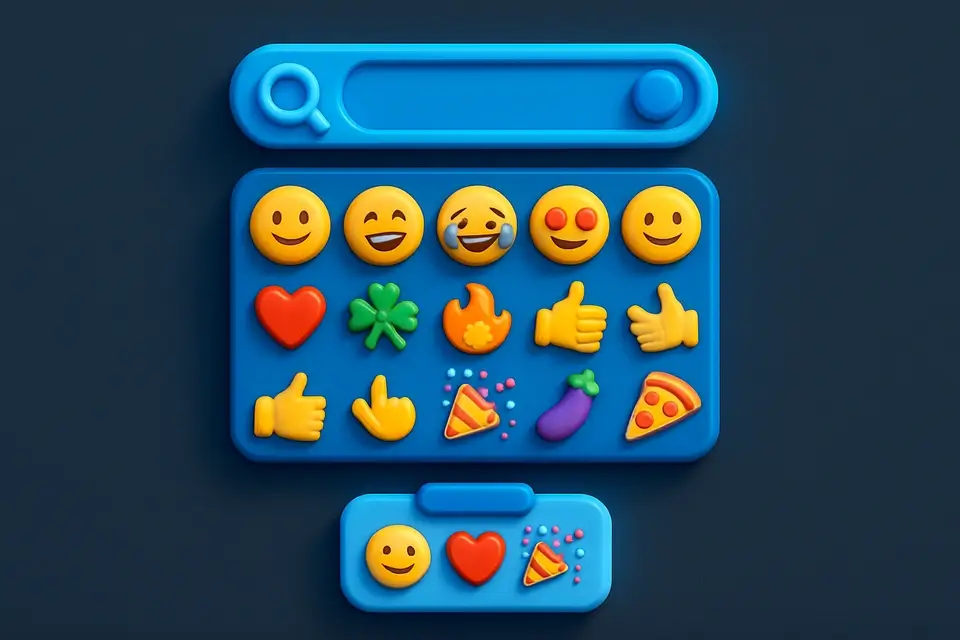
Emoji Keyboard
Searchable emoji picker with categories — collect and copy emojis for social media.
Browse or search
Browse emoji categories or search by name.
Click to collect
Click any emoji to add it to your collection.
Copy collected emojis
Copy all collected emojis at once for pasting anywhere.
What Is Emoji Keyboard?
The Emoji Keyboard is a searchable emoji picker with 9 categories: Smileys, Gestures, Hearts, Animals, Food, Travel, Objects, Symbols, and Flags. Click any emoji to collect it in your clipboard area, then copy the entire collection at once. This is faster than searching for emojis on your phone or using system emoji pickers. Social media managers, content creators, and marketers use emojis extensively in captions, comments, and messages — having a dedicated picker with collection functionality speeds up the workflow significantly.
Why Use Emoji Keyboard?
-
9 organized categories covering hundreds of emojis
-
Click-to-collect functionality builds custom emoji strings
-
One-click copy for collected emojis
-
Category filtering for quick browsing
-
Clean, fast interface for high-volume emoji usage
Common Use Cases
Social Media Posts
Quickly find and collect emojis for captions and comments.
Email Marketing
Add emojis to subject lines and email content.
Messaging
Access a full emoji library without switching apps.
Content Creation
Build emoji strings for bio links, lists, and formatting.
Technical Guide
The emoji keyboard renders native Unicode emoji characters, meaning they display using your operating system's built-in emoji font. This ensures consistency with how emojis appear when pasted into other applications. The collection functionality stores clicked emojis as a string that can be copied to clipboard using the Clipboard API. Categories are organized following Unicode Consortium emoji categories. All emojis are stored as Unicode code points — no images or proprietary formats — ensuring compatibility with any text input that supports Unicode.
Tips & Best Practices
-
1Collect all emojis you need first, then copy once to minimize clipboard operations
-
2Use emojis sparingly in professional contexts (LinkedIn, email)
-
3Different platforms render emojis differently — test on target platforms
-
4Emojis in email subject lines can boost open rates by 56%
Related Tools


Instagram Caption Generator
Generate engaging Instagram captions with hashtag suggestions for any niche or category.
📱 Social Media

Bio Generator
Generate platform-optimized bios for Instagram, Twitter, LinkedIn, TikTok, and more.
📱 Social Media

Social Media Caption Templates
Pre-built, copy-ready caption templates organized by category for any social platform.
📱 Social Media

Twitter Character Counter
Count characters for Twitter/X posts with a 280 limit, including URL and media handling.
📱 Social MediaFrequently Asked Questions
Q Do emojis look the same everywhere?
Q Do emojis count as multiple characters?
About This Tool
Emoji Keyboard is a free online tool by FreeToolkit.ai. All processing happens directly in your browser — your data never leaves your device. No registration or installation required.