Add a Measurement Grid Overlay to PDFs Add a coordinate grid overlay to PDF pages.
PDF Grid Overlay
Add a coordinate grid overlay to PDF pages.
Upload PDF
Drop your PDF file.
Configure Grid
Set grid size, color, line width, and labels.
Apply
Download PDF with grid overlay.
What Is PDF Grid Overlay?
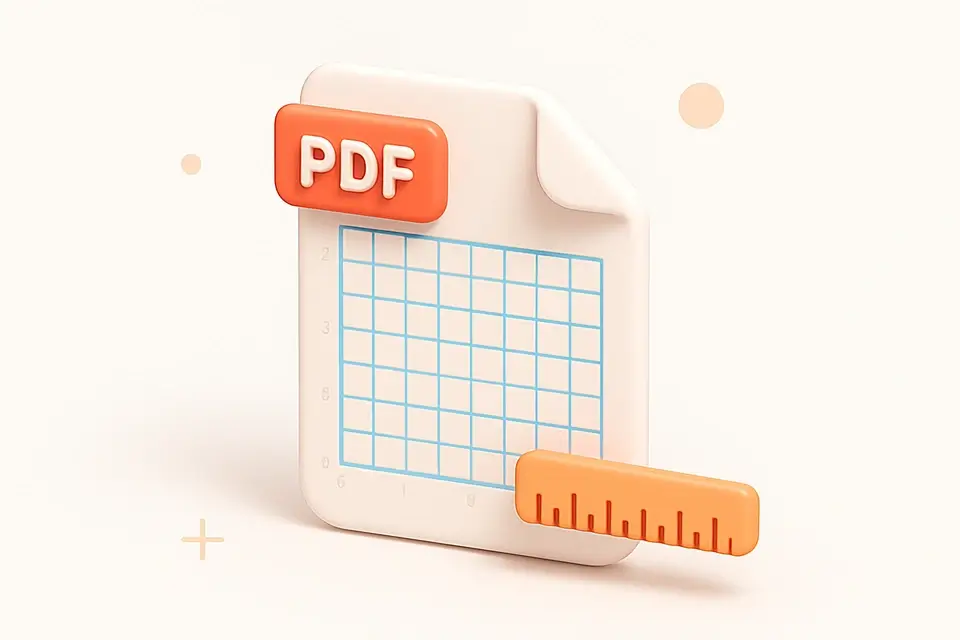
The PDF Grid Overlay tool adds a measurement grid with optional coordinate labels to every page of your PDF. Choose grid spacing (0.25", 0.5", or 1" increments), customize grid line color and width, and optionally show coordinate values. The grid helps with precise element placement, alignment verification, and document layout analysis. Coordinate labels appear along the edges showing point values. Perfect for designers, printers, and anyone who needs to verify or plan element positioning on PDF pages.
Why Use PDF Grid Overlay?
-
Multiple grid spacing options
-
Optional coordinate labels
-
Customizable color and line width
-
Helps verify element alignment and placement
Common Use Cases
Design Layout
Verify element positioning in designed documents.
Print Alignment
Check content placement relative to page edges.
Form Design
Plan form field positions using grid coordinates.
Quality Check
Verify consistent margins and spacing.
Technical Guide
Uses pdf-lib to draw grid lines and optional labels on each page. Vertical lines are drawn at x intervals from 0 to page width, horizontal lines from 0 to page height. Grid spacing is specified in points (18pt = 0.25", 36pt = 0.5", 72pt = 1"). Coordinate labels are rendered in 5pt Helvetica at each grid intersection along the edges. Line color is converted from hex to RGB. Supports customizable line width for visibility control.
Tips & Best Practices
-
136pt (0.5") grid is good for general layout review
-
2Use light colors so grid does not obscure content
-
3Enable labels to read exact coordinates
-
40.3pt line width is visible but not obtrusive
Related Tools




Frequently Asked Questions
Q What are the grid spacing options?
Q What do the coordinate labels show?
Q Can I remove the grid later?
Q Does the grid affect printing?
Q Can I use a custom grid size?
About This Tool
PDF Grid Overlay is a free online tool by FreeToolkit.ai. All processing happens directly in your browser — your data never leaves your device. No registration or installation required.