Screen Size Calculator Calculate physical screen dimensions from diagonal size and aspect ratio, or diagonal from width and height.

Screen Size Calculator
Calculate physical screen dimensions from diagonal size and aspect ratio, or diagonal from width and height.
Choose Mode
Calculate from diagonal + ratio, or from width × height.
Enter Values
Input diagonal and aspect ratio, or physical width and height.
View Dimensions
See all dimensions in both inches and centimeters, plus area.
What Is Screen Size Calculator?
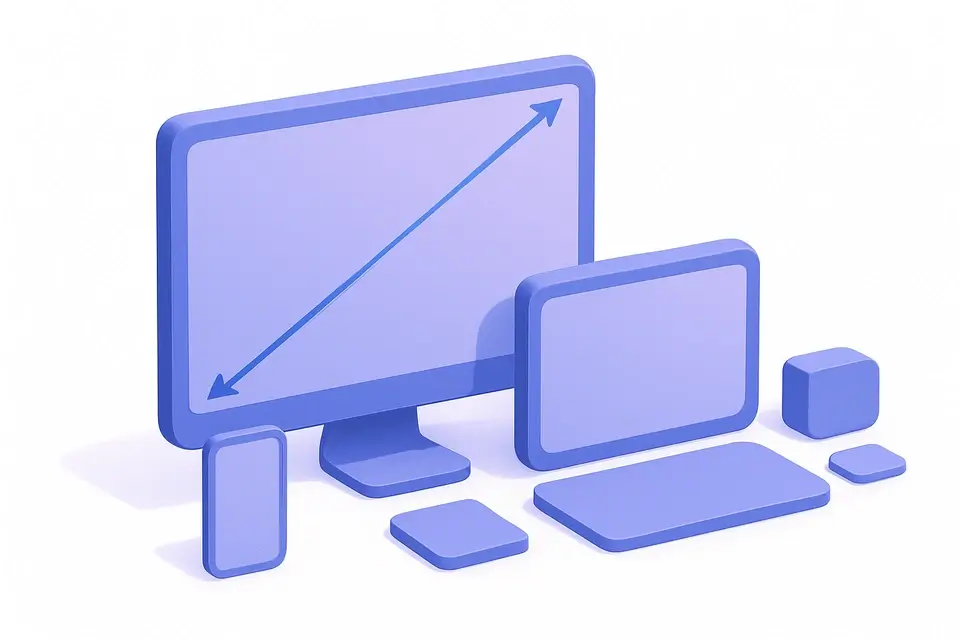
The Screen Size Calculator converts between screen diagonal measurements and physical width/height dimensions. In one mode, enter a diagonal size (like "27 inches") and aspect ratio to find the actual width and height. In the other mode, enter physical width and height to find the diagonal and aspect ratio. Results are shown in both inches and centimeters, with area calculations. This is useful for comparing screen sizes, planning desk setups, or choosing the right TV size for a room.
Why Use Screen Size Calculator?
-
Two modes: diagonal→dimensions or dimensions→diagonal
-
Displays results in both inches and centimeters
-
Shows viewable area for actual comparison
-
Helpful for comparing screens with different aspect ratios
Common Use Cases
TV Shopping
Compare actual viewable area between different TV sizes and ratios.
Desk Setup
Calculate physical dimensions to plan monitor placement on a desk.
Wall Mounting
Determine TV dimensions for wall mount placement and spacing.
Projection
Calculate screen dimensions for projector setups.
Technical Guide
From diagonal and aspect ratio: Width = D × W_ratio / √(W_ratio² + H_ratio²), Height = D × H_ratio / √(W_ratio² + H_ratio²), where D is diagonal, W_ratio and H_ratio are the aspect ratio components. Area = Width × Height. From physical dimensions: Diagonal = √(Width² + Height²). Aspect ratio is found by computing GCD of width and height (after rounding to avoid floating-point issues). Conversions: 1 inch = 2.54 cm, 1 in² = 6.4516 cm².
Tips & Best Practices
-
1A larger diagonal does not always mean more viewable area — aspect ratio matters
-
2A 32" 16:9 screen has less area than a 32" 4:3 screen
-
3For TV viewing distance, a common rule is 1.5-2.5× the diagonal
-
4Ultrawide monitors (21:9) have less height than standard (16:9) at the same diagonal
Related Tools

PPI/DPI Calculator
Calculate pixel density (PPI/DPI) from screen resolution and physical size.
🔢 Math & Calculators

Area Calculator
Calculate area and perimeter for 8 shapes — rectangle, circle, triangle, trapezoid, and more.
🔢 Math & Calculators

Percentage Calculator
Calculate percentages, percentage change, and what percent one number is of another.
🔢 Math & Calculators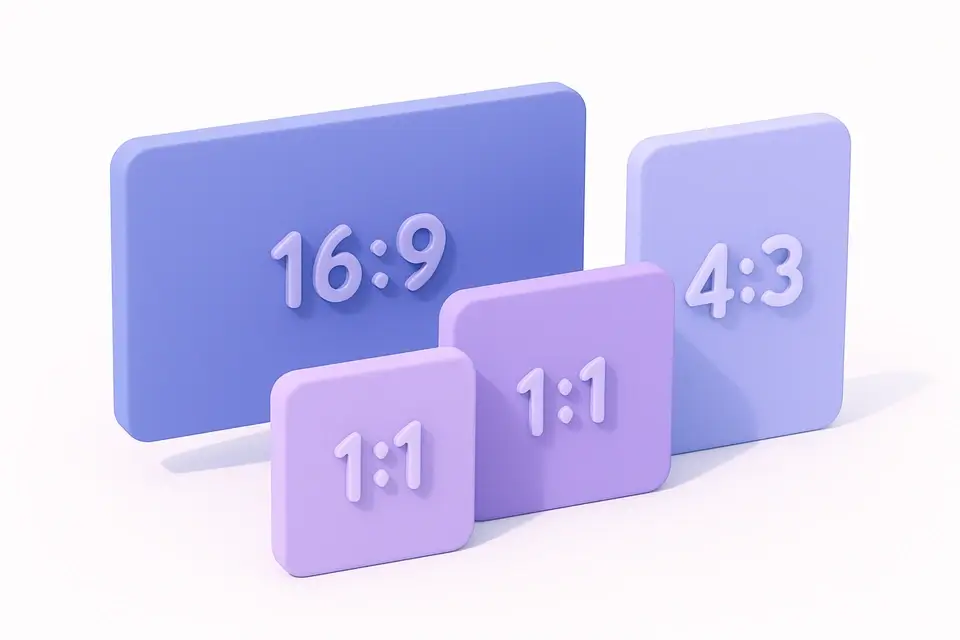
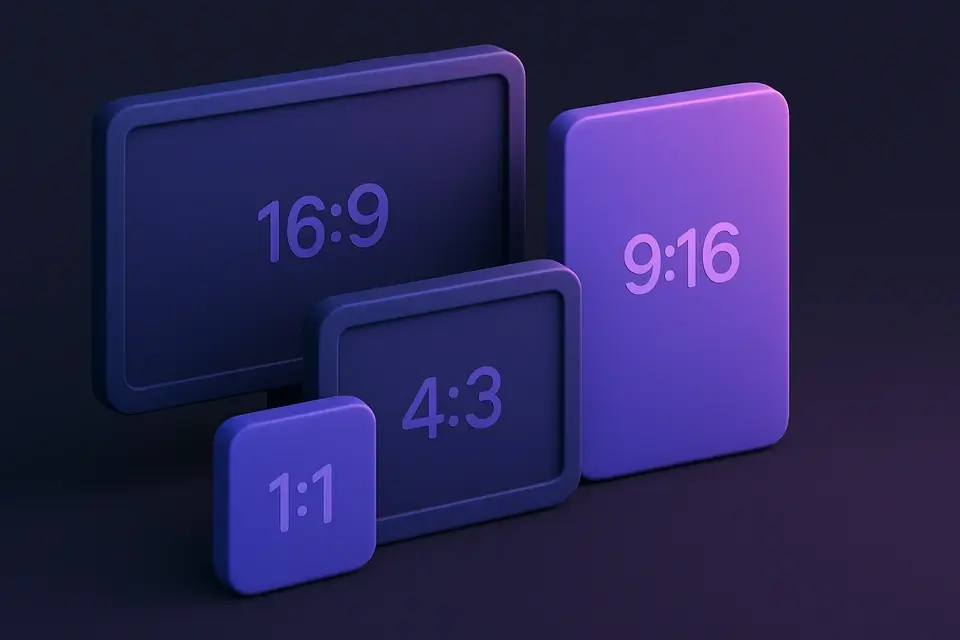
Aspect Ratio Calculator
Calculate aspect ratios from dimensions and resize images/videos while maintaining proportions.
🔢 Math & CalculatorsFrequently Asked Questions
Q How is TV size measured?
Q Is a 27" monitor at 16:9 the same size as 27" at 21:9?
Q How far should I sit from my TV?
Q What size monitor should I get for my desk?
Q Are quoted screen sizes accurate?
About This Tool
Screen Size Calculator is a free online tool by FreeToolkit.ai. All processing happens directly in your browser — your data never leaves your device. No registration or installation required.