Calculate & Resize Any Aspect Ratio Calculate aspect ratios from dimensions and resize images/videos while maintaining proportions.
Aspect Ratio Calculator
Calculate aspect ratios from dimensions and resize images/videos while maintaining proportions.
Enter Dimensions
Input width and height in pixels (or use a preset ratio).
Resize to New Dimensions
Optionally enter a new width or height to maintain the ratio.
View Ratio
See the simplified ratio, decimal value, and resized dimensions.
What Is Aspect Ratio Calculator?
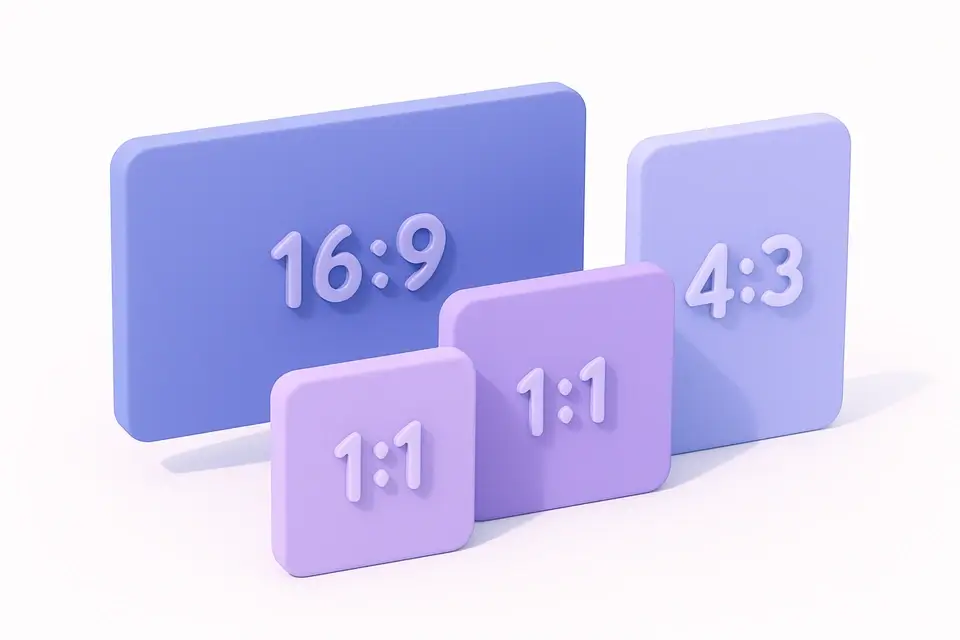
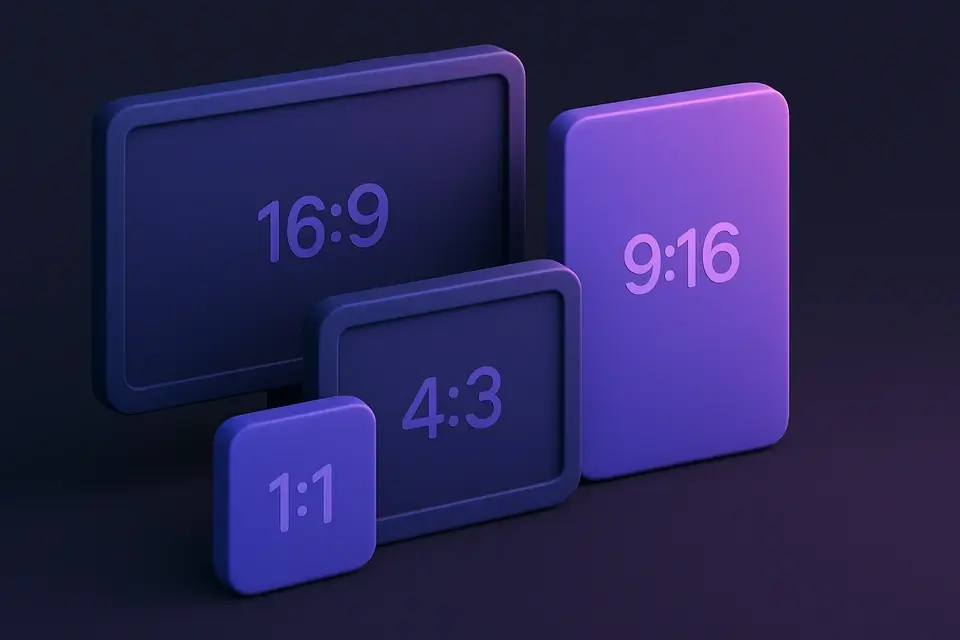
The Aspect Ratio Calculator determines the aspect ratio of any image, video, or screen from its width and height dimensions. It simplifies the ratio to its lowest terms (e.g., 1920×1080 → 16:9), shows the decimal equivalent, and can resize dimensions while maintaining the same ratio. Quick-select buttons for common ratios (16:9, 4:3, 21:9, 1:1, 9:16) make it easy to work with standard formats. The resize mode lets you enter a new width or height to automatically calculate the matching dimension.
Why Use Aspect Ratio Calculator?
-
Simplifies dimensions to lowest-terms aspect ratio
-
Resize mode maintains proportions automatically
-
Quick presets for common ratios (16:9, 4:3, 21:9, 1:1)
-
Shows both ratio and decimal format
Common Use Cases
Image Editing
Calculate proper crop dimensions for social media and print.
Video Production
Ensure video exports match target aspect ratios.
Web Design
Set responsive container sizes that preserve correct proportions.
Display Selection
Compare monitor and TV aspect ratios.
Technical Guide
The aspect ratio is computed by finding the GCD (Greatest Common Divisor) of width and height, then dividing both by the GCD: Ratio = (W/GCD) : (H/GCD). The GCD is found using the Euclidean algorithm. The decimal ratio = W/H. For resizing with locked width: New Height = New Width / (W/H). For locked height: New Width = New Height × (W/H). Common aspect ratios: 16:9 (widescreen), 4:3 (classic TV), 21:9 (ultrawide), 1:1 (square), 9:16 (mobile portrait), 3:2 (35mm film), 2.39:1 (cinema scope).
Tips & Best Practices
-
1Most modern screens use 16:9. Ultra-wide monitors use 21:9
-
2Social media ratios vary: Facebook and Twitter favor 16:9, TikTok and Stories use 9:16, Pinterest prefers 2:3
-
3When resizing, always lock to one dimension to avoid distortion
-
4Instagram uses 1:1 (square), 4:5 (portrait), and 1.91:1 (landscape)
Related Tools
Fraction Calculator
Add, subtract, multiply, and divide fractions with automatic simplification.
🔢 Math & Calculators

PPI/DPI Calculator
Calculate pixel density (PPI/DPI) from screen resolution and physical size.
🔢 Math & Calculators

Screen Size Calculator
Calculate physical screen dimensions from diagonal size and aspect ratio, or diagonal from width and height.
🔢 Math & Calculators
Percentage Calculator
Calculate percentages, percentage change, and what percent one number is of another.
🔢 Math & CalculatorsFrequently Asked Questions
Q What is the most common aspect ratio?
Q What aspect ratio is 1920×1080?
Q What aspect ratio does Instagram use?
Q How do I resize without distortion?
Q What is the difference between 16:9 and 16:10?
About This Tool
Aspect Ratio Calculator is a free online tool by FreeToolkit.ai. All processing happens directly in your browser — your data never leaves your device. No registration or installation required.