Generate SHA-384 Hashes Online Generate SHA-384 hash digests from text using the SubtleCrypto API.

SHA-384 Hash Generator
Generate SHA-384 hash digests from text using the SubtleCrypto API.
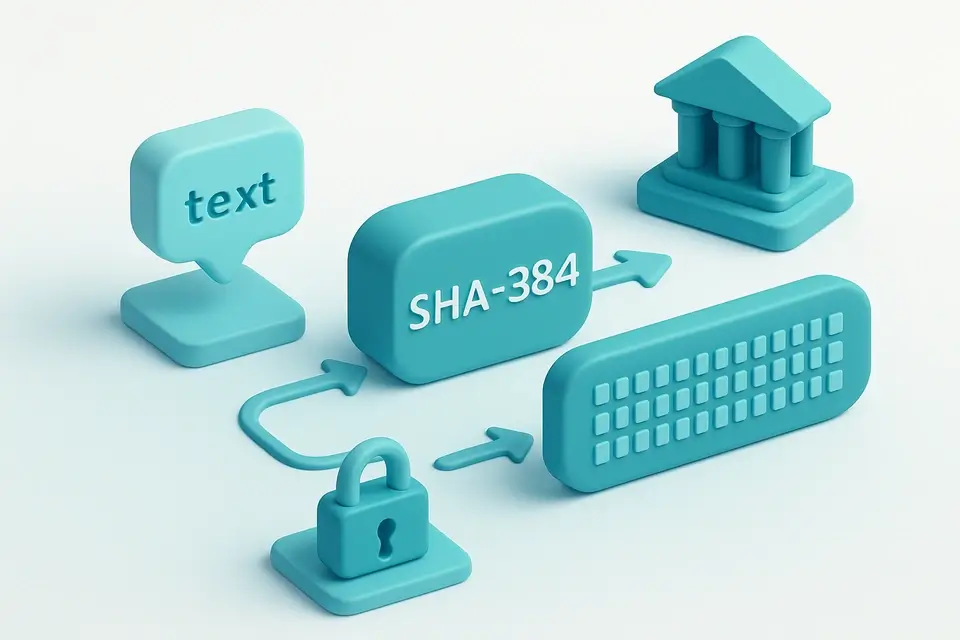
Type or Paste Text
Type or paste your input.
View SHA-384 Hash
Results appear in real time.
Copy Hash
Click Copy to copy the output.
What Is SHA-384 Hash Generator?
A SHA-384 Hash Generator is a software tool that produces a 384-bit hash value from input data, typically displayed as 96 hexadecimal characters. Developers and security professionals use it to create digital fingerprints of files or messages, ensuring data integrity in applications such as government documents and financial transactions. One specific problem this tool solves is generating a SHA-384 checksum for online data verification, which helps prevent tampering during transmission.
The SHA-384 generator uses the browser's SubtleCrypto API to optimize performance, taking advantage of native 64-bit arithmetic on compatible processors. This approach enables faster hash generation compared to other algorithms like SHA-256. When the input text is changed, it automatically generates a new SHA-384 hash using the TextEncoder and crypto.subtle.digest functions.
What makes this tool different is its ability to handle cases where the SubtleCrypto API is not supported by falling back to the CryptoJS library. It also features a user-friendly interface with a textarea for inputting text and another for displaying the generated SHA-384 hash, along with buttons to copy the hash or clear the input. This allows users to easily generate and manage SHA-384 hashes online without requiring extensive technical knowledge, making it a convenient option for generating sha384 checksums in various applications.
Why Use SHA-384 Hash Generator?
-
Instant hash generation
-
100% client-side — data never leaves your browser
-
Free online tool with no signup required
-
Mobile-friendly with 44px touch targets
Common Use Cases
Development
Use in software development workflows.
Security
Cryptographic and security applications.
Education
Learn about algorithms and techniques.
Verification
Verify and validate data integrity.
Technical Guide
The tool works under the hood by utilizing the TextEncoder API to convert input text into a Uint8Array data structure, which is then passed to the crypto.subtle.digest function from the SubtleCrypto API. This function takes two parameters: the algorithm name 'SHA-384' and the input data, generating a hash buffer that represents the 384-bit SHA-384 hash value as an array of bytes. The tool then maps each byte in this array to its corresponding hexadecimal representation using the toString(16) method with padStart(2, '0') for zero-padding, resulting in a string of 96 characters.
When generating the hash, it uses the TextEncoder to encode the input text into UTF-8 format, which is necessary because SHA-384 operates on binary data. If the SubtleCrypto API is not supported by the browser, it falls back to using CryptoJS library's SHA384 implementation, demonstrating a use of polymorphic code that can adapt to different environments. In terms of performance optimization, this approach enables native 64-bit arithmetic operations on compatible processors, thus improving hash generation speed compared to other algorithms like SHA-256.
Internally, the tool relies on React state management with useState and useCallback hooks for handling input text changes and generating hashes. When a user clicks the copy button, it uses the copyToClipboard function from the utils library, which interacts with the browser's clipboard API to transfer the generated hash value into the system clipboard. The tool also features an automatic clear functionality that resets both input and output fields when triggered by the corresponding button click event.
In handling exceptions during hash generation, it silently fails over to using CryptoJS, thereby ensuring a consistent user experience even in less capable browsers or environments where SubtleCrypto is not available. This highlights its ability to use different technologies such as React for building the interface and managing state changes, alongside utilizing specific libraries like TextEncoder and crypto.subtle.digest from the browser's Web Cryptography API.
Tips & Best Practices
-
1All processing happens in your browser
-
2Results are deterministic for the same input
-
3Use Copy button to quickly grab output
-
4Works on mobile devices with touch-friendly interface
Related Tools


Base64 Encode
Encode text to Base64 format instantly in your browser.
🔐 Encoding & Crypto

MD5 Hash Generator
Generate MD5 hash digests.
🔐 Encoding & Crypto

SHA-256 Hash Generator
Generate SHA-256 hash digests.
🔐 Encoding & Crypto

AES Encrypt/Decrypt
Encrypt and decrypt text using AES with a passphrase.
🔐 Encoding & CryptoFrequently Asked Questions
Q Is the SHA-384 hash generator free?
Q Is my data secure when hashing?
Q Does it work on mobile?
Q What browsers are supported?
Q Can I use this offline?
About This Tool
SHA-384 Hash Generator is a free online tool by FreeToolkit.ai. All processing happens directly in your browser — your data never leaves your device. No registration or installation required.