Create BIP39 Seed Phrases Online Generate random BIP39-style mnemonic seed phrases.


Mnemonic Phrase Generator
Generate random BIP39-style mnemonic seed phrases.
Select Length
Pick 12 or 24 words to match your entropy needs.
Generate
Click to create a random phrase from the BIP39 wordlist.
Copy
Copy the phrase to your clipboard. Keep it offline for real use.
What Is Mnemonic Phrase Generator?
A Mnemonic Phrase Generator is a tool that creates random sequences of words used to restore access to cryptocurrency wallets, known as seed phrases or recovery phrases. Cryptocurrency users and developers use it to generate secure and unique phrases for their wallets. One specific problem it solves is the need for a secure way to backup and recover wallet private keys, which can be achieved by using a randomly generated mnemonic phrase.
The tool generates phrases based on the BIP39 English wordlist, utilizing crypto.getRandomValues() to ensure true randomness. This feature makes it suitable for demonstration purposes, although real-world applications require proper implementation of BIP39 with SHA-256 checksums for added security. It allows users to specify the number of words in the phrase, ranging from 12 to 24 words.
What sets this tool apart is its flexibility and ease of use, as seen in features like adjustable word count options and a copy-to-clipboard function. The tool also provides visual feedback when the generated phrase has been successfully copied. It generates phrases by selecting random words from the BIP39 English wordlist, with the number of words determined by the user's input, making it a functional mnemonic generator for demonstration purposes, such as generating a crypto seed or recovery phrase.
Why Use Mnemonic Phrase Generator?
-
Cryptographic randomness
-
12-24 words
-
Grid display
-
100% client-side
Common Use Cases
Education
Learn BIP39.
Testing
Dev testing.
Demo
Seed phrase concept.
Prototype
Wallet UX.
Technical Guide
The tool works by utilizing the `crypto.getRandomValues()` function from the Web Cryptography API to generate an array of random bytes, which is then used to select words from the WORDLIST array. The number of bytes generated is determined by the word count selected by the user, which can range from 12 to 24. Each byte is used as an index into the WORDLIST array, with the modulus operator (`%`) ensuring that the index falls within the bounds of the array. This process effectively maps the random bytes to a sequence of words from the BIP39 English wordlist.
The selected words are then joined together with spaces in between using the `join()` method to form the mnemonic phrase. The tool also uses React state management functions, such as `useState` and `useCallback`, to store and update the generated phrase, as well as handle user interactions like copying the phrase to the clipboard. When the copy button is clicked, it triggers an asynchronous function that utilizes the `copyToClipboard` function from the `/lib/utils` module to write the phrase to the system clipboard.
Under the hood, the tool relies on JavaScript data structures such as arrays and strings to store and manipulate the generated words and phrases. The WORDLIST array itself contains 2048 unique English words, which are used as the basis for generating the mnemonic phrases. While this simplified version of BIP39 does not include a SHA-256 checksum like the real standard, it still provides a functional demonstration of how a mnemonic phrase generator works using technologies such as React and Web Cryptography API.
The tool's user interface is built using React components and utilizes CSS classes from the `/lib/utils` module to style the elements. When the generate button is clicked, it triggers the `generate` function which regenerates the phrase based on the current word count setting. The tool also includes a feature that visually indicates when the generated phrase has been successfully copied to the clipboard by changing the text and border color of the copy button for 2 seconds using the `setTimeout` function.
In terms of file formats, the tool does not directly work with any specific file format, but rather generates human-readable text phrases based on user input. The WORDLIST array itself could be considered a type of data file or resource that is used by the tool to generate the mnemonic phrases. Overall, the tool demonstrates how various technologies like React and Web Cryptography API can be combined to create functional applications for generating secure random data such as mnemonic phrases.
Tips & Best Practices
-
1Generate phrases in increments of 3 words by adjusting word count options
-
2Clicking the Copy button triggers an async operation to copy the phrase
-
3Use the Word Count buttons to set the number of words between 12 and 24
-
4Split generated phrases into individual words using the space character as a delimiter
-
5Reference the grid layout to verify the order of words in the seed phrase
Related Tools


Base58 Encode
Encode text to Base58 format used by Bitcoin and IPFS.
🔐 Encoding & Crypto

SHA-256 Hash Generator
Generate SHA-256 hash digests.
🔐 Encoding & Crypto

Bitcoin Address Validator
Validate Bitcoin addresses — Legacy, P2SH, Bech32.
🔐 Encoding & Crypto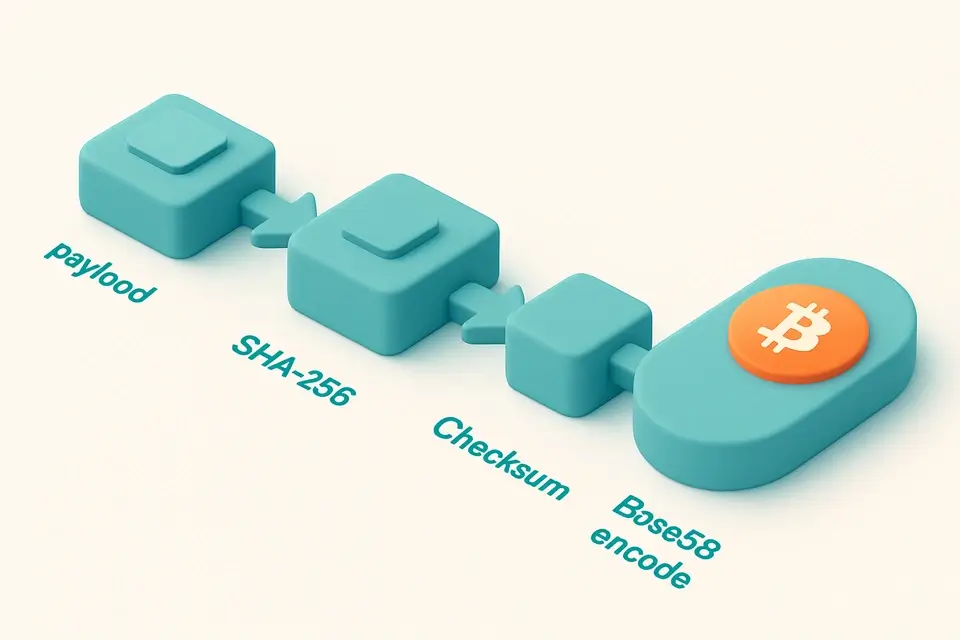

Base58Check Encoder
Encode data with Base58Check including SHA-256 checksum.
🔐 Encoding & CryptoFrequently Asked Questions
Q Is the mnemonic generator free?
Q Can I use this for a real wallet?
Q Is the output cryptographically random?
Q How many words can I generate?
Q Is it safe to use?
About This Tool
Mnemonic Phrase Generator is a free online tool by FreeToolkit.ai. All processing happens directly in your browser — your data never leaves your device. No registration or installation required.