Convert Hex to Byte Table Visualize hex strings as bytes with decimal, binary, and ASCII.

Hex to Bytes Visualizer
Visualize hex strings as bytes with decimal, binary, and ASCII.
Enter hex string
Hex string.
View byte table
Byte table.
Copy bytes
Copy bytes.
What Is Hex to Bytes Visualizer?
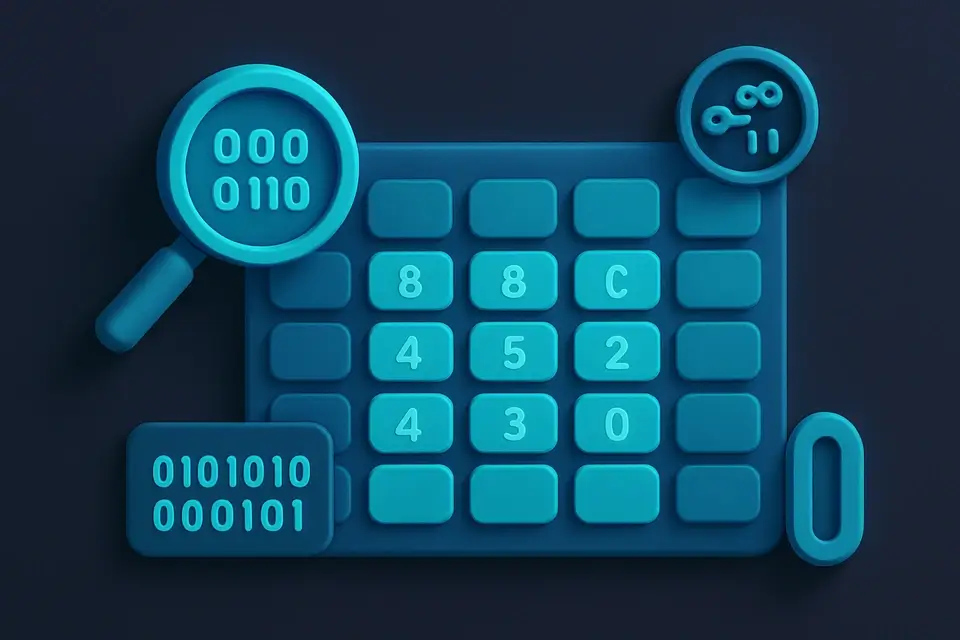
A Hex to Bytes Visualizer is a tool that converts hex strings into a byte-by-byte visualization, displaying each byte in hexadecimal, decimal, binary, and ASCII formats. Developers working with binary protocols, file headers, and network packets use it to decode and understand the structure of data. One specific problem it solves is helping developers identify corrupted or malformed data by visualizing the individual bytes that make up a hex string.
The tool is particularly useful for debugging purposes, as it allows users to inspect each byte in detail. What makes this tool different is its ability to clean the input hex string, removing any non-hex characters and validating the length of the string to ensure it can be properly converted into bytes. It also features a copy function that allows users to easily copy the visualized bytes as a space-separated hex string.
It includes a byte viewer table with columns for hex, decimal, binary, and ASCII values, making it easy to compare and analyze individual bytes. Additionally, it displays the concatenated ASCII representation of all bytes, which can be useful for identifying human-readable text within the data. As a client-side hex visualizer, it converts hex to byte tables quickly and efficiently, without requiring any server-side processing or network requests.
Why Use Hex to Bytes Visualizer?
-
Multi-format display
-
Any hex input
-
Interactive table
-
100% client-side
Common Use Cases
Protocols
Inspect binary messages.
Files
Examine headers.
Network
Visualize packets.
Education
Data representation.
Technical Guide
The tool works by first cleaning the input hex string using a regular expression that replaces any non-hex characters with an empty string, effectively removing them. This cleaned string is then checked to ensure its length is even, as each byte requires two hexadecimal digits for representation. If the string passes this validation, it is processed in pairs of two characters, with each pair being converted into a decimal value using the parseInt function with base 16.
This decimal value is then used to generate the binary representation by calling the toString method with radix 2 and padding the result with leading zeros to ensure an 8-bit length. The ASCII representation is also generated from this decimal value, but only if it falls within the printable character range of 32 to 126; otherwise, a dot is displayed. These processed bytes are stored in an array of objects, each containing the hex, decimal, binary, and ASCII representations.
The React library is used to manage the state of the input hex string and the resulting byte array, with the useState hook initializing these states and the useCallback hook memoizing the copy function to prevent unnecessary re-renders. When the user clicks the copy button, this function uses the copyToClipboard utility from the utils module to copy the space-separated hex string representation of the bytes to the clipboard. The browser's built-in Clipboard API is used under the hood by this utility, allowing for seamless copying without requiring any additional permissions or setup.
The byte viewer table is rendered using React's JSX syntax, with each row representing a single byte and its corresponding representations. The map function is used to iterate over the array of bytes and generate these rows, which are then wrapped in a table element with headers for each column. The concatenated ASCII representation is displayed below this table, generated by mapping over the byte array and joining the ASCII strings together. This allows users to quickly identify any human-readable text within the data.
Tips & Best Practices
-
1Ignore non-hex characters by entering them in the input field, as they are removed automatically
-
2Replace invalid hex strings to trigger byte recalculation
-
3Copy byte values with the 'Copy' button, which joins hex values with spaces
-
4Enter an odd-length string to see it rejected due to length validation
-
5Verify ASCII representation by checking the 'ASCII' column in the table
-
6Trigger a 2-second timeout after copying bytes by clicking the 'Copied!' button
Related Tools

Base64 Decode
Decode Base64-encoded strings back to plain text instantly.
🔐 Encoding & Crypto
ASCII to Hex
Convert ASCII text to hexadecimal representation.
🔐 Encoding & Crypto

Hex to ASCII
Convert hexadecimal values back to readable ASCII text.
🔐 Encoding & Crypto

Binary to Decimal
Convert binary numbers to decimal (base-10) representation.
🔐 Encoding & CryptoFrequently Asked Questions
Q Is it free?
Q What input formats are accepted?
Q What do the dots mean in the ASCII column?
Q Is there a limit to the input length?
Q Is my data safe?
About This Tool
Hex to Bytes Visualizer is a free online tool by FreeToolkit.ai. All processing happens directly in your browser — your data never leaves your device. No registration or installation required.