Encrypt or Decrypt with DES Cipher Online Encrypt and decrypt text using DES for legacy compatibility.
DES Encrypt/Decrypt
Encrypt and decrypt text using DES for legacy compatibility.
Enter Key and Input
Type your 8-character key and input text or hex.
Choose Encrypt or Decrypt
Select mode and view output in real time.
Copy Output
Click Copy to grab the result.
What Is DES Encrypt/Decrypt?
A DES Encrypt/Decrypt is a tool that implements the Data Encryption Standard (DES), a symmetric block cipher developed in 1977, to encrypt and decrypt data using a 56-bit key on 64-bit blocks. This tool is typically used by developers working with legacy systems or for educational purposes to understand how DES encryption online works. One specific problem it solves is providing a simple way to test and verify the integrity of data encrypted with the DES cipher, which can be useful in scenarios where compatibility with older systems is required.
The tool uses the CryptoJS library to perform the actual des encrypt and des decrypt operations, allowing users to input their own keys and plaintext or ciphertext. What makes this tool different is its user-friendly interface, which includes features like a mode switch between encryption and decryption, as well as buttons to copy the output to the clipboard.
It also handles errors gracefully, displaying messages when the input or key is invalid, or when the des decrypt operation fails due to an incorrect key or ciphertext. This level of detail and usability makes it a useful resource for anyone looking to work with DES encryption online, despite its withdrawal in 2005 due to vulnerabilities that allow it to be brute-forced in hours.
Why Use DES Encrypt/Decrypt?
-
Fast, accurate processing
-
100% client-side — data never leaves your browser
-
Free online tool with no signup required
-
Mobile-friendly with 44px touch targets
Common Use Cases
Legacy compatibility
Use with legacy systems that still support DES.
Learning block ciphers
Study Feistel structure and key scheduling.
Interoperability testing
Verify ciphertext output with crypto-js or other tools.
Educational demos
Teach cryptography concepts in classrooms.
Technical Guide
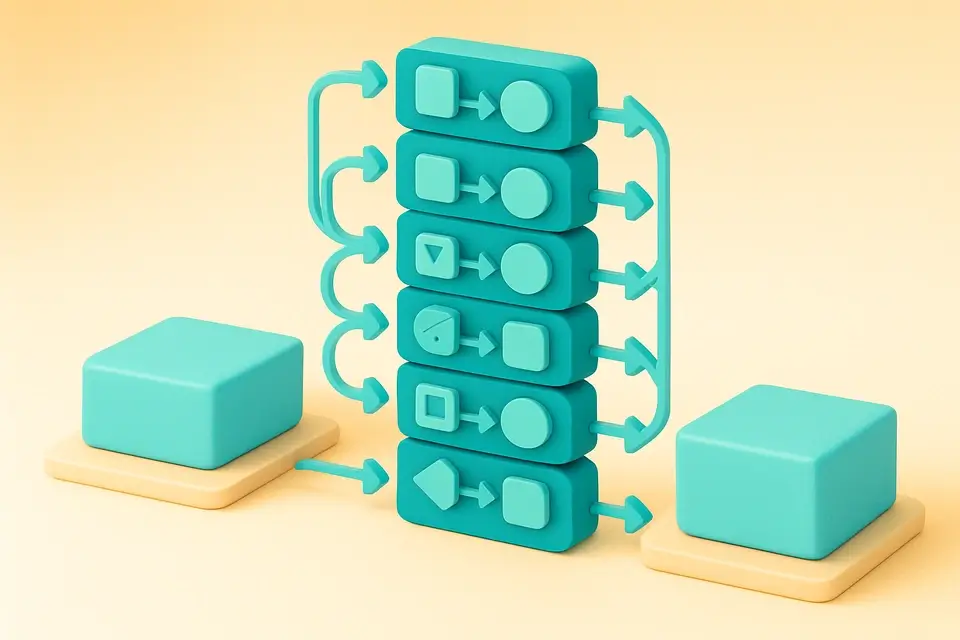
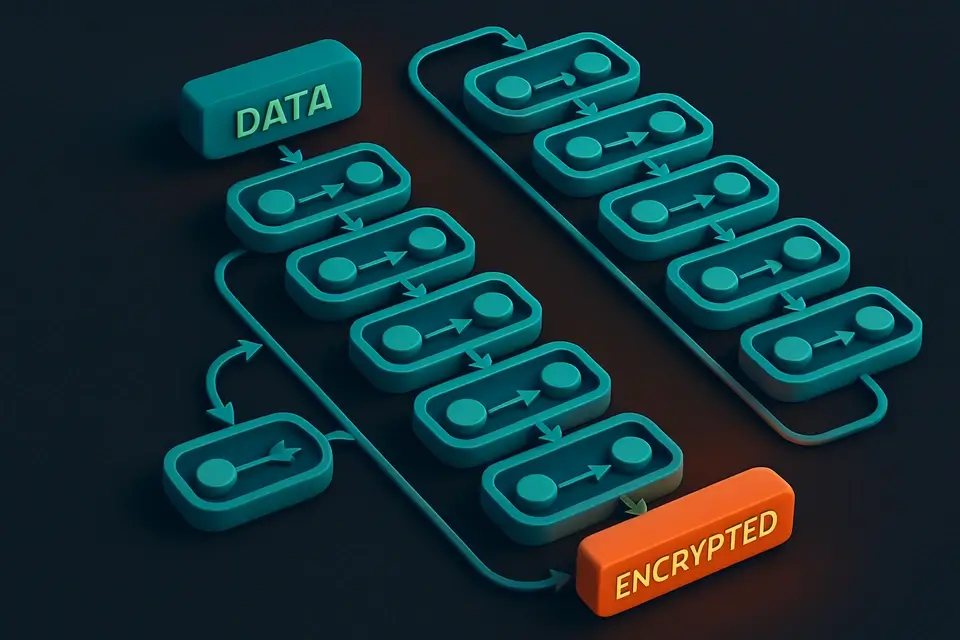
Under the hood, it relies on the CryptoJS library to perform DES encryption and decryption operations. The process involves breaking down the input into 64-bit blocks, which are then encrypted or decrypted using a 56-bit key. This is achieved through an initial permutation, followed by 16 Feistel rounds that use a key schedule generated via PC-1, shifts, and PC-2 transformations. CryptoJS specifically uses CBC mode with PKCS7 padding and EVP_BytesToKey for key derivation. When the user selects encryption or decryption mode, it triggers a callback function that handles the operation using the provided input and key.
The tool's implementation also utilizes React state management to store and update the input, output, key, and error messages in real-time. The useState hook is used to initialize these states, while useCallback ensures that functions like process and handleCopy are only re-created when their dependencies change. When an error occurs during encryption or decryption, it catches the exception and sets an error message using the setError state function. In terms of data handling, it uses JavaScript's built-in string type to represent both plaintext and ciphertext, allowing for easy input and output operations.
In addition to CryptoJS, the tool also employs other technologies like React's cn utility for conditional class names and a custom copyToClipboard function from the @/lib/utils module. The glass-card, glass-button, and glass-input CSS classes are used throughout the interface to provide a consistent design language. When the user clicks on the Copy button, it calls the handleCopy function which attempts to write the output text to the clipboard using the copyToClipboard function, providing visual feedback through the copied state variable.
Tips & Best Practices
-
1All processing happens in your browser—no uploads
-
2Decryption is deterministic: same ciphertext and key produce the same plaintext
-
3Use Copy button to quickly grab output
-
4Works on mobile with touch-friendly controls
-
5DES uses 56-bit key; 8-byte key expanded to 64 bits
Related Tools


Base64 Encode
Encode text to Base64 format instantly in your browser.
🔐 Encoding & Crypto
MD5 Hash Generator
Generate MD5 hash digests.
🔐 Encoding & Crypto

SHA-256 Hash Generator
Generate SHA-256 hash digests.
🔐 Encoding & Crypto
AES Encrypt/Decrypt
Encrypt and decrypt text using AES with a passphrase.
🔐 Encoding & CryptoFrequently Asked Questions
Q Is DES still secure?
Q What key length does DES use?
Q Is my data secure?
Q Can I use this offline?
Q What mode does this tool use?
About This Tool
DES Encrypt/Decrypt is a free online tool by FreeToolkit.ai. All processing happens directly in your browser — your data never leaves your device. No registration or installation required.