Encrypt or Decrypt with Blowfish Cipher Online Encrypt and decrypt text using the Blowfish cipher.

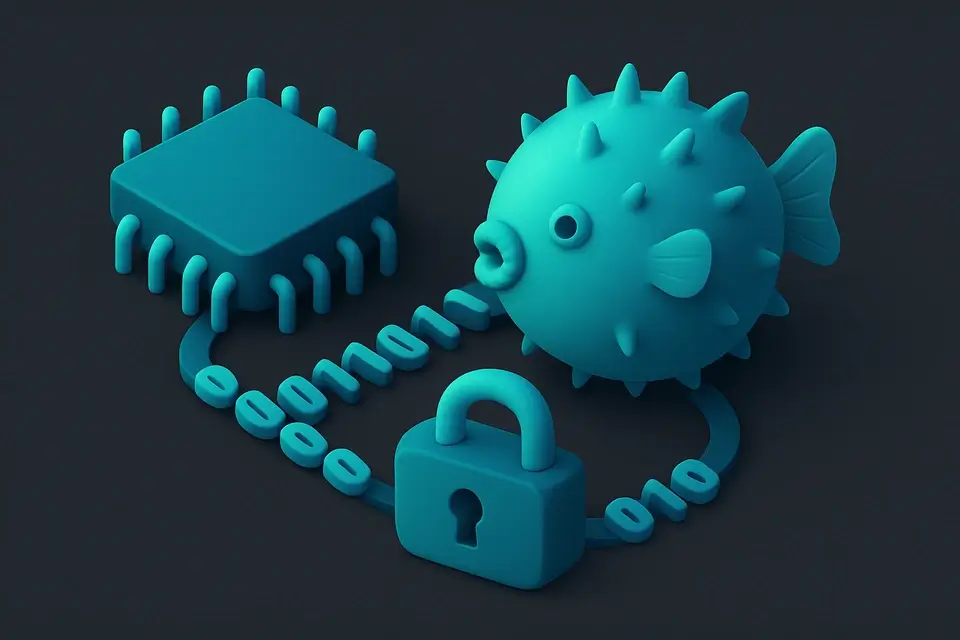
Blowfish Encrypt/Decrypt
Encrypt and decrypt text using the Blowfish cipher.
Enter Key and Input
Type your key and plaintext or ciphertext.
Choose Encrypt or Decrypt
Select the operation mode.
Copy Output
Click Copy to copy the result.
What Is Blowfish Encrypt/Decrypt?
A Blowfish Encrypt/Decrypt is a cryptographic tool that implements the Blowfish cipher, a symmetric-key block cipher designed by Bruce Schneier in 1993, to securely encrypt and decrypt data online using blowfish encryption. This tool is commonly used by developers and security professionals who need to protect sensitive information from unauthorized access. One specific problem it solves is providing a simple way to perform blowfish encrypt and blowfish decrypt operations on text data, which can be useful for testing or demonstrating the Blowfish algorithm.
The tool's user base includes anyone requiring secure online encryption and decryption using the blowfish cipher, such as researchers, students, or developers working with cryptographic algorithms. It solves the problem of manually implementing the complex Blowfish algorithm, which involves 16 rounds of encryption and key-dependent S-boxes.
What makes this implementation different is its use of the CryptoJS library to handle the underlying cryptography, allowing for easy integration into web applications that require blowfish tool functionality. The code also features a simple user interface with buttons for switching between encrypt and decrypt modes, as well as input fields for entering the secret key and text data. This makes it easy to use the tool for testing or demonstrating the Blowfish algorithm, including performing blowfish encryption online and then decrypting the resulting ciphertext using the same blowfish cipher. It also includes a copy-to-clipboard function for easily sharing encrypted or decrypted text.
Why Use Blowfish Encrypt/Decrypt?
-
Fast, accurate processing
-
100% client-side — data never leaves your browser
-
Free online tool with no signup required
-
Mobile-friendly with 44px touch targets
Common Use Cases
Legacy compatibility
Encrypt data for systems using Blowfish.
Client-side security
Protect sensitive data with browser-based encryption.
Learning block ciphers
Study Feistel structure and key-dependent S-boxes.
Interoperability testing
Verify Blowfish output across tools and libraries.
Technical Guide
The tool works by utilizing the CryptoJS library, specifically its implementation of the Blowfish cipher, which is a symmetric-key block cipher that operates on 64-bit blocks using a variable-length key. Under the hood, it employs a 16-round Feistel structure, where each round consists of four key-dependent S-boxes and an 18-entry P-array. The key setup involves 521 encryption iterations to derive the subkeys used in the encryption process. When encrypting or decrypting data, the tool uses the EVP_BytesToKey method provided by CryptoJS to convert the user-provided secret key into a format suitable for the Blowfish algorithm.
In terms of browser APIs and data structures, the tool relies on React state management using hooks such as useState and useCallback to store and update the input text, secret key, mode, and output. The process function is where the actual encryption or decryption occurs, and it uses CryptoJS's Blowfish.encrypt or Blowfish.decrypt methods to perform the necessary operations. The encrypted or decrypted data is then stored in the output state variable and displayed to the user in a textarea element.
When dealing with errors, the tool catches any exceptions that occur during the encryption or decryption process and displays an error message to the user indicating what went wrong, such as providing both input and key, checking the key and ciphertext for decryption failures, or general encryption or decryption failure due to invalid inputs. Additionally, it uses a copy-to-clipboard function implemented using the copyToClipboard utility from the @/lib/utils module, allowing users to easily share their encrypted or decrypted text.
The tool's use of 64-bit blocks makes it vulnerable to birthday attacks, which can be mitigated by using larger block sizes or more secure cryptographic algorithms. However, for its intended purpose as a simple online Blowfish encryption and decryption tool, the current implementation provides an effective and easy-to-use solution for testing and demonstrating the Blowfish algorithm. The specific technologies used in this implementation include React for building the user interface, CryptoJS for handling the underlying cryptography, and TypeScript for ensuring type safety throughout the codebase.
The data formats involved in the encryption and decryption process are primarily strings, which represent the input text, secret key, and output ciphertext or plaintext. When decrypting data, the tool uses the CryptoJS.enc.Utf8 encoding scheme to convert the decrypted bytes back into a human-readable string. This ensures that the output is correctly formatted and easily readable by users. Overall, the combination of these technologies and techniques allows the tool to provide a straightforward and user-friendly interface for performing Blowfish encryption and decryption operations online.
Tips & Best Practices
-
1All processing happens in your browser
-
2Decryption is deterministic: same ciphertext and key produce the same plaintext
-
3Use Copy button to quickly grab output
-
4Works on mobile devices with touch-friendly interface
Related Tools


Base64 Encode
Encode text to Base64 format instantly in your browser.
🔐 Encoding & Crypto
MD5 Hash Generator
Generate MD5 hash digests.
🔐 Encoding & Crypto

SHA-256 Hash Generator
Generate SHA-256 hash digests.
🔐 Encoding & Crypto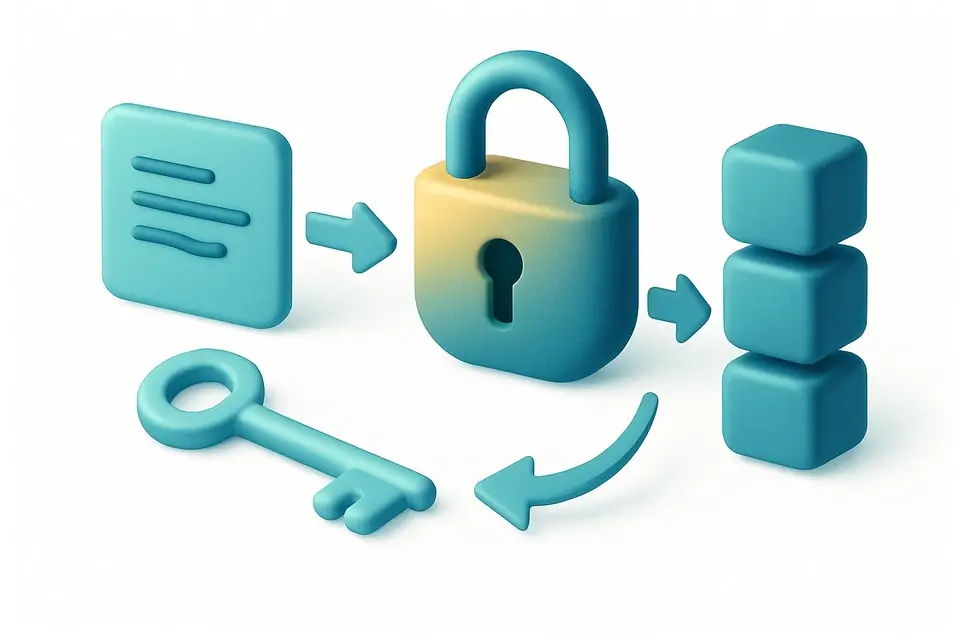
AES Encrypt/Decrypt
Encrypt and decrypt text using AES with a passphrase.
🔐 Encoding & CryptoFrequently Asked Questions
Q Is Blowfish still secure?
Q What key lengths does Blowfish support?
Q Is my data secure?
Q Does it work on mobile?
Q What is Blowfish used for today?
About This Tool
Blowfish Encrypt/Decrypt is a free online tool by FreeToolkit.ai. All processing happens directly in your browser — your data never leaves your device. No registration or installation required.