Browse and Copy Open-Source SVG Icons Search and customize open-source SVG icons with adjustable size, color, and stroke.
Icon Search
Search and customize open-source SVG icons with adjustable size, color, and stroke.
Search for icons
Type a keyword to filter icons by name from multiple categories.
Customize appearance
Adjust icon color, size, and stroke width to match your design.
Copy the SVG
Click an icon to copy its customized SVG code.
What Is Icon Search?
The Icon Search tool lets you browse, customize, and copy open-source SVG icons. Icons are essential UI elements for navigation, actions, status indicators, and visual communication. This tool includes icons across six categories: Arrows, Actions, UI, Media, Communication, and Files. Each icon is a stroke-based SVG that can be customized with your preferred color, size, and stroke width. Search by keyword to quickly find the icon you need. Click any icon to copy its SVG code with your custom settings applied. The generated SVG is clean, accessible, and ready to use inline in HTML or as standalone SVG files.
Why Use Icon Search?
-
Organized icon categories: Arrows, Actions, UI, Media, and more
-
Keyword search for quick icon discovery
-
Customizable color, size, and stroke width
-
One-click copy of clean, accessible SVG code
Common Use Cases
UI Development
Find and customize icons for buttons, navigation, and interface elements.
Rapid Prototyping
Quickly grab icons for mockups and prototypes without searching the web.
Design Consistency
Use matching stroke-based icons for a cohesive interface design.
Documentation
Add visual icons to documentation, guides, and README files.
Technical Guide
SVG icons use the <svg> element with viewBox for scaling independent of display size. Stroke-based icons use the stroke attribute for color, stroke-width for line thickness, and stroke-linecap/stroke-linejoin for line endings. The fill="none" attribute ensures only strokes are visible. SVG icons can be used inline in HTML for direct CSS styling, as <img> src for simple usage, or as CSS background-image via data URI. For accessibility, add role="img" and aria-label attributes to decorative icons, or aria-hidden="true" for purely decorative icons with visible text labels. SVG icons scale perfectly to any size without quality loss. For icon systems, consider using SVG sprite sheets or an icon component that references SVG definitions. The currentColor keyword allows icons to inherit the parent element text color.
Tips & Best Practices
-
1Use stroke-based icons for consistent styling across your project
-
2Set stroke color to currentColor to inherit text color automatically
-
3Keep icon sizes consistent—24px is a common standard size
-
4Add aria-label for accessible icon buttons without visible text
Related Tools
CSS Button Generator
Design custom CSS buttons with colors, padding, borders, shadows, and hover effects.
🎨 CSS & Design

SVG to CSS Background
Encode SVG code as a CSS background-image using data URI encoding.
🎨 CSS & Design
CSS Variable Generator
Generate CSS custom properties (variables) for colors, spacing, and typography.
🎨 CSS & Design
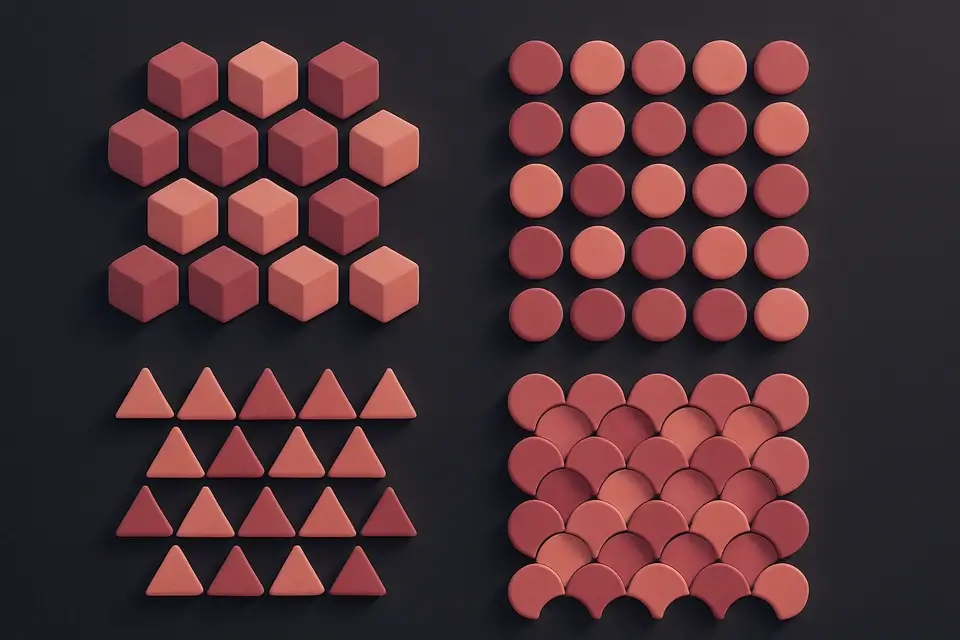
SVG Pattern Generator
Generate SVG-based repeating patterns for CSS backgrounds with various shapes.
🎨 CSS & DesignFrequently Asked Questions
Q Are these icons free to use?
Q Can I change the icon color?
Q How do I use SVG icons in my project?
Q Can I add these icons to React?
Q How do I make icons accessible?
About This Tool
Icon Search is a free online tool by FreeToolkit.ai. All processing happens directly in your browser — your data never leaves your device. No registration or installation required.