Convert RGB Color Values to HSL Instantly Convert RGB values to HSL color format with interactive sliders.
RGB to HSL Converter
Convert RGB values to HSL color format with interactive sliders.
Set RGB Values
Adjust Red, Green, and Blue sliders or type values from 0 to 255.
View HSL Output
See Hue, Saturation, and Lightness values computed in real-time.
Copy HSL Values
Copy the hsl() CSS string for direct use in your stylesheets.
What Is RGB to HSL Converter?
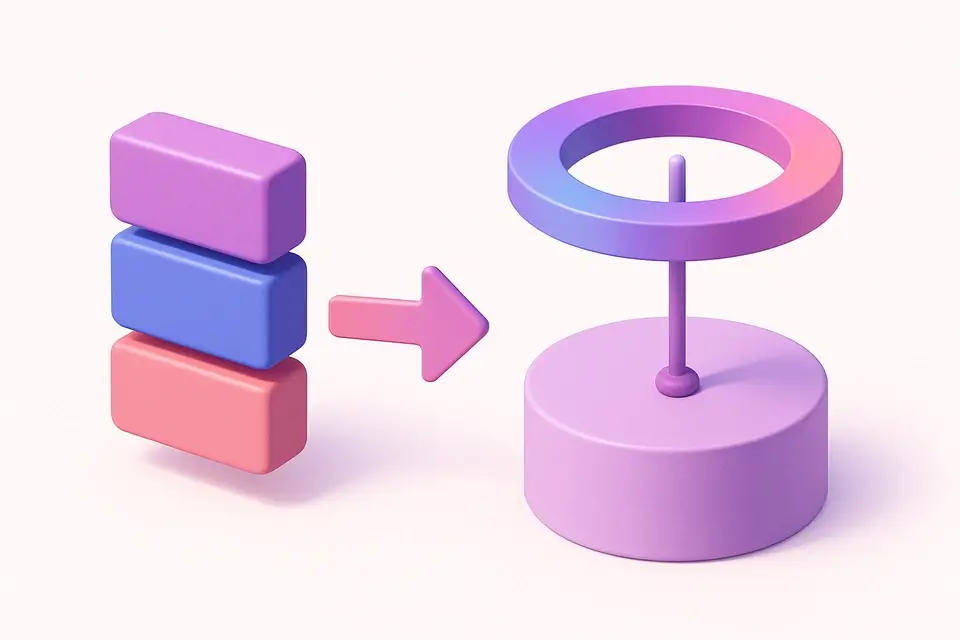
An RGB to HSL converter transforms Red, Green, and Blue color channel values into the Hue, Saturation, and Lightness color model. This conversion bridges two fundamental ways of describing color: RGB, which is how screens physically produce color by mixing light, and HSL, which is how humans naturally perceive and describe color. When a designer says "make this blue a bit lighter," they are thinking in HSL terms — keep the hue, keep the saturation, increase lightness. This tool performs that translation instantly, making it easier to work with colors in a more intuitive way. The converter is essential for any workflow that starts with precise RGB values (from color pickers, APIs, or image analysis) and needs to manipulate colors conceptually. It outputs standard CSS hsl() notation that works in all modern browsers.
Why Use RGB to HSL Converter?
-
Color-coded sliders make it easy to visualize each RGB channel independently
-
HSL output helps you understand the perceptual qualities of any RGB color
-
Real-time conversion with no delay as you adjust values
-
CSS-ready hsl() output for immediate use in web development
-
Helps bridge the gap between technical RGB and intuitive color manipulation
Common Use Cases
Color Analysis
Understand the perceptual properties of any RGB color by seeing its hue angle, saturation level, and lightness.
Palette Creation
Convert base colors to HSL, then vary one dimension systematically to create harmonious palettes.
Dynamic Theming
Convert RGB brand colors to HSL for CSS variable systems that support runtime theme switching.
Color Education
Learn how RGB values map to human-perceivable hue, saturation, and lightness properties.
Technical Guide
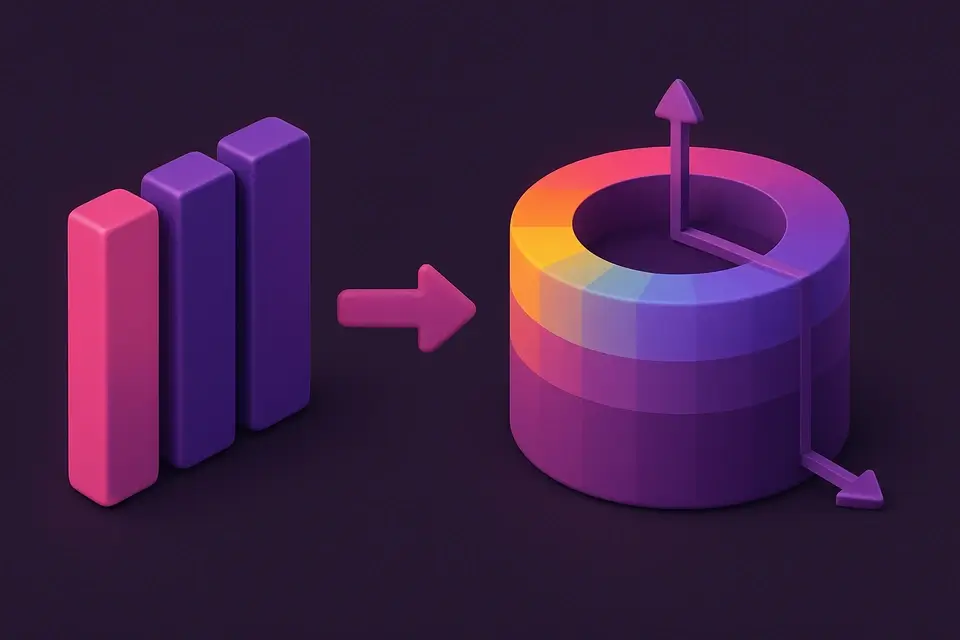
The RGB to HSL algorithm normalizes R, G, B from 0–255 to 0–1 range, then identifies the maximum and minimum channel values. Lightness is the average of max and min: L = (max + min) / 2. For achromatic colors (max = min), hue and saturation are both 0. For chromatic colors, Saturation = delta / (1 - |2L - 1|) where delta = max - min. Hue calculation depends on which channel is maximum: max is R → H = (G-B)/delta mod 6; max is G → H = (B-R)/delta + 2; max is B → H = (R-G)/delta + 4. Multiply by 60 to get degrees. Negative hue values are adjusted by adding 360. The resulting HSL values describe the same color in a cylindrical coordinate system. Key insight: two colors with the same hue and saturation but different lightness will feel like natural tints/shades of each other. This property makes HSL ideal for generating color scales, a task that is much harder to do correctly in RGB space.
Tips & Best Practices
-
1Equal R, G, B values always produce hue=0, saturation=0 (pure grays)
-
2High saturation + 50% lightness produces the most vivid version of any hue
-
3HSL is better than RGB for creating consistent color ramps and design tokens
-
4Use this conversion to detect if a color is warm (H: 0-60° or 300-360°) or cool (H: 120-240°)
-
5CSS hsl() is widely supported and often preferred over rgb() for maintainable stylesheets
Related Tools
RGB to HEX Converter
Convert RGB color values to HEX codes with sliders and live preview.
🎨 Color Tools
HEX to HSL Converter
Convert HEX color codes to HSL (Hue, Saturation, Lightness) values.
🎨 Color Tools
HSL to RGB Converter
Convert HSL values to RGB with interactive sliders and live preview.
🎨 Color Tools

Color Picker
Interactive color picker with HEX, RGB, HSL, and CMYK outputs.
🎨 Color Tools
Color Shade Generator
Generate darker shades of any color with adjustable step count.
🎨 Color ToolsFrequently Asked Questions
Q Why convert RGB to HSL?
Q Is the conversion lossless?
Q What does hue 0 mean?
Q How do I make a color more muted using HSL?
Q What is the relationship between lightness and brightness?
About This Tool
RGB to HSL Converter is a free online tool by FreeToolkit.ai. All processing happens directly in your browser — your data never leaves your device. No registration or installation required.