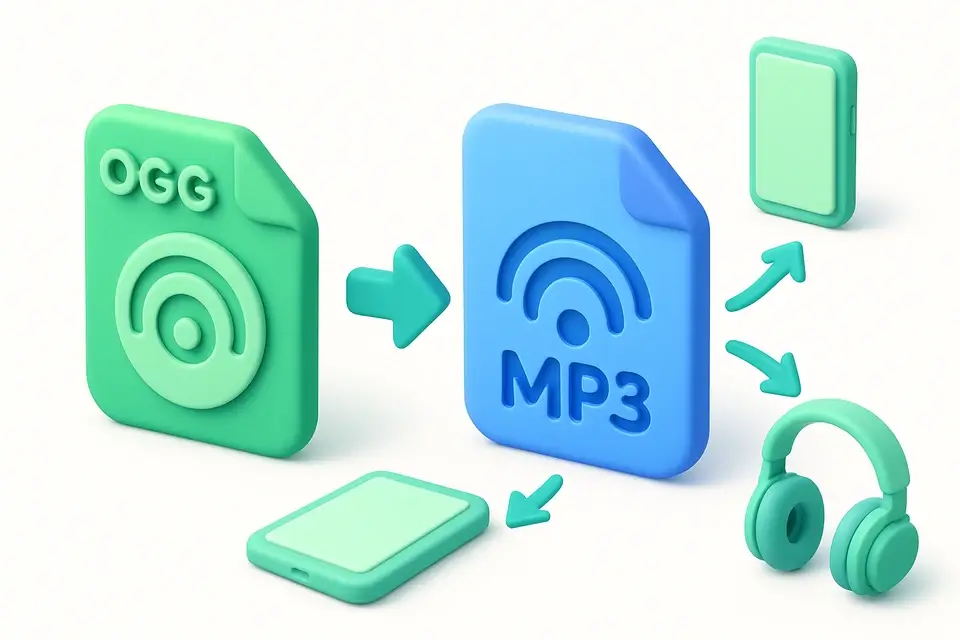
OGG to MP3 Converter Convert OGG Vorbis audio files to MP3 format in your browser.
OGG to MP3 Converter
Convert OGG Vorbis audio files to MP3 format in your browser.
Upload OGG
Drag and drop your OGG file or click to browse.
Convert
Click Convert to start encoding your OGG file as MP3.
Download
Download your converted MP3 file instantly.
What Is OGG to MP3 Converter?
The OGG to MP3 Converter transforms OGG Vorbis audio files into universally compatible MP3 format directly in your browser. While OGG offers excellent quality, MP3 remains the most widely supported audio format across all devices, players, and platforms. This tool decodes the OGG audio using the Web Audio API and re-encodes it for MP3-compatible output. The entire process runs locally in your browser — no files are uploaded to any server, ensuring complete privacy and fast conversion.
Why Use OGG to MP3 Converter?
-
MP3 is universally compatible with all devices and platforms
-
No server uploads — everything processes in your browser
-
Fast conversion with no software to install
-
Free to use with no file size restrictions
Common Use Cases
Device Compatibility
Convert OGG files to MP3 for playback on Apple devices and older media players.
Music Libraries
Standardize your music collection to MP3 format for universal playback.
Sharing
Share audio files in a format that everyone can play without special software.
Social Media
Convert OGG audio to MP3 for uploading to platforms that don't support OGG.
Technical Guide
The tool reads the OGG file and decodes it using AudioContext.decodeAudioData(), which leverages the browser's built-in OGG Vorbis decoder. The resulting AudioBuffer contains raw PCM samples. For MP3-compatible output, the tool uses a MediaRecorder-based pipeline: the PCM audio is played through an OfflineAudioContext connected to a MediaStream destination, and the stream is recorded using MediaRecorder with a compatible audio MIME type. The recorded chunks are assembled into a downloadable audio file. The conversion preserves the original audio's sample rate and channel configuration. For browsers with AudioEncoder support, a more direct encoding path may be used for better quality control.
Tips & Best Practices
-
1Keep your original OGG files as backup before converting
-
2Converting between lossy formats causes slight quality degradation
-
3For best results, use source OGG files encoded at high quality
-
4MP3 at 192kbps or higher is suitable for most listening purposes
Related Tools
MP3 to WAV Converter
Convert MP3 audio files to WAV format instantly in your browser.
🎵 Audio Tools
MP3 to OGG Converter
Convert MP3 audio files to OGG Vorbis format in your browser.
🎵 Audio Tools
AAC to MP3 Converter
Convert AAC/M4A audio files to MP3 format in your browser.
🎵 Audio Tools
FLAC to MP3 Converter
Convert lossless FLAC audio files to MP3 format in your browser.
🎵 Audio ToolsFrequently Asked Questions
Q Will converting OGG to MP3 reduce quality?
Q Why convert OGG to MP3?
Q Is the conversion free?
Q Does it work on mobile?
Q Are my files private?
About This Tool
OGG to MP3 Converter is a free online tool by FreeToolkit.ai. All processing happens directly in your browser — your data never leaves your device. No registration or installation required.