Bibliography Formatter Format multiple bibliography entries in APA, MLA, Chicago, or Harvard.


Bibliography Formatter
Format multiple bibliography entries in APA, MLA, Chicago, or Harvard.
Enter Sources
Input entries separated by blank lines.
Choose Style
Select style and sort order.
Copy
Get formatted bibliography.
What Is Bibliography Formatter?
A Bibliography Formatter is a writing tool designed to organize and format reference lists according to specific citation styles. Researchers, students, and authors use it to create properly formatted bibliographies for their academic papers, theses, or books. One specific problem it solves is the tedious task of manually formatting multiple sources in different styles, which can lead to errors and inconsistencies.
This tool stands out due to its ability to handle various source types, including books and journal articles, and format them according to APA, MLA, Chicago, or Harvard styles. It also allows users to sort their reference lists by author, year, or title, making it easier to organize and manage large bibliographies. The code enables the tool to parse entries separated by blank lines, extract key-value pairs, and then apply the chosen citation style.
What makes this tool different is its attention to detail in formatting notes, including instructions for hanging indents, double-spacing between entries, and total entry count. As a reference list formatter, it provides a flexible way to format bibliographies, supporting multiple styles and sorting options. When using it as a citation formatter or bibliography maker, users can rely on its accuracy and consistency in producing properly formatted reference lists.
Why Use Bibliography Formatter?
-
Batch-format multiple sources
-
Switch styles instantly
-
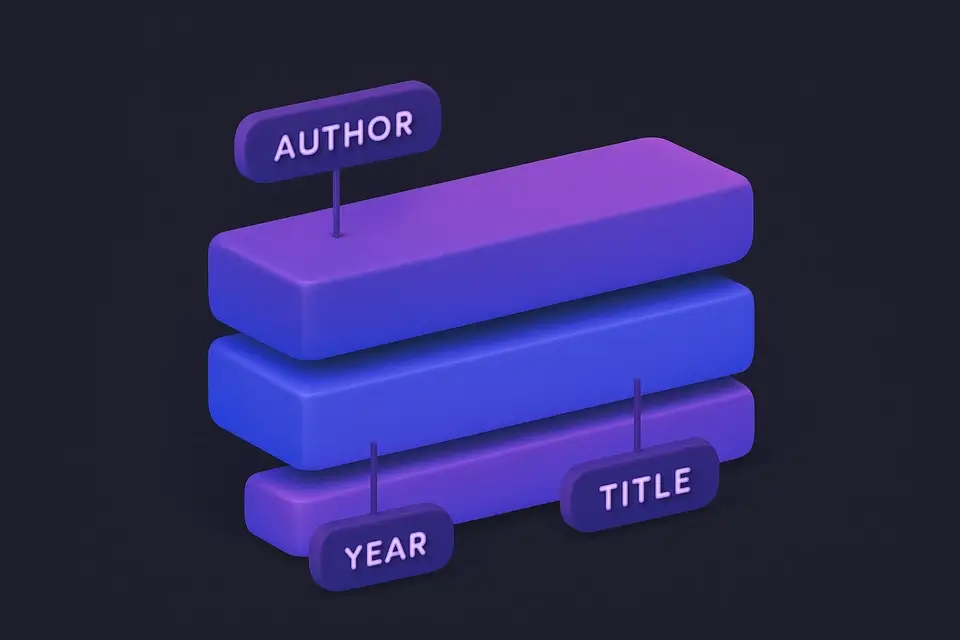
Sort by author, year, or title
-
Books and journals auto-detected
-
Style-specific notes
Common Use Cases
Research Papers
Format entire reference list at once.
Style Conversion
Convert between styles.
Literature Reviews
Format review references.
Annotated Bibliographies
Generate formatted citations to annotate.
Technical Guide
The tool works by first parsing input strings into individual entries using the `split` method with a regular expression that matches one or more newline characters followed by zero or more whitespace characters and then another newline character. This effectively splits the input into blocks separated by blank lines. Each entry is then further split into key-value pairs using another regular expression that matches a word followed by a colon or equals sign and then one or more characters, with the match groups used to populate an object representing the entry fields.
The `filter` method is used to remove any empty entries from the parsed list, ensuring only valid data is processed. The tool uses the React library's `useState` hook to store the current style and sort order in state variables, which are updated when the user interacts with the radio button controls. The `useCallback` hook is used to memoize the `onProcess` function, which is called whenever the input changes or the user updates the style or sort order.
The sorting algorithm uses the `sort` method and a compare function that depends on the current sort order, either comparing author names alphabetically, years in reverse chronological order, or titles alphabetically. The formatted output is generated using template strings and includes the style-specific formatting rules for APA, MLA, Chicago, and Harvard styles, with the `formatEntry` function applying these rules based on the entry type and fields present.
The tool's user interface is built using React components, including a custom `TextToolLayout` component that wraps the input and output areas, along with radio button controls for selecting the style and sort order. The browser's DOM API is used to render the formatted output in the page, with CSS styles applied to control the layout and appearance of the bibliography list. The use of specific technologies like React and JavaScript enables the tool to provide an interactive and dynamic user experience.
Tips & Best Practices
-
1Use type: journal or book for accuracy
-
2Author sort for standard reference lists
-
3Hanging indent when pasting into documents
-
4Blank lines between entries
Related Tools

APA Citation Generator
Generate APA 7th edition citations for books, journals, and websites.
✍️ Writing Tools

MLA Citation Generator
Generate MLA 9th edition citations for books, articles, and websites.
✍️ Writing Tools

Chicago Citation Generator
Generate Chicago/Turabian citations with footnotes and bibliography.
✍️ Writing Tools

Harvard Citation Generator
Generate Harvard-style citations for UK and Australian academic writing.
✍️ Writing Tools

IEEE Citation Generator
Generate IEEE-style numbered citations for engineering and CS.
✍️ Writing ToolsFrequently Asked Questions
Q How do I separate bibliography entries?
Q Can I mix source types?
Q Can I switch citation styles?
Q Does it support all source types?
Q Can I sort references by year?
About This Tool
Bibliography Formatter is a free online tool by FreeToolkit.ai. All processing happens directly in your browser — your data never leaves your device. No registration or installation required.