Convert Your MP4 Videos to WebM Convert MP4 video files to WebM format directly in your browser.
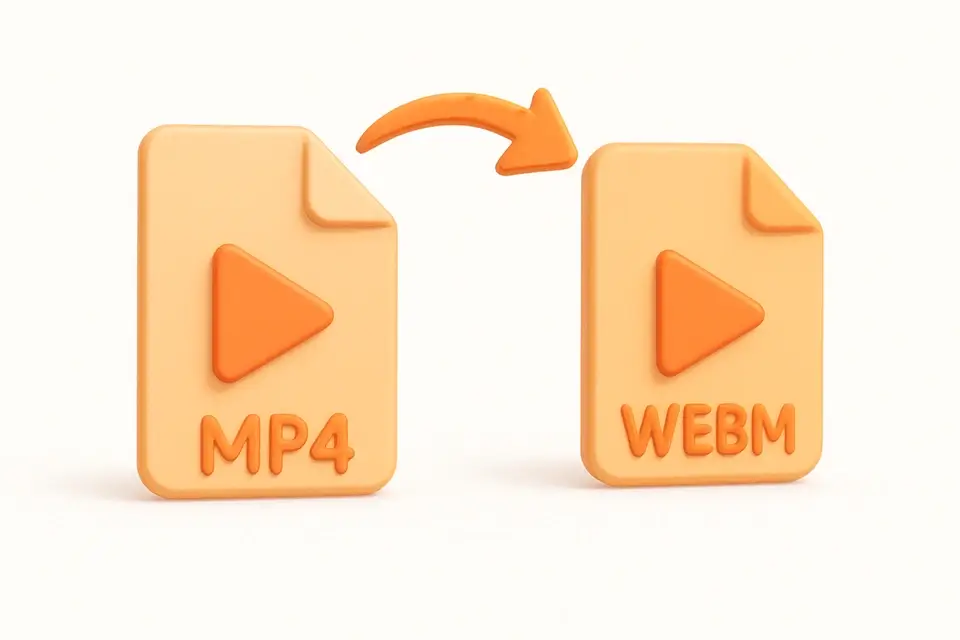
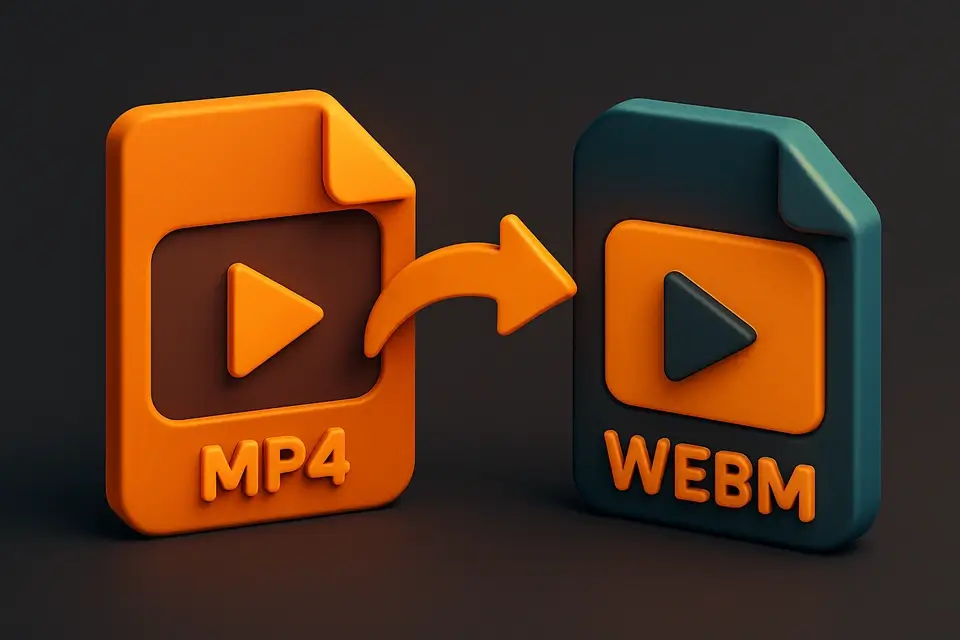
MP4 to WebM Converter
Convert MP4 video files to WebM format directly in your browser.
Upload MP4
Drag and drop your MP4 file or click to browse.
Convert
Click Convert to transform your MP4 into WebM format.
Download
Download your converted WebM file instantly.
What Is MP4 to WebM Converter?
The MP4 to WebM Converter is a free browser-based tool that transforms MP4 video files into WebM format. WebM is an open media format designed for the web, offering excellent compression with VP8/VP9 codecs. This tool processes everything locally using the HTML5 Video element and MediaRecorder API — your files never leave your device. The conversion plays the video through a canvas element and re-records the output in WebM format. WebM files are natively supported by all modern browsers and are ideal for web embedding, HTML5 video players, and reducing bandwidth usage.
Why Use MP4 to WebM Converter?
-
Completely browser-based — no file uploads to remote servers
-
WebM offers smaller file sizes than MP4 for web delivery
-
No software installation or account required
-
Open format with excellent browser support
Common Use Cases
Web Development
Convert videos to WebM for optimal web performance and native browser playback.
HTML5 Video
Prepare video content for HTML5 video elements with WebM format.
Bandwidth Reduction
Reduce video file sizes for faster loading on websites.
Cross-Browser Support
Ensure video compatibility across all modern web browsers.
Technical Guide
The HTML5 Video element decodes the source MP4 file while a Canvas element captures each frame. The captured frames are then re-encoded using the MediaRecorder API with the video/webm MIME type. The browser's built-in VP8 or VP9 encoder handles the compression. Audio tracks are preserved by routing through a MediaStream. The process involves creating an OffscreenCanvas, drawing video frames at the original resolution, and feeding the stream to MediaRecorder. The resulting WebM file uses the Matroska container format with VP8/VP9 video and Opus audio codecs. Processing speed depends on video length and resolution, with shorter clips converting faster.
Tips & Best Practices
-
1Shorter videos convert faster — consider trimming before converting
-
2WebM may have slightly different quality than the original MP4
-
3For best results, use videos under 100MB
-
4WebM files work best for web embedding and HTML5 video
Related Tools
Video Compressor
Compress video files to reduce file size while maintaining quality.
🎬 Video Tools
WebM to MP4 Converter
Convert WebM video files to MP4 format directly in your browser.
🎬 Video Tools
MP4 to GIF Converter
Convert MP4 video clips to animated GIF images in your browser.
🎬 Video Tools
Video Trimmer
Trim and cut video clips to the exact length you need in your browser.
🎬 Video ToolsFrequently Asked Questions
Q Is WebM better than MP4?
Q Will I lose video quality?
Q Is the conversion private?
Q How long does conversion take?
Q Does it preserve audio?
About This Tool
MP4 to WebM Converter is a free online tool by FreeToolkit.ai. All processing happens directly in your browser — your data never leaves your device. No registration or installation required.