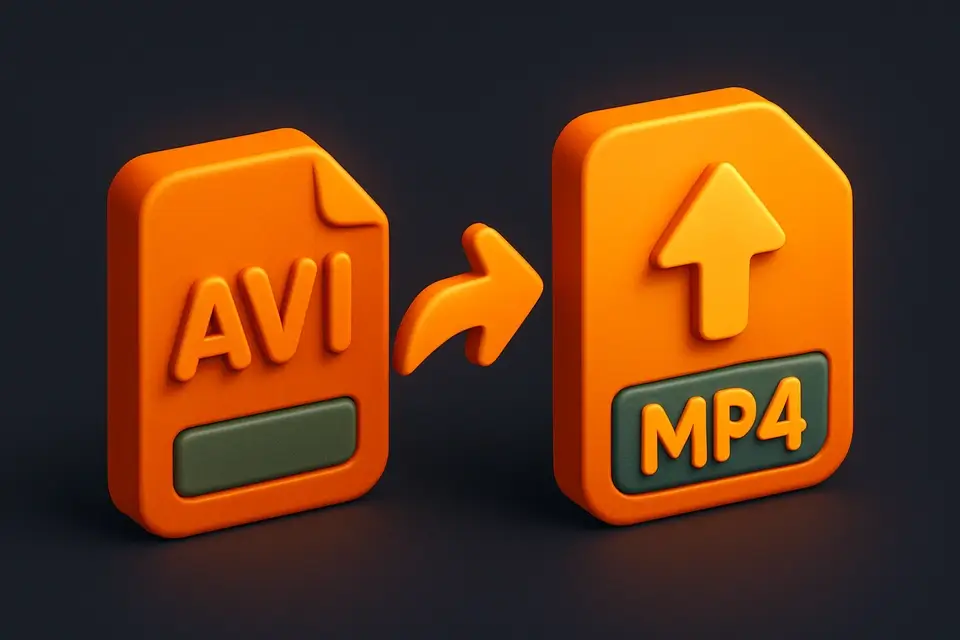
AVI to MP4 Converter Convert AVI video files to modern MP4 format in your browser.
AVI to MP4 Converter
Convert AVI video files to modern MP4 format in your browser.
Upload AVI
Drag and drop your AVI file or click to browse.
Convert to MP4
Click Convert to transform your AVI into MP4 format.
Download the MP4
Download your converted MP4 file instantly.
What Is AVI to MP4 Converter?
The AVI to MP4 Converter transforms AVI (Audio Video Interleave) video files into modern MP4 format in your browser. MP4 is the most widely supported video format, compatible with virtually all devices, players, and platforms. AVI files are often large and may not play on modern devices. This tool bridges the gap by re-encoding your AVI content into efficient MP4. The conversion uses HTML5 video capabilities to decode the AVI (where browser-supported) and re-encode as a modern format. All processing happens locally, ensuring your files remain private.
Why Use AVI to MP4 Converter?
-
MP4 is universally compatible with all modern devices
-
Significantly smaller file sizes compared to AVI
-
No server uploads — complete privacy
-
No software installation needed
Common Use Cases
Modernize Archives
Convert old AVI recordings to MP4 for modern device compatibility.
Mobile Playback
Make AVI videos playable on smartphones and tablets.
Web Sharing
Share AVI videos on web platforms and social media by converting to MP4.
Storage Savings
Reduce file sizes by converting from AVI to efficient MP4 compression.
Technical Guide
This tool attempts to load the AVI file using the HTML5 Video element. Browser support for AVI varies — Chrome and Edge generally handle common AVI codecs. The video is decoded and frames are captured via a Canvas element. The captured frames along with any audio are fed to MediaRecorder for re-encoding in a web-compatible format. For AVI files with uncommon codecs that browsers can't decode, the tool provides guidance to use ffmpeg.wasm or a desktop converter. The output is optimized for web delivery with efficient compression. Audio tracks are re-encoded using the browser's available audio codecs (typically Opus or AAC).
Tips & Best Practices
-
1Browser support for AVI varies — Chrome/Edge offer the best compatibility
-
2Some AVI codecs may not be supported by the browser decoder
-
3The output MP4 will typically be much smaller than the original AVI
-
4For unsupported AVI codecs, consider using ffmpeg.wasm
Related Tools

Video Compressor
Compress video files to reduce file size while maintaining quality.
🎬 Video Tools
MP4 to AVI Converter
Convert MP4 video files to AVI format in your browser.
🎬 Video Tools
MOV to MP4 Converter
Convert Apple MOV video files to universal MP4 format in your browser.
🎬 Video Tools
MKV to MP4 Converter
Convert MKV video files to MP4 format in your browser.
🎬 Video ToolsFrequently Asked Questions
Q Can all AVI files be converted?
Q How much smaller will the MP4 be?
Q Is the conversion private?
Q What if my AVI won't play?
Q Does it preserve audio?
About This Tool
AVI to MP4 Converter is a free online tool by FreeToolkit.ai. All processing happens directly in your browser — your data never leaves your device. No registration or installation required.