Test Your Regular Expressions in Real Time Test regular expressions with live matching, highlighting, and group extraction.
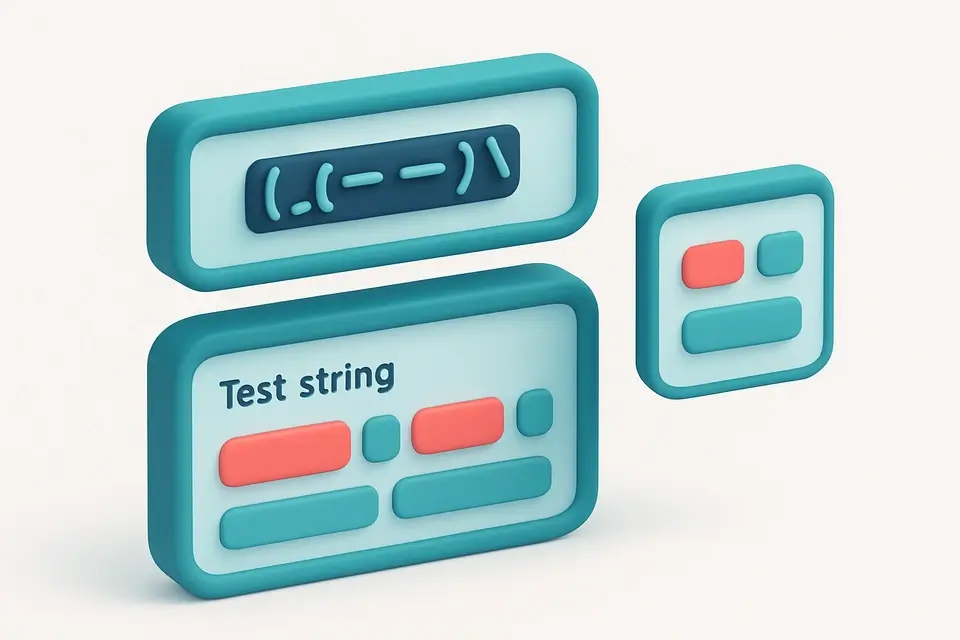

Regex Tester
Test regular expressions with live matching, highlighting, and group extraction.
Enter Pattern
Type your regular expression pattern.
Set Flags
Toggle flags: global (g), case-insensitive (i), multiline (m), dotall (s).
Enter Your Test String
Enter or paste the test string to match against.
What Is Regex Tester?
A Regex Tester is a software tool that allows users to test and debug regular expressions by entering a regex pattern and a test string to see matches highlighted in real time. Developers and QA engineers use it to identify issues with their regex patterns, such as incorrect matching or capturing of groups. One specific problem it solves is the difficulty of testing regex capture groups, which can be complex and hard to understand without visual feedback.
It supports JavaScript regex syntax with global, case-insensitive, multiline, and dotall flags, making it a powerful regex debugger for testing regex patterns online. What makes this tool different is its ability to display match details, including full match text, index position, numbered capture groups, and named capture groups, providing a comprehensive view of the regex pattern matcher's output.
The tool also features a user-friendly interface with checkboxes for setting flags, such as global or case-insensitive matching, and a "Copy Regex" button that allows users to easily copy their regex pattern with flags. This makes it easy to test regex patterns online and debug issues with capture groups, making the process of how to test regex more efficient. With its features and support for various flags, it is an effective regular expression tester for developers working with regex patterns.
Why Use Regex Tester?
-
Test regex patterns with instant visual feedback
-
See capture groups and named groups for each match
-
Debug complex regular expressions interactively
-
Copy the complete regex pattern with flags
Common Use Cases
Development
Test and debug regex patterns before using them in code.
Data Extraction
Verify that patterns correctly match and capture the desired data.
Validation
Test input validation patterns against sample data.
Learning
Learn regex by experimenting with patterns and seeing results in real time.
Technical Guide
The tester creates a new RegExp object from the pattern and flags on each input change. With the global flag, it uses a while loop with regex.exec() to find all matches, advancing lastIndex after zero-length matches to prevent infinite loops. Each match result includes the full match (match[0]), positional index, numbered groups (match.slice(1)), and named groups (match.groups). For highlighting, a separate pass through the string wraps matched portions in <mark> elements with Tailwind styling. The highlighted output uses dangerouslySetInnerHTML with HTML entity escaping for safety. Invalid regex patterns are caught and displayed as error messages instead of crashing the component.
Tips & Best Practices
-
1Toggle the global (g) flag to find all matches vs. just the first
-
2Named groups use (?<name>pattern) syntax
-
3The dotall (s) flag makes . match newline characters
-
4Invalid regex patterns show clear error messages
Related Tools


URL Extractor
Extract all URLs (http/https) from text and list unique results.
📝 Text Tools

Find and Replace
Find and replace text with support for regex, case sensitivity, and bulk operations.
📝 Text Tools

Regex Generator
Browse and copy common regex patterns for emails, URLs, phones, and more.
📝 Text Tools

Email Extractor
Extract all email addresses from text and list unique results.
📝 Text ToolsFrequently Asked Questions
Q What regex flavor does this tool use?
Q What are capture groups?
Q What does the global (g) flag do?
Q Why does my pattern cause an error?
Q Can I test multiline patterns?
About This Tool
Regex Tester is a free online tool by FreeToolkit.ai. All processing happens directly in your browser — your data never leaves your device. No registration or installation required.