Detect and Replace Look-Alike Unicode Characters Detect look-alike characters (homoglyphs) from different Unicode scripts.
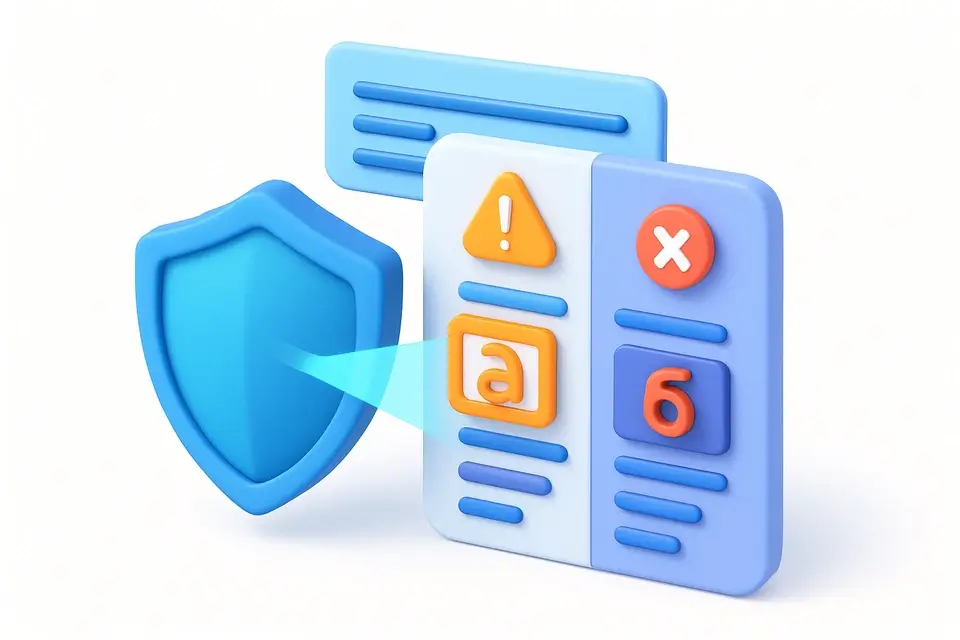

Homoglyph Detector
Detect look-alike characters (homoglyphs) from different Unicode scripts.
Paste Text
Enter text that may contain look-alike characters from foreign scripts.
View Results
See detected homoglyphs with their Unicode code points and what they look like.
Get Normalized Text
Copy the normalized text with homoglyphs replaced by their ASCII equivalents.
What Is Homoglyph Detector?
A homoglyph detector identifies characters that visually resemble ASCII characters but are actually from different Unicode scripts, primarily Cyrillic, Greek, and other alphabets. Security experts and developers use it to detect potential phishing attacks and IDN homograph attacks by identifying confusable characters in URLs, domain names, and text input. One specific problem it solves is the detection of look-alike characters that can be used maliciously, such as Cyrillic "а" (U+0430) which looks identical to Latin "a" (U+0061).
The Homoglyph Detector tool stands out due to its ability to scan text for homoglyphs and provide a cleaned version with all detected characters replaced by their ASCII equivalents. It achieves this through a predefined mapping of homoglyphs, defined in the HOMOGLYPHS record, which contains over 30 look-alike characters for letters such as "a", "c", "e", and others. This mapping is then used to create a reverse map, REVERSE_MAP, allowing it to efficiently identify and replace homoglyphs with their corresponding ASCII characters.
It uses this mapping to report the position of each detected homoglyph in the input text, along with its Unicode code point and the ASCII character it resembles, making it an effective unicode spoofing detector. By using it to detect homoglyphs online, users can protect themselves against unicode confusables checker attacks and ensure the integrity of their text input.
Why Use Homoglyph Detector?
-
Detects characters from Cyrillic, Greek, and other scripts that look like ASCII
-
Shows exact Unicode code point and visual equivalent for each homoglyph
-
Provides normalized text with homoglyphs replaced
-
Essential for security analysis and phishing detection
-
Helps prevent IDN homograph attacks
Common Use Cases
Detecting Unicode Homoglyphs in User Input
When processing user-submitted data, developers like Sarah need to identify potential homoglyph characters that can be used for phishing or spoofing attacks. It checks the input string for any suspicious characters and returns their positions, codes, and corresponding ASCII lookalikes. This helps prevent security breaches in web applications.
Homoglyph Character Removal from Text Data
Data analysts often work with large datasets that contain homoglyph characters, which can lead to incorrect analysis results. To address this issue, they use it to replace homoglyphs with their ASCII equivalents, ensuring data accuracy and consistency. For example, replacing 'а' with 'a'
Identifying Lookalike Characters in Domain Names
Domain name registrars must verify the authenticity of domain names to prevent cyber squatting and phishing attacks. By analyzing domain names for homoglyph characters, they can detect potential threats and take preventive measures. It reports any suspicious characters found in the domain name
Cleaning Text Data for Machine Learning Models
Machine learning engineers rely on clean text data to train accurate models, but homoglyph characters can introduce noise and affect model performance. They use it to detect and replace homoglyphs with their ASCII equivalents, resulting in more reliable model outputs
Unicode Homoglyph Detection for Security Audits
Security auditors examine codebases for potential vulnerabilities, including homoglyph characters that can be used for malicious purposes. It helps them identify such characters and provides recommendations for securing the codebase against attacks
Technical Guide
The detector maintains a mapping of known confusable Unicode characters to their ASCII equivalents. It scans each character against this mapping using a reverse lookup Map. Detected characters are logged with their position, the original character, its Unicode code point (U+XXXX format), and the ASCII character it resembles. The normalized output replaces each homoglyph with its ASCII equivalent. The mapping covers Cyrillic characters that resemble Latin letters (а→a, с→c, е→e, о→o, р→p), common Greek confusables, and accented Latin variants that could be confused with basic ASCII.
Tips & Best Practices
-
1Cyrillic "а" and Latin "a" look identical but are different Unicode characters
-
2IDN homograph attacks use look-alike characters in domain names (аpple.com vs apple.com)
-
3Always check suspicious URLs for mixed-script characters
-
4Text that looks normal may contain homoglyphs from copy-pasting foreign sources
-
5Some text editors have "show Unicode" modes that can reveal these characters
Related Tools
Character Counter
Count characters with and without spaces, plus word, line, and paragraph counts.
📝 Text Tools

Find and Replace
Find and replace text with support for regex, case sensitivity, and bulk operations.
📝 Text Tools
Invisible Text Generator
Generate invisible Unicode characters — zero-width spaces, joiners, and more.
📝 Text Tools

Zero-Width Character Detector
Detect and remove hidden zero-width and invisible characters in text.
📝 Text Tools

Unicode Text Generator
Convert text to Unicode styled variants — bold, italic, script, fraktur, and more.
📝 Text ToolsFrequently Asked Questions
Q What is a homoglyph?
Q How are homoglyphs used in phishing?
Q Can I see the difference between homoglyphs?
Q Does it detect all possible homoglyphs?
Q What is an IDN homograph attack?
About This Tool
Homoglyph Detector is a free online tool by FreeToolkit.ai. All processing happens directly in your browser — your data never leaves your device. No registration or installation required.