Convert PDF to a Different Version Online Convert PDF version.
PDF Version Converter
Convert PDF version.
Upload PDF File
Drop your PDF in the dropzone area.
Select Target Version
Choose target version from the dropdown.
Download Converted PDF
Click Convert, then download the result.
What Is PDF Version Converter?
A PDF Version Converter is a software application that allows users to modify the PDF specification version of their documents, enabling compatibility with different systems and readers. Developers and document administrators use it to ensure their PDF files can be opened and viewed correctly across various platforms. One specific problem it solves is the issue of legacy systems not supporting newer PDF versions, which can lead to errors or inability to open the files.
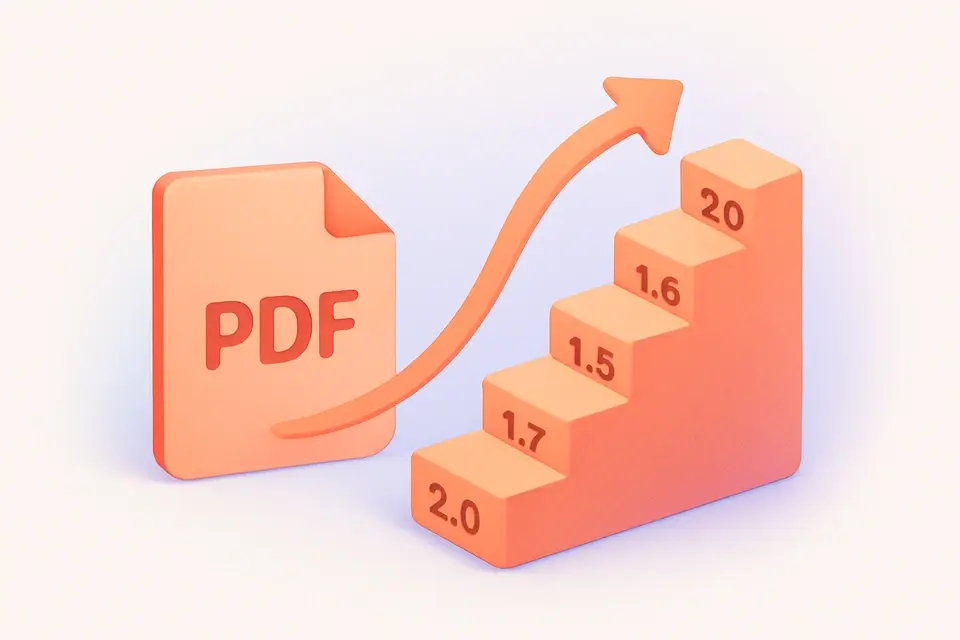
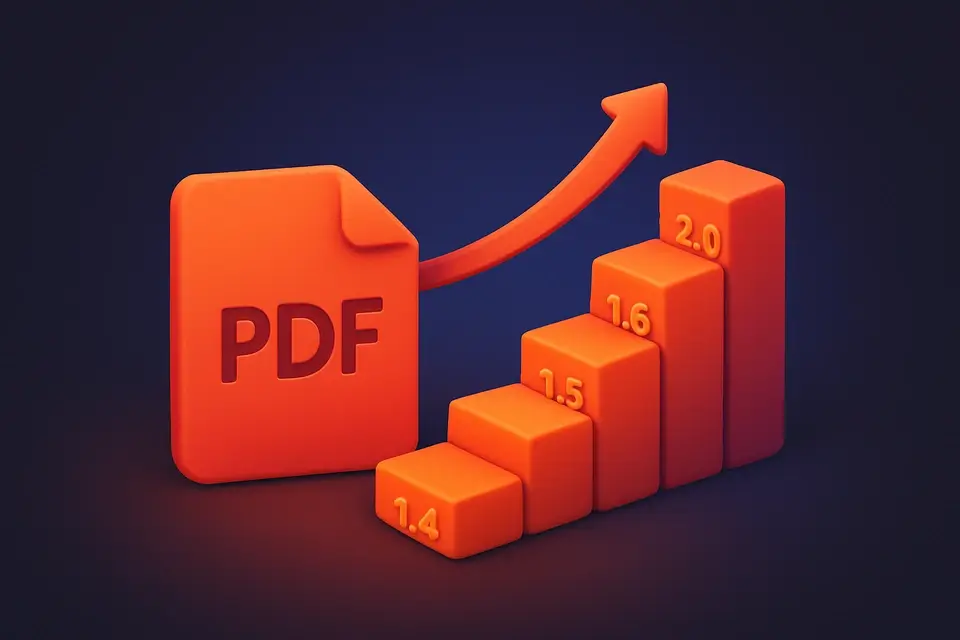
The tool is particularly useful for converting PDF version online, allowing users to change pdf version without installing any software. What makes this tool different is its ability to load and process PDF files entirely on the client-side, using libraries like pdf-lib to read and modify the file's version header. It supports conversion to various PDF versions, including 1.4, 1.5, 1.6, 1.7, and 2.0, providing users with flexibility in choosing the target version.
It also features a user-friendly interface that allows users to select the target version from a list of options, with hints provided for each version to help them make an informed decision. Once converted, it enables users to download the resulting PDF file, which can then be used as needed. As a free pdf version converter online, it provides a convenient solution for those who need to convert pdf version without incurring any costs or installing additional software.
Why Use PDF Version Converter?
-
Visual interface with version dropdown
-
Client-side
-
Free
-
One-click download
Common Use Cases
Technical Guide
Under the hood, it utilizes client-side JavaScript with React to load and process PDF files entirely within the browser. The `useState` hook is used to store state variables such as the uploaded file, page count, current version, target version, processing status, result, and error message. The `useCallback` hook memoizes functions like `handleFile`, `process`, `download`, and `reset` to prevent unnecessary re-renders. When a PDF file is dropped or selected, the `handleFile` function reads the file using the `arrayBuffer` method and extracts the current version from the PDF header using a regular expression. The `pdf-lib` library is then used to load the PDF document and retrieve its page count.
The tool uses the `TextDecoder` API to decode the PDF header bytes and extract the version information, while the `TextEncoder` API is used to encode the new version header bytes when converting the PDF version. When the user selects a target version and clicks the "Convert Version" button, the `process` function overwrites the version header bytes in the loaded PDF document with the new version bytes and saves the modified document using the `save` method of `pdf-lib`. The resulting PDF file is then created as a blob and its URL is generated using the `URL.createObjectURL` method. If an error occurs during processing, it catches the error and displays an error message to the user.
The responsive UI is built using React components like `FileDropzone` and `SelectWithHelp`, which provide a user-friendly interface for uploading files and selecting target versions. The UI also features buttons for converting, downloading, and resetting the tool, with disabled states handled using the `disabled` attribute. When the conversion is complete, it generates a download link for the resulting PDF file, allowing users to save the converted file to their local system. By leveraging these technologies and APIs, it provides a powerful and flexible solution for converting PDF versions online.
Tips & Best Practices
-
1Set target version carefully, considering compatibility needs.
-
2Drop PDF files directly for instant conversion.
-
3Choose a different target version to re-save the file even if it's already in that version.
-
4Check page count and current version before converting.
-
5Reset after each use to clear previous results and errors.
-
6Download converted files immediately to access them offline.
Related Tools
Frequently Asked Questions
Q Is the PDF version converter free?
Q Is it safe to convert PDF versions online?
Q Can I use the PDF version converter offline?
Q What browsers support the PDF version converter?
Q Can I use it for commercial projects?
About This Tool
PDF Version Converter is a free online tool by FreeToolkit.ai. All processing happens directly in your browser — your data never leaves your device. No registration or installation required.