Convert Your PDF to Grayscale Online Convert to grayscale.

PDF Grayscale
Convert to grayscale.
Upload PDF
Drop or select your PDF file.
Convert to Grayscale
Click the button to convert all pages.
Download Result
Download the grayscale PDF.
What Is PDF Grayscale?
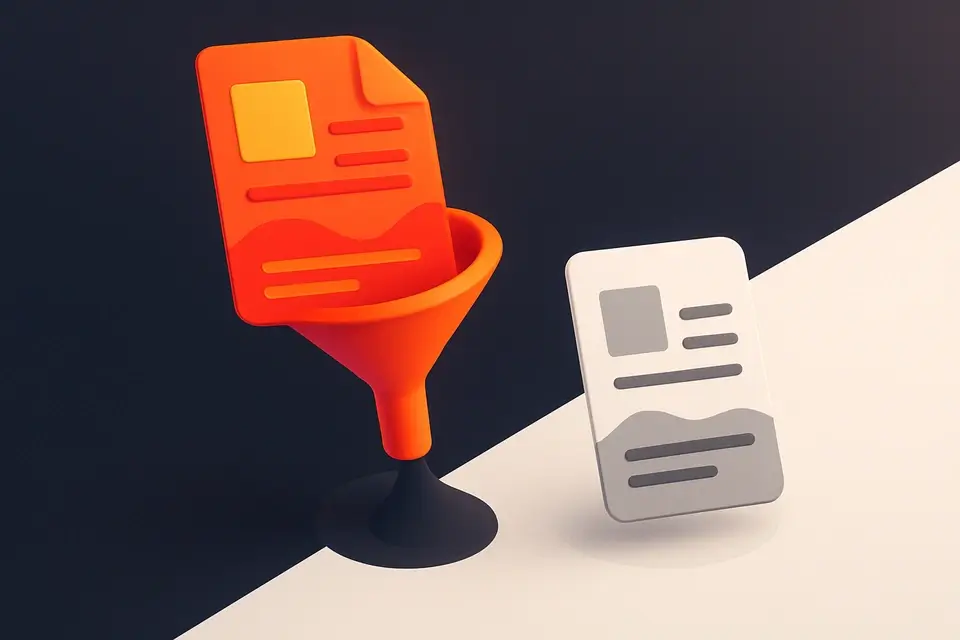
A PDF Grayscale is a digital conversion process that transforms a colored PDF document into its grayscale equivalent, where all colors are reduced to various shades of gray. This process is commonly used by graphic designers, digital artists, and publishers who need to optimize their documents for printing or online sharing, as it helps reduce ink consumption and improves readability on different devices. One specific problem it solves is the difficulty of converting complex PDF files with multiple pages and layouts into grayscale while preserving the original content.
The tool is designed to handle this task efficiently, allowing users to upload their PDF files and convert them to grayscale in a few clicks. What makes it different from other conversion tools is its client-side architecture, which ensures that all processing happens locally within the browser, eliminating the need for server-side uploads and downloads. This approach not only enhances security but also improves performance, as seen in features like the ability to register an ExtGState object with a Saturation blend mode, effectively desaturating all content on each page.
It supports free pdf grayscale conversion online, allowing users to convert pdf to grayscale without any watermarks or limitations. The tool's ability to work with PDF documents of varying sizes and complexities, including those with multiple pages, makes it a reliable choice for converting pdf to grayscale. Its user-friendly interface enables easy uploading and downloading of files, making the process of using a pdf grayscale online converter straightforward.
Why Use PDF Grayscale?
-
One-click conversion
-
100% client-side processing
-
Free
-
Instant download
Common Use Cases
Development
Daily use.
Review
Validation.
Docs
Configs.
Learning
Interactive.
Technical Guide
The tool works by utilizing client-side JavaScript with React to handle file uploads and processing locally within the browser, eliminating server-side dependencies. It employs memoization through `useCallback` to optimize performance by caching frequently used functions like `handleFile` and `process`. When a PDF file is uploaded, it uses the `arrayBuffer` method to read the file's contents, then loads the PDF document using `pdf-lib`, a JavaScript library for working with PDFs. The tool registers an ExtGState object with a Saturation blend mode, which desaturates all content on each page by setting the BM property to 'Saturation'. This is done by creating a new graphics state object and registering it in the page's resource dictionary.
The `process` function iterates over each page of the PDF document, overlaying a gray rectangle with the Saturation blend mode to strip color from the content. It uses `pushGraphicsState` and `popGraphicsState` operators to manage the graphics state, ensuring that the desaturation effect is applied correctly. The tool also utilizes React's `useState` hook to manage state variables like `file`, `pageCount`, `processing`, `result`, and `error`, which are updated accordingly throughout the conversion process. Upon completion, it creates a new blob containing the converted PDF document and generates a downloadable URL using the `URL.createObjectURL` method. The tool's responsive UI is built using React components, allowing for a seamless user experience across various devices and screen sizes.
Tips & Best Practices
-
1Check file format before uploading to ensure it's a PDF
-
2Use the reset button to clear previous uploads and errors
-
3Click 'Convert to Grayscale' only when a valid PDF is loaded
-
4Verify page count after loading a PDF to confirm its integrity
-
5Download the converted grayscale PDF immediately after processing
Related Tools






Frequently Asked Questions
Q Is the PDF grayscale tool free?
Q Is it safe to convert PDFs to grayscale?
Q Can I use the PDF grayscale tool offline?
Q Which browsers support the PDF grayscale tool?
Q Can I use this for commercial projects?
About This Tool
PDF Grayscale is a free online tool by FreeToolkit.ai. All processing happens directly in your browser — your data never leaves your device. No registration or installation required.