Online PDF Compressor Compress PDF.
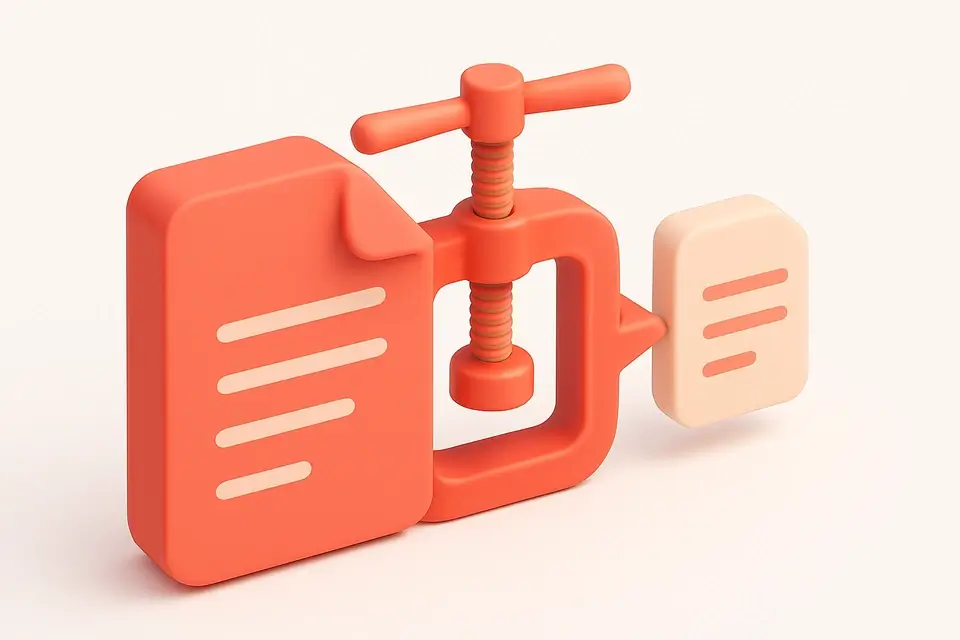

PDF Compress
Compress PDF.
Upload PDF
Drop your PDF file into the upload area to load it.
Select compression level
Choose Low, Medium, or High to control how much data is stripped.
Download compressed file
Click the download button to save the reduced PDF.
What Is PDF Compress?
A PDF Compress is a software application designed to reduce the file size of Portable Document Format files, making them easier to share and store. Developers and users who frequently work with large PDFs use it to solve the specific problem of excessively big files taking up too much storage space or being too slow to upload and download.
The tool solves this issue by providing three compression levels: low, medium, and high, each with its own set of optimizations, such as rebuilding the PDF structure, stripping metadata, or applying maximum reduction techniques. What makes it different is that all processing happens client-side, meaning users can compress their PDFs online without having to upload them to a server, thus maintaining control over their data.
It also allows users to choose between these compression levels, giving them flexibility in terms of balancing file size and quality. For instance, the high compression level will result in the smallest possible file size but may affect the document's layout or image quality. To use it, simply drop a PDF file into the designated area, select the desired compression level, and click the "Compress PDF" button to reduce the PDF file size. This free pdf compress tool is particularly useful for those looking to compress pdf online without sacrificing too much quality, and its features make it an ideal solution for learning how to compress pdf files effectively.
Why Use PDF Compress?
-
Simple drag-and-drop interface
-
Client-side processing
-
Free with no limits
-
One-click download
Common Use Cases
Shrinking PDFs for email
Reduce file size to stay under attachment limits.
Optimizing for web
Smaller PDFs load faster on websites.
Saving storage space
Compress documents before archiving.
Preparing for sharing
Make large PDFs easier to send or upload.
Technical Guide
The tool works under the hood by utilizing client-side JavaScript with React, specifically leveraging memoization through `useCallback` and `useState` to optimize performance. When a PDF file is dropped into the designated area, it uses the `FileDropzone` component to handle the file upload, and then employs the `pdf-lib` library to load and process the PDF document. The `PDFDocument.load` method is used with the `ignoreEncryption` option set to `true`, allowing it to handle encrypted PDFs. The tool then rebuilds the PDF structure into a fresh document using `PDFDocument.create`, effectively dropping any orphaned objects.
The compression levels are applied based on the user's selection, with the `medium` and `high` levels stripping metadata such as title, author, subject, keywords, producer, and creator using methods like `setTitle`, `setAuthor`, and `setSubject`. The processed PDF pages are then copied from the original document to the new one using `copyPages`, and finally saved as a blob using `save`. The resulting compressed PDF is displayed along with its file size and savings percentage, calculated by comparing the original file size with the compressed one. The `URL.createObjectURL` method is used to create an object URL for the compressed PDF, allowing it to be downloaded locally without requiring server-side processing. The Clipboard API is not explicitly used in this implementation, but the tool's responsive UI ensures a seamless user experience across various devices and browsers.
Tips & Best Practices
-
1Set compression level to 'high' to maximize reduction
-
2Drop a PDF file to automatically load its page count
-
3Click the 'Reset' button to revoke the object URL
-
4Select 'Medium' to strip metadata while compressing
-
5Use the 'Download Compressed PDF' button after processing
-
6Choose a lower compression level for larger files
Related Tools

Frequently Asked Questions
Q Is the PDF compressor free?
Q Does it upload my PDF?
Q Can I use it offline?
Q Which browsers are supported?
Q Can I use it for commercial files?
About This Tool
PDF Compress is a free online tool by FreeToolkit.ai. All processing happens directly in your browser — your data never leaves your device. No registration or installation required.