Add and Edit Bookmarks in Your PDF Edit bookmarks.

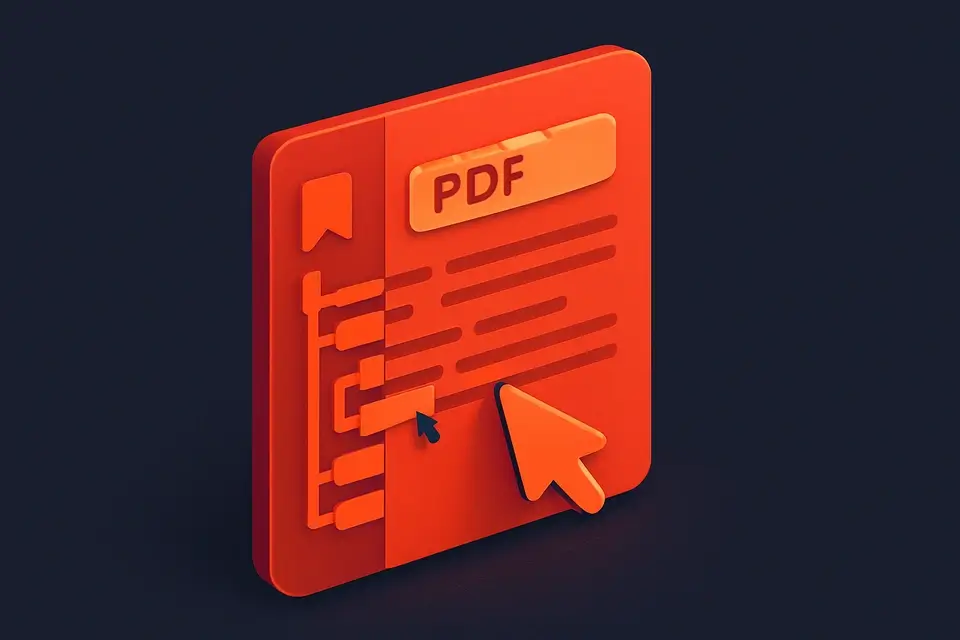
PDF Bookmark Editor
Edit bookmarks.
Upload PDF
Drop your PDF file to load its existing bookmarks.
Add, edit, or reorder bookmarks
Modify titles, page numbers, and nesting levels in the outline.
Download updated PDF
Export the PDF with your changes applied.
What Is PDF Bookmark Editor?
A PDF Bookmark Editor is a software application that enables users to create, edit, and manage bookmarks within Portable Document Format (PDF) files. Developers and document authors use it to organize and structure their PDF content, making it easier for readers to navigate. One specific problem it solves is the inability to easily modify existing bookmarks in a PDF file without using expensive or complex software.
The tool is particularly useful for editing PDF outlines, which are essentially hierarchical structures of bookmarks that provide a table of contents for the document. What makes this tool different is its ability to load a PDF file and extract existing bookmarks, allowing users to edit and update them as needed. For example, it can traverse the outline tree, extracting title, destination page, and level information for each bookmark.
It also provides features like adding new bookmarks, updating existing ones, removing unwanted bookmarks, and moving them up or down in the hierarchy. As a free online tool, it offers a convenient and accessible solution for managing PDF bookmarks without requiring any local software installation. By using this pdf tool, users can efficiently edit and manage their PDF documents, making it an essential online tool for anyone working with PDFs.
Why Use PDF Bookmark Editor?
-
Visual interface for editing bookmarks
-
Client-side
-
Free
-
One-click copy
Common Use Cases
Development
Daily use.
Review
Validation.
Docs
Configs.
Learning
Interactive.
Technical Guide
The tool works under the hood by utilizing client-side JavaScript with React to handle user interactions and manage the PDF bookmark editing process. When a PDF file is loaded, it uses the `pdf-lib` library to parse the document and extract existing bookmarks from the outline tree. This involves traversing the hierarchical structure of bookmarks, extracting title, destination page, and level information for each bookmark, and storing this data in an array of Bookmark objects. The `useCallback` hook is used to memoize functions such as `handleFile`, `addBookmark`, `updateBookmark`, and `removeBookmark`, ensuring that these functions are not recreated unnecessarily and improving performance.
The tool also leverages the `useState` hook to manage state variables such as `file`, `bookmarks`, `editingId`, and `processing`, which are used to keep track of the current state of the application. When saving changes, it uses the `pdf-lib` library to build a new outline tree based on the updated bookmarks and then saves the modified PDF document using the `arrayBuffer` method. The resulting byte array is then processed and returned as a string, which can be downloaded or further manipulated by the user. Additionally, the tool uses responsive UI components such as `FileDropzone`, `InputWithHelp`, and `InfoHint` to provide an intuitive and user-friendly interface for editing PDF bookmarks.
In terms of browser APIs, the tool does not rely on any specific API for its core functionality, instead focusing on manipulating the PDF document using the `pdf-lib` library. However, it does use JavaScript features such as `crypto.randomUUID` to generate unique IDs for each bookmark and `arrayBuffer` to process the PDF file. The `PDFDocument`, `PDFName`, `PDFHexString`, and `PDFRef` classes from the `pdf-lib` library are used extensively throughout the code to represent and manipulate the PDF document structure. Overall, the tool's implementation is centered around React, JavaScript, and the `pdf-lib` library, providing a robust and efficient solution for editing PDF bookmarks.
Tips & Best Practices
-
1Delete existing outlines by calling doc.catalog.delete(PDFName.of('Outlines'))
-
2Extract page numbers from PDFArray instances using String(destRaw.get(0))
-
3Handle errors when loading PDFs with try-catch blocks
-
4Initialize bookmark levels using the level parameter in traverse function calls
-
5Move bookmarks up or down by swapping their indices in the bookmarks array
-
6Update bookmarks by mapping over the bookmarks array and applying updates
Related Tools







Frequently Asked Questions
Q Is this PDF bookmark editor free?
Q Is it safe to use?
Q Can I use it offline?
Q What browsers are supported?
Q Can I use it for commercial projects?
About This Tool
PDF Bookmark Editor is a free online tool by FreeToolkit.ai. All processing happens directly in your browser — your data never leaves your device. No registration or installation required.