Test and Debug WebSocket Connections Instantly WebSocket Echo Tester tool for network operations.

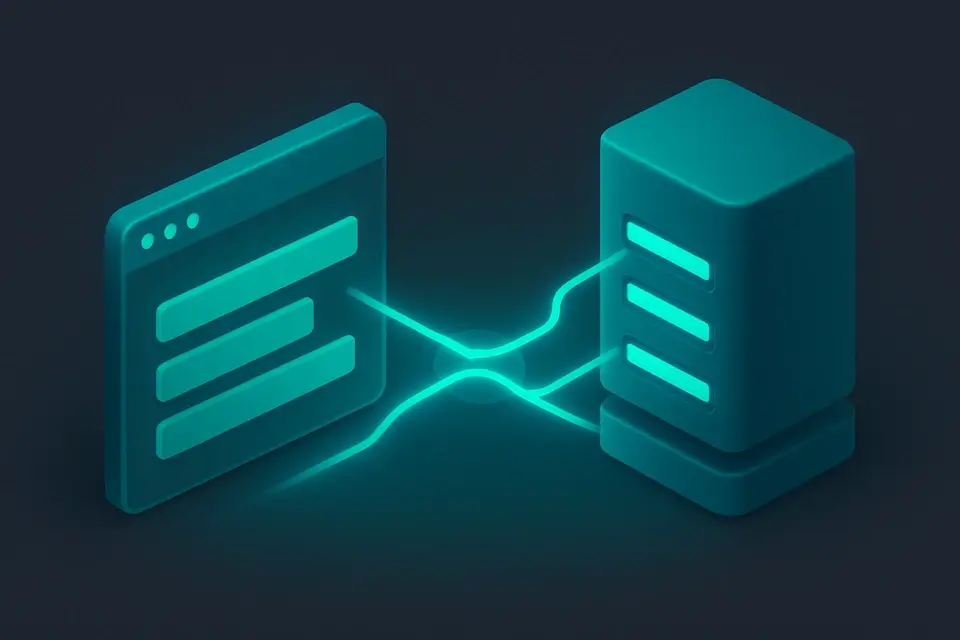
WebSocket Echo Tester
WebSocket Echo Tester tool for network operations.
Enter WebSocket URL
Provide the WebSocket server URL to test.
Send Test Message
Click Connect to send a message.
Copy Response
Copy the echo response from the results.
What Is WebSocket Echo Tester?
A WebSocket Echo Tester is a tool used to test the connection and functionality of WebSocket servers by sending and receiving messages over the WebSocket protocol. Network engineers and developers use it to diagnose issues with their WebSocket-based applications, such as real-time web apps or live updates. One specific problem it solves is verifying whether a WebSocket server is responding correctly to client connections, which can be crucial for identifying and fixing connectivity issues.
The tool allows users to input a WebSocket URL, connect to the server, and send custom messages to test the server's response. What makes this tool different is its ability to display a log of all sent and received messages in real-time, including errors and connection status updates, making it easier to debug WebSocket connections. It also features a user-friendly interface with buttons to connect, disconnect, and clear logs, as well as color-coded message indicators for better readability.
It supports both unencrypted and TLS-encrypted WebSocket connections, allowing users to test their servers in different environments. As an online websocket tester, it provides instant results without requiring any server-side setup or data transmission, making it a convenient option for developers who want to test websocket connection online. With its free and easy-to-use interface, the tool is an ideal choice for anyone looking for a reliable websocket echo tester to diagnose and resolve WebSocket-related issues.
Why Use WebSocket Echo Tester?
-
Instant WebSocket connection feedback
-
100% client-side processing
-
Mobile-friendly testing interface
-
No signup required
Common Use Cases
Development
Debug WebSocket endpoints during development.
Networking
Verify server connectivity and echo responses.
Education
Learn how real-time socket connections work.
Security
Analyze WebSocket connection security.
Technical Guide
The tool works under the hood by utilizing client-side JavaScript and browser APIs, specifically the WebSocket API, to establish and manage connections to WebSocket servers. It uses the `WebSocket` constructor to create a new connection to the specified URL, which can be either unencrypted (`ws://`) or TLS-encrypted (`wss://`). The tool also employs React hooks, such as `useState` and `useCallback`, to manage state and handle events, including connection establishment, message sending and receiving, and disconnection. When a user inputs a WebSocket URL and clicks the "Connect" button, the tool attempts to establish a connection using the `WebSocket` constructor and sets up event listeners for `onopen`, `onmessage`, `onclose`, and `onerror` events. The `addLog` function is used to update the log of sent and received messages in real-time, which includes errors and connection status updates.
The tool's input validation is handled using React's built-in event handling mechanisms, ensuring that edge cases are properly managed. For example, when a user attempts to send a message while not connected to a WebSocket server, an error message is logged indicating that the connection is not established. The tool also uses ES6+ features, such as destructuring and arrow functions, to improve code readability and maintainability. In terms of data structures, the tool uses arrays to store log entries, which are objects containing information about each message, including its type, content, and timestamp. The log entries are then rendered in a scrollable list using React's `map` function, with each entry displayed in a specific color based on its type (e.g., sent messages are blue, received messages are green).
The tool's mobile-first responsive design ensures that it can be used effectively on a variety of devices and screen sizes. The WebSocket API is used to send and receive messages in real-time, allowing the tool to display instantaneous results without requiring any server-side setup or data transmission. By following standards and RFCs, such as RFC 6455, which defines the WebSocket protocol, the tool ensures that it can communicate effectively with WebSocket servers and provide accurate results. The `useRef` hook is used to store a reference to the WebSocket object, allowing the tool to access its properties and methods, such as `send` and `close`, throughout its lifecycle.
Tips & Best Practices
-
1Check the WebSocket URL starts with ws:// or wss:// before connecting
-
2Use the Send button to transmit messages after establishing a connection
-
3Verify connection status by checking the colored dot indicator
-
4Inspect message logs for errors indicated by ✕ symbols
-
5Clear message logs when needed by clicking the Clear button
-
6Disconnect from the server when finished testing by clicking Disconnect
Related Tools

IDN Converter
IDN Converter tool for network operations.
🌐 Network & Web

What Is My Browser Info
What Is My Browser Info tool for network operations.
🌐 Network & Web

CSR Decoder
CSR Decoder tool for network operations.
🌐 Network & Web

SAML Decoder
SAML Decoder tool for network operations.
🌐 Network & WebFrequently Asked Questions
Q Is this WebSocket echo tester free to use?
Q Is it safe to test WebSocket connections here?
Q Can I test WebSocket connections on mobile?
Q Does this tool work offline?
Q What browsers support this tool?
About This Tool
WebSocket Echo Tester is a free online tool by FreeToolkit.ai. All processing happens directly in your browser — your data never leaves your device. No registration or installation required.