Create Custom Linear Gradients in CSS Create CSS linear gradients with custom colors, angle, and color stops.
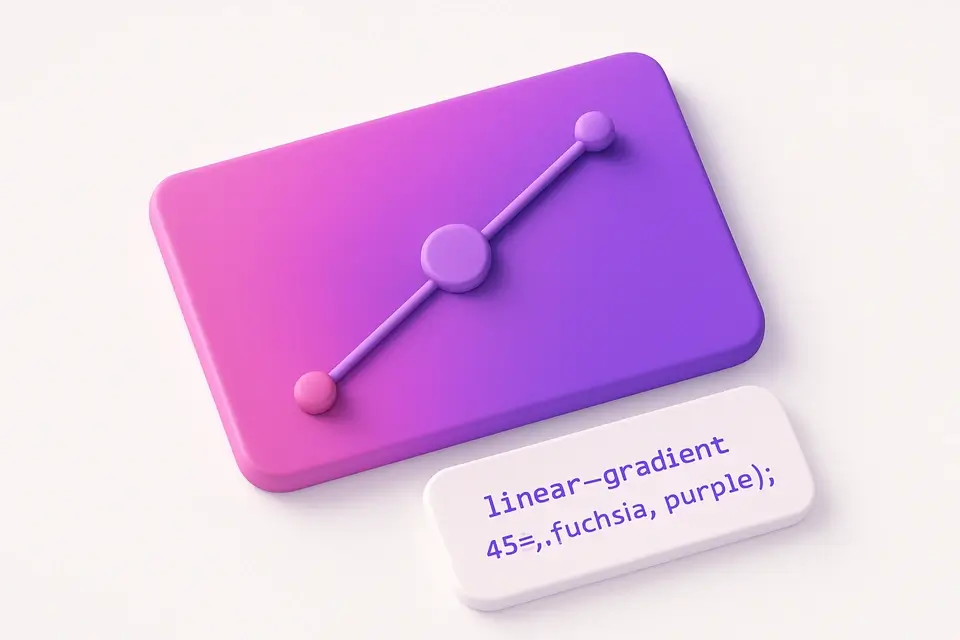

Linear Gradient Generator
Create CSS linear gradients with custom colors, angle, and color stops.
Set Colors
Choose start and end colors, plus optional intermediate color stops.
Adjust Angle
Set the gradient direction from 0° to 360°.
Copy CSS
Copy the generated CSS linear-gradient() code for your project.
What Is Linear Gradient Generator?
A linear gradient generator creates smooth color transitions along a straight line, producing the CSS linear-gradient() code for direct use in web projects. You can set the start color, end color, angle of the gradient, and add multiple intermediate color stops with precise position control. These transitions are among the most widely used CSS features for backgrounds, overlays, text effects, and decorative elements. This tool provides a real-time visual preview of your gradient alongside the ready-to-copy CSS code. The interactive interface lets you experiment with different color combinations, directions, and stop positions to create everything from subtle two-color fades to complex multi-color transitions.
Why Use Linear Gradient Generator?
-
Real-time visual preview as you adjust colors and angle
-
Add unlimited intermediate color stops with position control
-
Full 360° angle control for any gradient direction
-
Generates clean, production-ready CSS code
-
Remove color stops easily for quick experimentation
Common Use Cases
Hero Backgrounds
Create eye-catching gradient backgrounds for hero sections and landing pages.
Button Styles
Design gradient buttons that stand out with smooth color transitions.
Overlay Effects
Layer gradients over images for text readability or artistic effect.
Section Dividers
Use subtle gradients to visually separate page sections without hard lines.
Technical Guide
CSS linear-gradient() creates a color transition along a line defined by an angle. The syntax is: linear-gradient(angle, color1 position1, color2 position2, ...). The angle is specified in degrees (0deg = bottom to top, 90deg = left to right) or keywords (to right, to bottom left). Color stops define where each color is positioned along the gradient line as a percentage (0% = start, 100% = end). The browser interpolates colors between stops using the sRGB color space. Multiple stops at the same position create hard color transitions. Gradients can use any CSS color format (hex, rgb, hsl, named colors) and support transparency via rgba/hsla. Modern browsers all support this function without vendor prefixes. For performance, CSS gradients are rendered by the GPU and are more efficient than gradient images.
Tips & Best Practices
-
1Use 90° for horizontal left-to-right gradients and 180° for vertical top-to-bottom
-
2Add a color stop at 50% to create a clear midpoint in your gradient
-
3Use semi-transparent colors (rgba) for overlay gradients on images
-
4Multiple stops at the same position create hard color bands instead of smooth transitions
-
5Subtle gradients (similar hues) often look more professional than dramatic ones
Related Tools


Color Picker
Interactive color picker with HEX, RGB, HSL, and CMYK outputs.
🎨 Color Tools
Radial Gradient Generator
Create CSS radial gradients with custom shape, position, and colors.
🎨 Color Tools
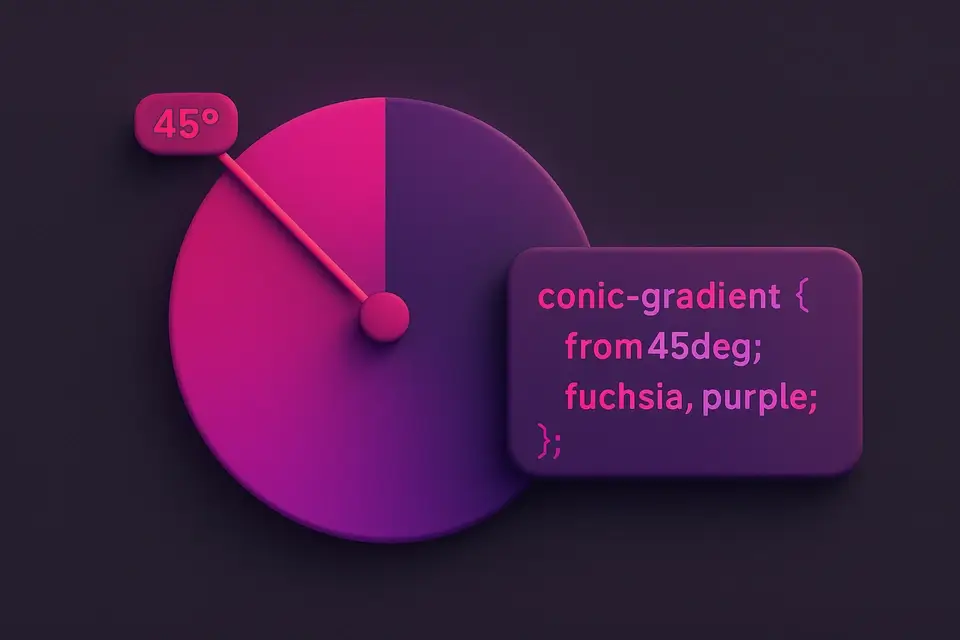
Conic Gradient Generator
Create CSS conic gradients for pie charts, color wheels, and sweeping effects.
🎨 Color Tools
Color Mixer
Mix two colors together with adjustable ratio and see the full gradient.
🎨 Color Tools

CSS Filter Generator
Apply CSS filter effects like blur, brightness, contrast, and more with visual controls.
🎨 CSS & DesignFrequently Asked Questions
Q What is a CSS linear gradient?
Q Can I use more than two colors?
Q How does the angle work in CSS linear-gradient()?
Q Do CSS gradients work in all browsers?
About This Tool
Linear Gradient Generator is a free online tool by FreeToolkit.ai. All processing happens directly in your browser — your data never leaves your device. No registration or installation required.