Generate CSS Custom Properties from Any Color Convert a set of colors into CSS custom properties (variables).
Color to CSS Variables
Convert a set of colors into CSS custom properties (variables).
Add Colors
Add colors with custom variable names using color pickers.
Choose Format
Select output format: HEX, RGB, or HSL.
Copy CSS
Copy the generated :root CSS custom properties block.
What Is Color to CSS Variables?
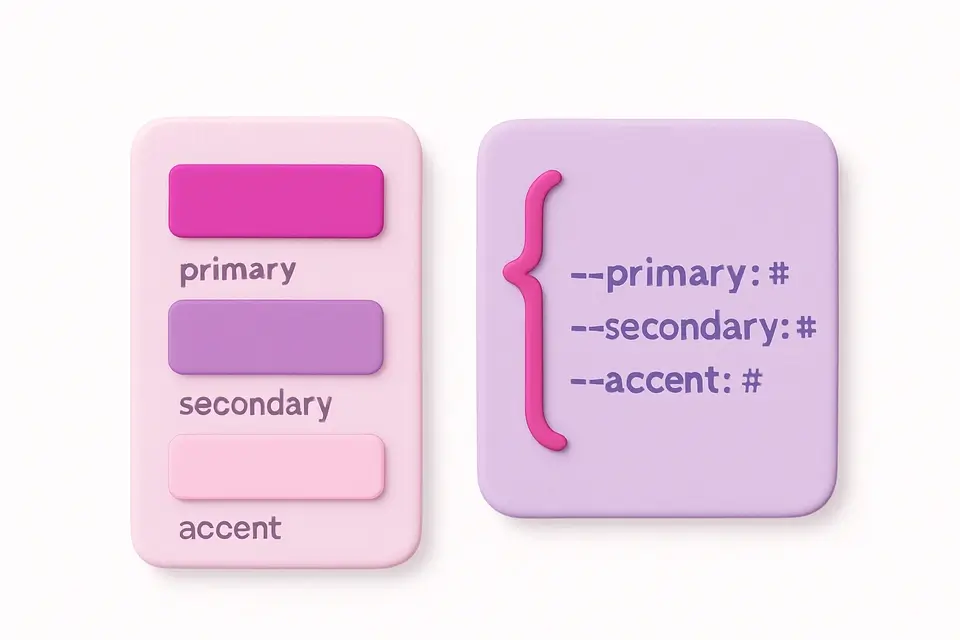
The Color to CSS Variables generator converts a collection of named colors into CSS custom properties (:root variables) ready to paste into your stylesheets. You can add any number of colors, give each a semantic variable name (like "primary," "secondary," "accent"), and choose the output format: HEX for simplicity, RGB comma-separated for rgba() flexibility, or HSL comma-separated for easy runtime manipulation. CSS custom properties are the foundation of modern theming systems, enabling dark mode, brand theming, and dynamic color updates. This tool generates the boilerplate :root { --variable: value; } block so you can quickly set up a color system. The live preview shows all your colors together as a palette strip.
Why Use Color to CSS Variables?
Common Use Cases
Technical Guide
CSS custom properties (var(--name)) are defined in a :root selector for global scope. HEX format stores the complete color value: --primary: #3B82F6. RGB comma-separated format stores channels: --primary: 59, 130, 246, which can be used as rgb(var(--primary)) or rgba(var(--primary), 0.5) for flexible opacity. HSL format stores: --primary: 217, 91%, 60%, usable as hsl(var(--primary)). The RGB and HSL formats are more flexible because they allow adding opacity at the point of use without redefining the variable. CSS custom properties are inherited by all child elements and can be overridden in media queries or class selectors for theme switching. They are supported in all modern browsers and cascade like regular CSS properties.
Tips & Best Practices
-
1Use semantic names like --primary, --secondary instead of --blue, --red for flexibility
-
2RGB format is most flexible: rgba(var(--primary), 0.5) gives you opacity control
-
3HSL format lets you derive variations: hsl(var(--primary-h), var(--primary-s), 90%)
-
4Override variables in media queries for dark mode: @media (prefers-color-scheme: dark) { :root { ... } }
-
5Keep your variable count manageable — most systems need 5-10 color variables
Related Tools
HEX to RGB Converter
Convert HEX color codes to RGB values instantly with a live preview swatch.
🎨 Color Tools

HEX to HSL Converter
Convert HEX color codes to HSL (Hue, Saturation, Lightness) values.
🎨 Color Tools

Color Picker
Interactive color picker with HEX, RGB, HSL, and CMYK outputs.
🎨 Color Tools

Tailwind Color Finder
Find the closest Tailwind CSS color class for any HEX code.
🎨 Color Tools

CSS Filter Generator
Apply CSS filter effects like blur, brightness, contrast, and more with visual controls.
🎨 CSS & DesignFrequently Asked Questions
Q What format should I use for CSS variables?
Q What browsers support CSS custom properties?
Q Can I use variables for dark mode?
About This Tool
Color to CSS Variables is a free online tool by FreeToolkit.ai. All processing happens directly in your browser — your data never leaves your device. No registration or installation required.