Audio Merger Merge and concatenate multiple audio files into a single file.
Audio Merger
Merge and concatenate multiple audio files into a single file.
Upload Files
Add multiple audio files by dropping them or clicking to browse.
Arrange Order
Drag and reorder the files in the sequence you want.
Download
Click Merge and download the combined audio file.
What Is Audio Merger?
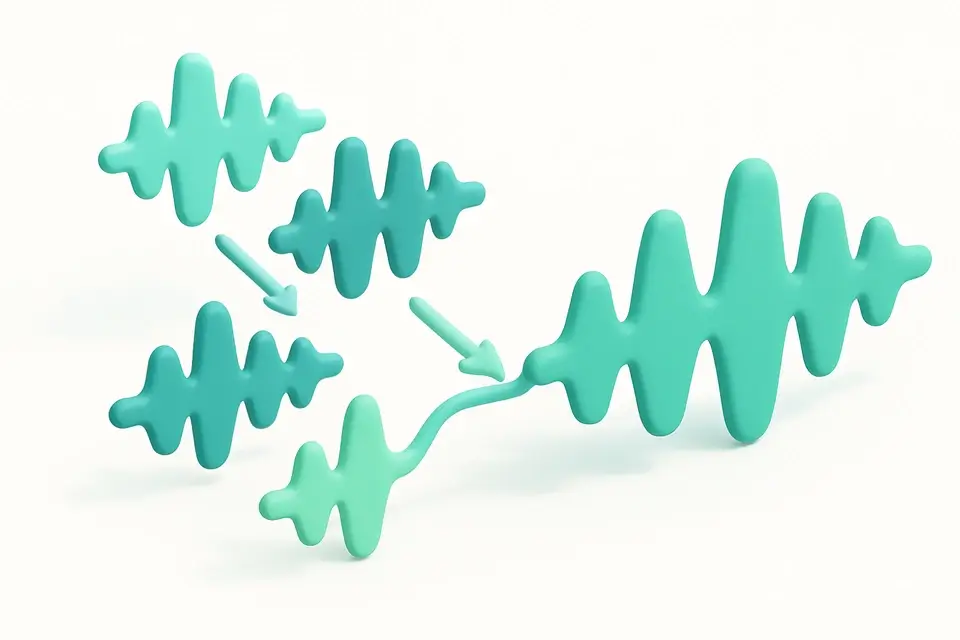
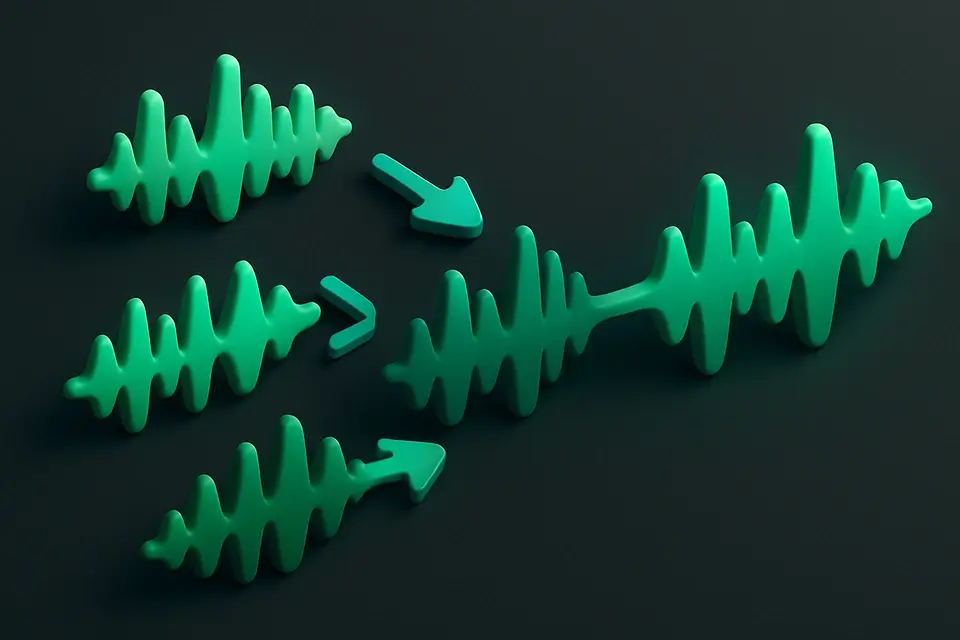
The Audio Merger combines multiple audio files into a single continuous track. Upload two or more audio files in any supported format (MP3, WAV, OGG, etc.), arrange them in your desired order, and merge them into one unified file. This tool is perfect for combining podcast segments, creating mixtapes, assembling multi-part recordings, or joining split files back together. The Web Audio API handles all decoding and processing locally in your browser. Files of different formats and sample rates are automatically harmonized.
Why Use Audio Merger?
-
Combine multiple audio files into a single track
-
Handles different audio formats and sample rates automatically
-
Drag-and-drop reordering for easy arrangement
-
All processing stays in your browser — no uploads needed
Common Use Cases
Podcast Assembly
Combine intro, interview, and outro segments into a complete episode.
Music Compilation
Create custom playlists or mixtapes as a single audio file.
Recording Assembly
Join multiple recording sessions into one continuous file.
Audiobook Creation
Combine chapter recordings into a complete audiobook file.
Technical Guide
The tool decodes each uploaded file using AudioContext.decodeAudioData() to produce PCM AudioBuffers. All buffers are normalized to the same sample rate (using the highest rate among the inputs) and channel count (using the maximum channel count). A new AudioBuffer is created with a total length equal to the sum of all input durations. Each input's sample data is copied sequentially into the output buffer using copyToChannel operations. For files with different sample rates, the OfflineAudioContext handles resampling automatically when re-rendering the audio. The merged output is encoded as a 16-bit PCM WAV file. Memory management is handled carefully for large merges by processing in chunks.
Tips & Best Practices
-
1Files with different sample rates are automatically resampled to match
-
2Use audio-fade tool afterward to add crossfades between segments
-
3The output sample rate matches the highest sample rate among your input files
-
4For very large merges, consider processing in groups if memory is limited
Related Tools

Audio Splitter
Split audio files into multiple segments at specified time points.
🎵 Audio Tools
Audio Volume Changer
Increase or decrease the volume of any audio file.
🎵 Audio Tools
Audio Fade In/Out
Add fade-in and fade-out effects to audio files.
🎵 Audio Tools
Audio Trimmer
Trim and cut audio files to the exact duration you need.
🎵 Audio ToolsFrequently Asked Questions
Q Can I merge different audio formats?
Q Is there a limit to how many files I can merge?
Q Can I add crossfades between tracks?
Q What is the output format?
Q Is my audio uploaded?
About This Tool
Audio Merger is a free online tool by FreeToolkit.ai. All processing happens directly in your browser — your data never leaves your device. No registration or installation required.